79
14.8 EEPROM Factory Default Data Setup Procedure
1 This process should be done at Gemstar (and/or) PAPAMY as the last process after any inspection.
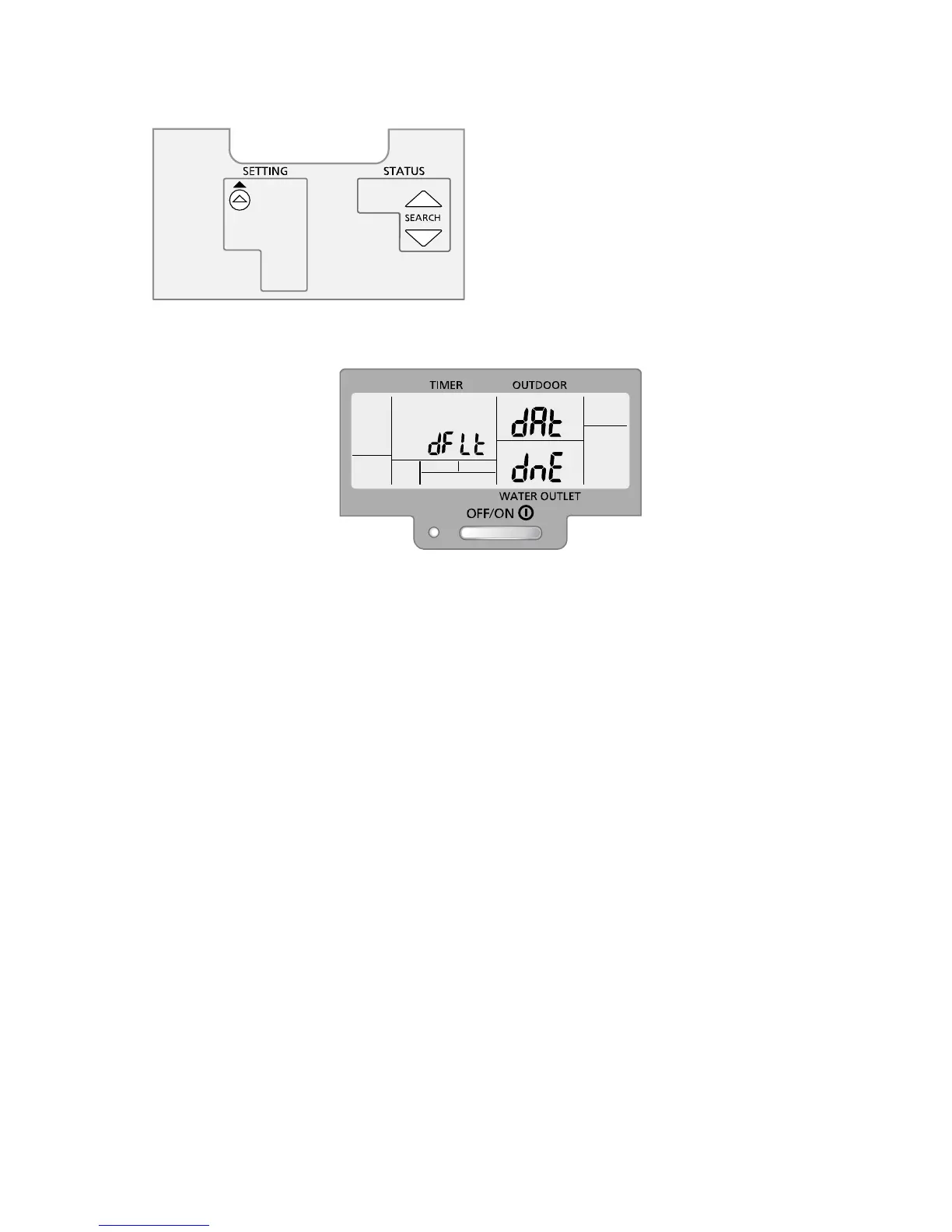
2 This condition should be activated by pressing combination of few SW's for certain time as shown.
These 3 SW's should press continuously for 5secs.
(Operation should be OFF during this period)
3 When this condition is activated, default data should be written in EEPROM.
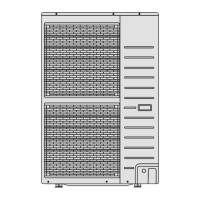
4 Once the default data is written in the EEPROM, the following full LCD display should be ON for 2secs for
confirmation. After 2secs, it goes back to normal display.
OPERATION
ACTUAL









 To Next Page