EasyManua.ls Logo

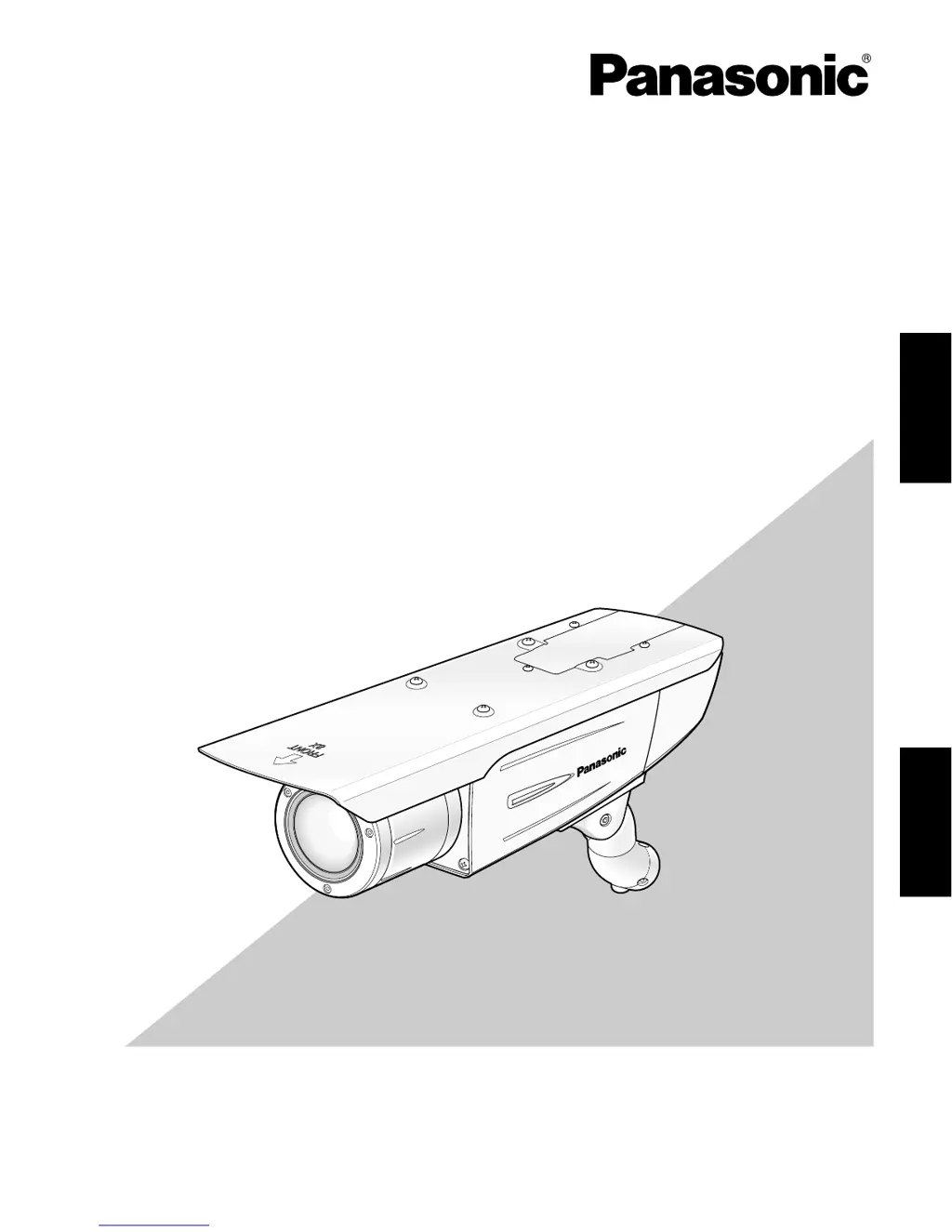
Panasonic WV-CW384 - User Manual

Panasonic WV-CW384
74 pages
Print Icon
To Next Page IconTo Next Page
Loading...
Before attempting to connect or operate this product,
please read these instructions carefully and save this manual for future use.
No model number suffix is shown in this manual.
Operating Instructions
Color CCTV Camera
Model No. WV-CW384
WV-CW384
ENGLISH
FRANÇAIS

Table of Contents

Questions and Answers

  • N
    Nancy RhodesAug 10, 2025
    What to do if the Panasonic WV-CW384 Security Camera power cord is damaged?
    • T
      Thomas TorresAug 10, 2025
      If the power cord of your Panasonic Security Camera is damaged, immediately turn off the power and request a repair from your dealer.
  • S
    Stephen FrostAug 20, 2025
    How to fix Panasonic WV-CW384 Security Camera LED if it is not lit?
    • D
      Destiny KingAug 20, 2025
      If the LED on your Panasonic Security Camera is not lit, verify that the camera is receiving power and check if the LED setting is set to 'ON'.
  • A
    Angela HodgeAug 31, 2025
    Why is my Panasonic Security Camera image blurred?
    • E
      Eric ChristensenAug 31, 2025
      A blurred image on your Panasonic Security Camera could be due to a soiled lens or incorrect focus adjustment. Check if the lens is clean and ensure the focus is correctly adjusted.

Panasonic WV-CW384 Specifications

General IconGeneral
BrandPanasonic
ModelWV-CW384
CategorySecurity Camera
LanguageEnglish

Related product manuals