EasyManua.ls Logo

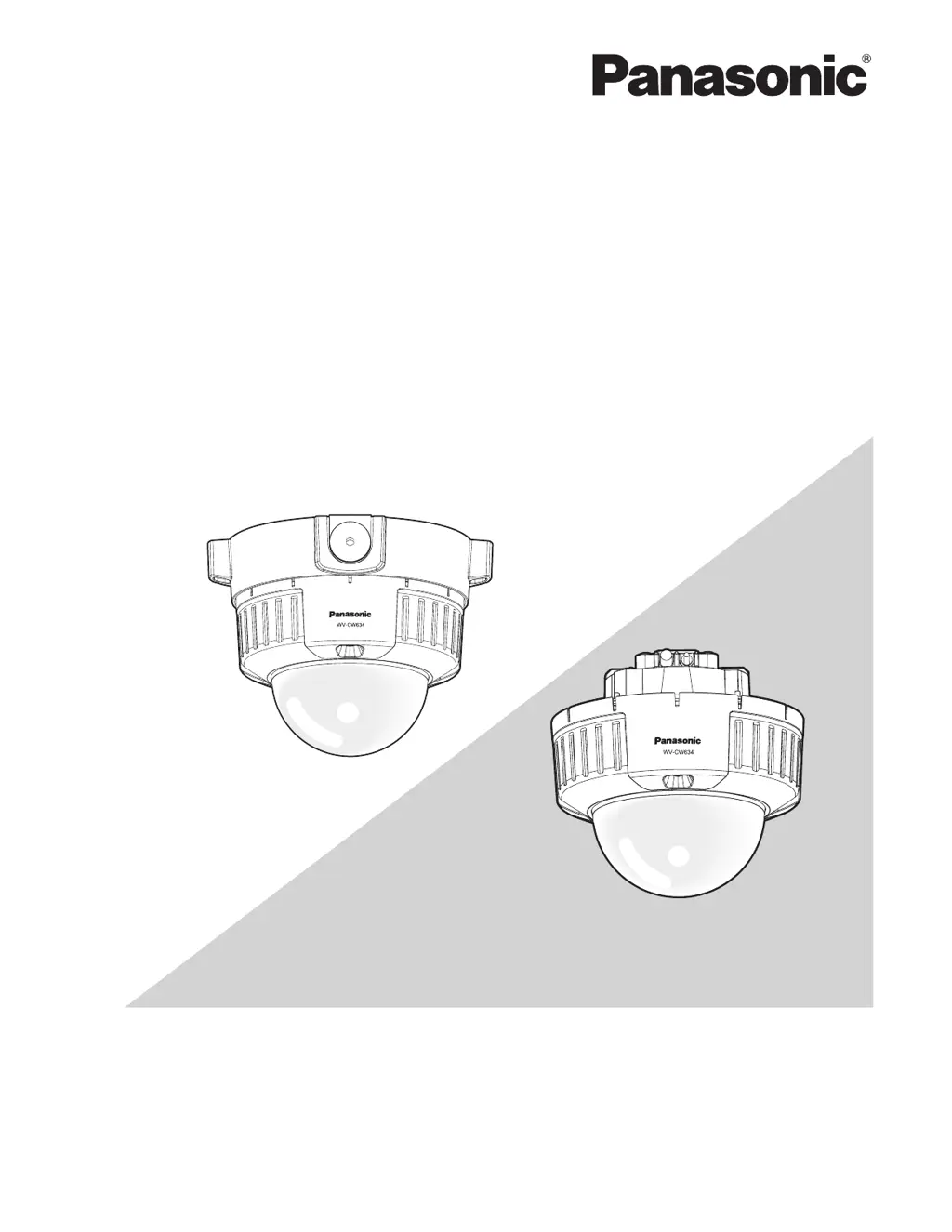
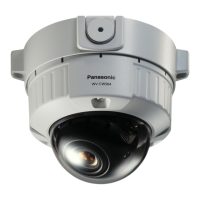
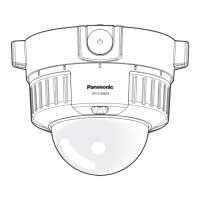
Panasonic WV-CW634S - User Manual

Panasonic WV-CW634S
27 pages
Print Icon
To Next Page IconTo Next Page
Loading...
Before attempting to connect or operate this product,
please read these instructions carefully and save this manual for future use.
The model number is abbreviated in some descriptions in this manual.
Operating Instructions
Color CCTV Camera
Model No.
WV-CW634S
WV-CW634F
WV-CW634F
WV-CW634S

Table of Contents

Other manuals for Panasonic WV-CW634S

Questions and Answers

  • J
    James FreemanAug 8, 2025
    Why is no image displayed on my Panasonic WV-CW634S?
    • F
      Frank GilmoreAug 8, 2025
      If your Panasonic Security Camera displays no image, several factors could be at play. Start by ensuring the power cord and coaxial cable are correctly connected. Also, check if the adjusting monitor is properly connected and powered on. Verify that the monitor's brightness and contrast are appropriately adjusted. Make sure that the shock absorbers in the dome cover have been removed. Inspect the dome cover for any contamination or flaws, and confirm that the camera lens is clean and the focus is correctly adjusted. A heated, warmed, bent or stretched power cord during use, or damaged power cord sheathing can also cause this issue; make sure that the connection is appropriately established.
  • K
    Karen RobersonAug 23, 2025
    What to do if the power cord and connector of Panasonic WV-CW634S are damaged?
    • C
      Carolyn CooperAug 25, 2025
      What to do if the power cord and connector of Panasonic Security Camera are damaged? Immediately turn off the power and request a repair from your dealer.

Panasonic WV-CW634S Specifications

General IconGeneral
Camera TypeDome
CategorySecurity Camera
Focal Length3.6 mm
ApertureF1.4
Power Supply24 VAC
Day/Night FunctionYes
Backlight CompensationYes
Automatic Gain ControlYes
White BalanceAuto
WeatherproofIP66
Power SourceAC 24 V
S/N RatioMore than 50 dB
Lens MountFixed
Operating Temperature-10°C to +50°C
Image Sensor1/3" CCD
Horizontal Resolution480 TV lines
Lens3.6 mm
Field of View72° (H), 54° (V), 90° (D)
Minimum Illumination0.8 Lux
AudioNo
Video Output1.0Vp-p, 75Ω, composite
Effective Pixels380, 000

Related product manuals