EasyManua.ls Logo

Panasonic WV-SC386 - User Manual

Panasonic WV-SC386
244 pages
Print Icon
To Next Page IconTo Next Page
Loading...
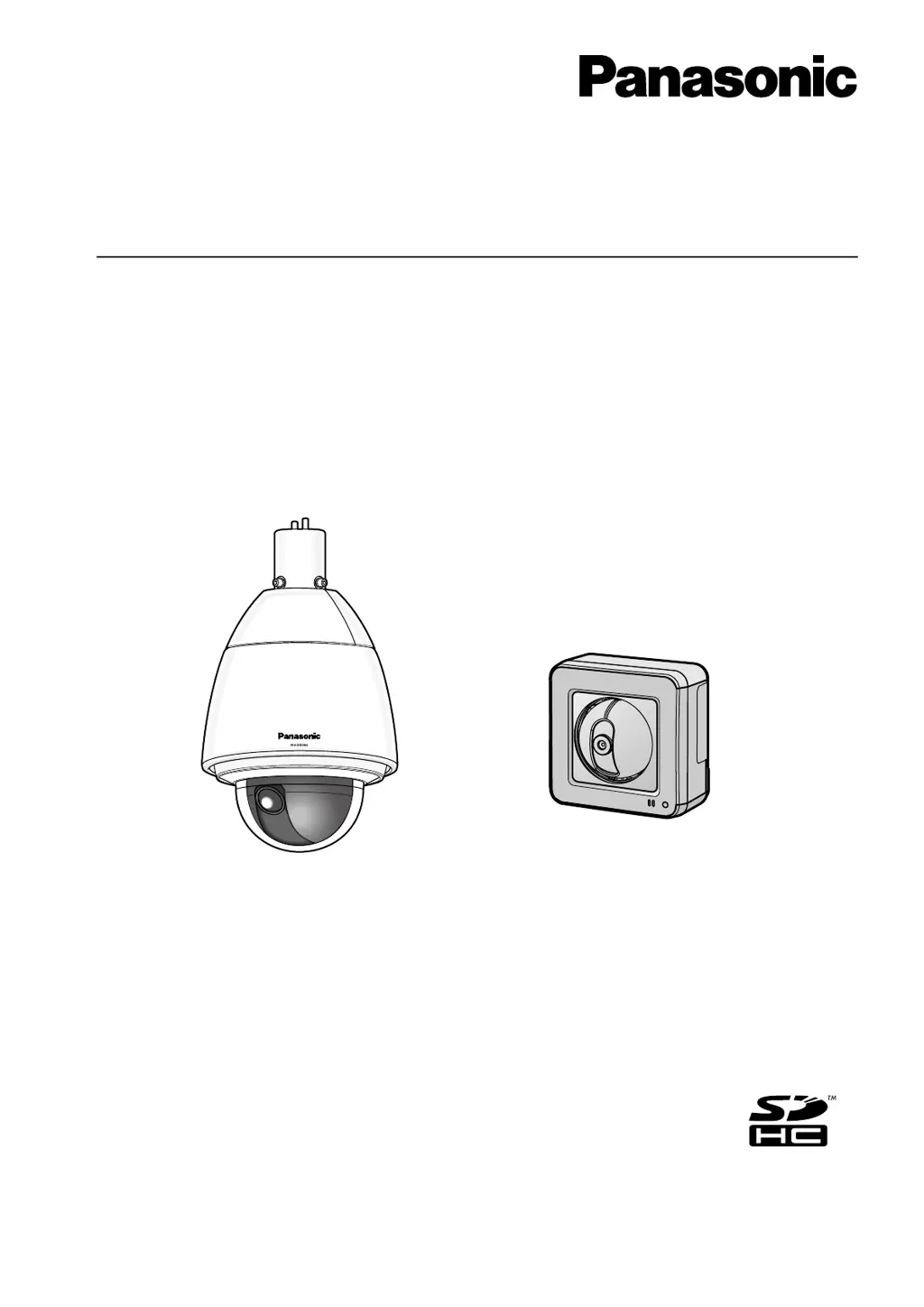
Operating Instructions
Network Camera
Model No. WV-SW390 Series
WV-SC380 Series
WV-SW170 Series
WV-ST160 Series
WV-SW175
WV-SW396
This manual covers the models: WV-SW390 Series (WV-SW396, WV-SW395, WV-SW396E, WV-SW395E,
WV-SW395R, WV-SW395PJ), WV-SC380 Series (WV-SC386, WV-SC385, WV-SC384, WV-SC386E,
WV-SC385E, WV-SC384E, WV-SC385R, WV-SC384R, WV-SC385PJ), WV-SW170 Series (WV-SW175,
WV-SW174W, WV-SW172, WV-SW175E, WV-SW174WE, WV-SW172E), and WV-ST160 Series (WV-ST165,
WV-ST162, WV-ST165E, WV-ST162E).
Before attempting to connect or operate this product, please read these instructions
carefully and save this manual for future use.
The model number is abbreviated in some descriptions in this manual.
WV-SW395R, WV-SC385R, and WV-SC384R do not support the HTTPS function.

Table of Contents

Other manuals for Panasonic WV-SC386

Questions and Answers

  • S
    Stephen ThomasAug 17, 2025
    How to access Panasonic WV-SC386 via the Internet?
    • K
      kevin42Aug 17, 2025
      To access your Panasonic Security Camera via the Internet, ensure that the camera's network settings, including the default gateway and DNS server address, are correctly configured. If using DDNS, verify those settings as well. Also, if your router doesn't support UPnP, you'll need to configure port forwarding to enable external access to the camera.
  • T
    thomasstephanieAug 22, 2025
    How to fix a Panasonic WV-SC386 Security Camera when the power is not turned on?
    • J
      Jessica VaughnAug 22, 2025
      First, ensure the power plug is firmly connected. Next, check whether the connection is appropriately established. If you are using a PoE device, its power supply might stop when the power demanded exceeds its total power limit for all PoE ports. In this case, refer to the operating instructions of the PoE device.
  • S
    smithjulieAug 26, 2025
    What to do if the live indicator lights orange on Panasonic WV-SC386 when turned on?
    • J
      Jenny RyanAug 26, 2025
      Make sure the LAN cable is properly connected. Also, check if the hub or router you are using is working correctly. If not, replace the cable with a different one.
  • P
    Patricia GalvanAug 28, 2025
    Why is the live indicator blinking orange on my Panasonic WV-SC386?
    • C
      Courtney OrtizAug 28, 2025
      This issue may occur due to several reasons: 1. The router may not be powered on. Turn on the router and wait until the connections are established. 2. An error may have occurred during the port update by the UPnP function. If your router doesn't support UPnP, deactivate the auto port forwarding setting for the camera. 3. The UPnP function of the router may be disabled. Refer to the router's operating instructions to enable the UPnP function.
  • M
    mccoykatrinaAug 30, 2025
    How to troubleshoot inaccurate preset positions on Panasonic WV-SC386?
    • M
      Michelle VaughnAug 30, 2025
      Try to execute the position refresh function. If that doesn't work, reconfigure the preset positions.
  • K
    Kevin RodriguezSep 2, 2025
    What to do if my Panasonic WV-SC386 stops panning/tilting and makes noise?
    • T
      Troy HowardSep 2, 2025
      The camera position may have become inaccurate. Try carrying out the refresh position function from the [Default reset] tab of the setup menu.
  • L
    Linda BrewerSep 5, 2025
    Why is the live indicator light red on my Panasonic WV-SC386?
    • S
      stephensveronicaSep 5, 2025
      A red live indicator might indicate a problem with the SDHC/SD memory card. First, unlock the write protect switch of the SDHC/SD memory card. If that doesn't work, use an SDHC/SD memory card formatted on the camera. As a last resort, replace the card with a normal one.
  • T
    Terri BowersSep 7, 2025
    Why does my Panasonic Security Camera start panning unpredictably?
    • D
      Daniel BarnesSep 8, 2025
      This issue might be caused by noise. Check the exogenous noise level around the camera.
  • C
    Charles HansenSep 12, 2025
    What does it mean when the live indicator keeps blinking red on a Panasonic WV-SC386?
    • D
      Dr. Brenda Reid PhDSep 12, 2025
      The camera may be out of order. Contact your dealer.
  • B
    Bailey RamirezSep 13, 2025
    How to turn on the live indicator on Panasonic WV-SC386?
    • D
      David CoxSep 13, 2025
      Select "On" or "On(Access)" for the indicator setting.

Panasonic WV-SC386 Specifications

General IconGeneral
Camera TypeNetwork Camera
Max Resolution1920 x 1080
Scanning ModeProgressive
IR LEDYes
Resolution1920 x 1080
Frame Rate30 fps
Ethernet10Base-T / 100Base-TX
Wireless LANNo
Weather ResistanceIP66
Day/NightYes
Image Sensor1/3" MOS
LensMotorized zoom lens
Video CompressionH.264, JPEG
Power SupplyPoE (IEEE802.3af compliant)
Operating Temperature-10 °C to +50 °C
Audio CompressionG.711
Audio Input/Output1 Input / 1 Output
SD Card SlotYes
Power ConsumptionMax 6.5 W
Maximum ApertureF1.6 (Wide)

Related product manuals