EasyManua.ls Logo

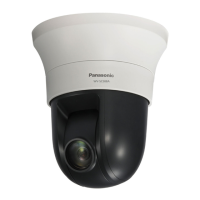
Panasonic WV-SC588A - User Manual

Panasonic WV-SC588A
232 pages
Print Icon
To Next Page IconTo Next Page
Loading...
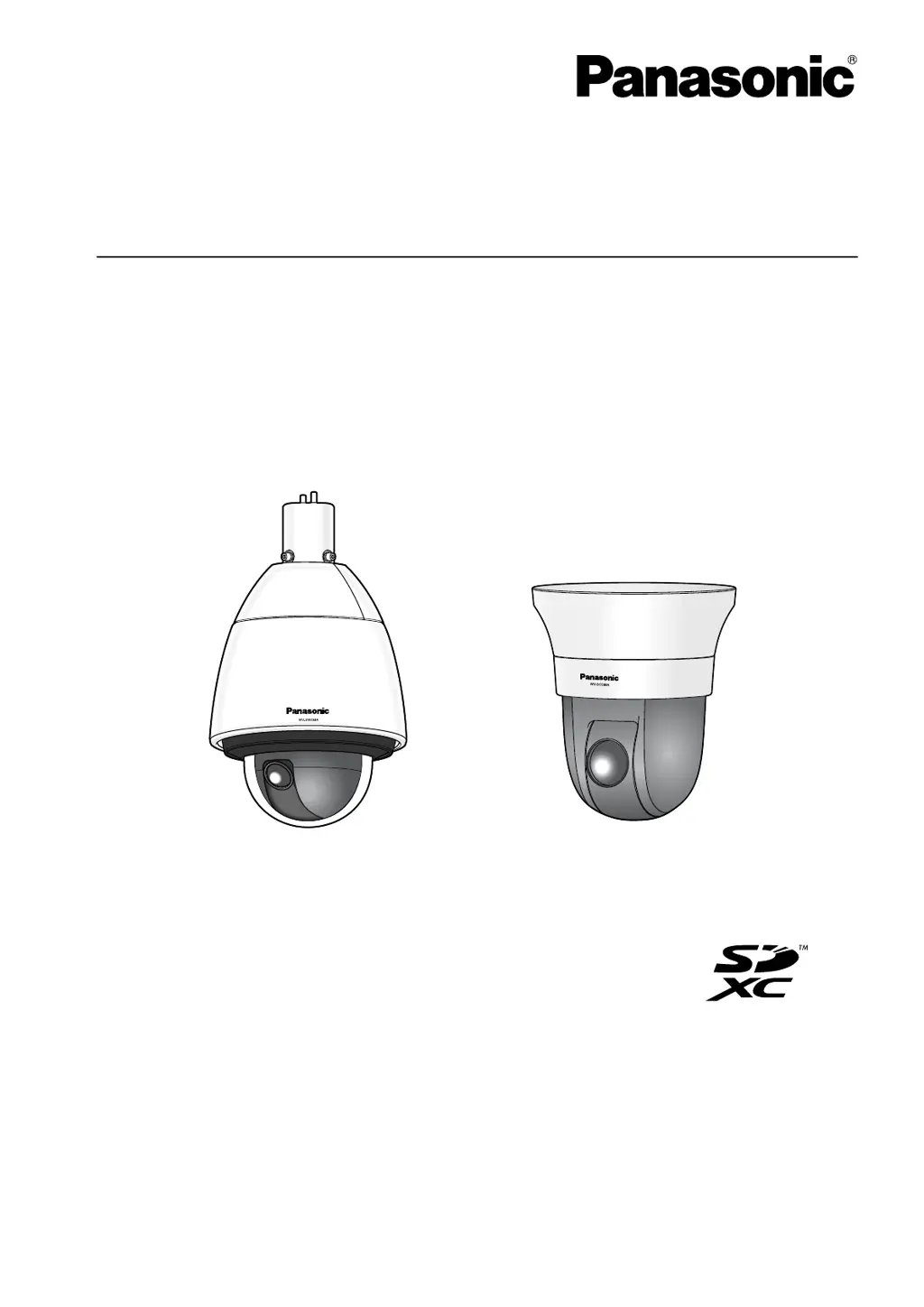
Operating Instructions
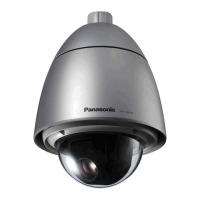
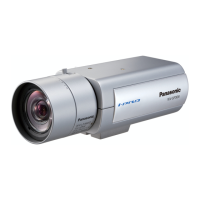
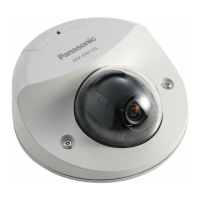
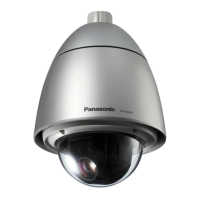
Network Camera
Model No. WV-SW598A/WV-SW598APJ
WV-SC588A
WV-SW397B
WV-SC387A
WV-SC588AWV-SW598A
Before attempting to connect or operate this product, please read these instructions
carefully and save this manual for future use.
The model number is abbreviated in some descriptions in this manual.

Table of Contents

Other manuals for Panasonic WV-SC588A

Questions and Answers

  • C
    chuntAug 16, 2025
    How to fix Panasonic WV-SC588A cannot access from the web browser?
    • A
      Andrew WilsonAug 16, 2025
      If you cannot access your Panasonic Security Camera from a web browser, first, ensure the LAN cable (category 5e or better) is firmly connected to the camera's network connector. Then, verify that the link indicator is lit; if not, check the cables for contact failure or incorrect wiring. Also, confirm that the camera is powered on. Make sure you are accessing the correct IP address, and ping the camera's IP address to check the connection. If '554' is selected for the HTTP port number, select a different port number. Ensure the camera and PC are on the same subnet, and if using the 'Viewnetcam.com' service, access the camera with the registered name. Finally, if using HTTPS, access via 'https://' and include the port number.
  • S
    sydney48Aug 19, 2025
    What to do if live indicator keeps blinking orange on Panasonic Security Camera?
    • T
      travisdavidAug 19, 2025
      If the live indicator on your Panasonic Security Camera is blinking orange approximately every 2 seconds, this could be due to several reasons. First, ensure that the router is powered on and that all connections are properly established. Second, if the router does not support the UPnP function, configure port forwarding settings and deactivate auto port forwarding for the camera. Finally, the UPnP function of the router may be disabled; enable it by referring to the router's operating instructions.
  • K
    Kevin Miles IIAug 22, 2025
    Why is live indicator light red on my Panasonic WV-SC588A?
    • L
      leah88Aug 22, 2025
      If the live indicator on your Panasonic Security Camera lights up red, the write protect switch of the inserted SD memory card may be set to “LOCK”. Unlock the write protect switch of the SD memory card. Also, make sure the SD memory card has been formatted on the camera. If it was formatted on a PC, use an SD memory card formatted on the camera or install the software to format the SD memory card on the PC. Finally, the inserted SD memory card might be faulty, replace the card with a normal one.
  • L
    Lisa TerryAug 25, 2025
    How to turn on Panasonic WV-SC588A Security Camera?
    • L
      larry79Aug 26, 2025
      If the power is not turned on in your Panasonic Security Camera, when using DC power supply, ensure the 12 V DC power cable plug is firmly inserted into the 12 V DC power terminals of the camera. When using a PoE device for power supply, ensure the PoE device and the network connector on the rear of the camera are connected using a LAN cable (category 5) and the connection is appropriately established. Note that the power supply will stop when the demanded power exceeds its total power limit for all PoE ports, so refer to the operating instructions of the PoE device in use. If you are connecting both the 12 V DC power supply and the PoE device for power supply, the network connection may not be established, turn down the power supply from the PoE device.
  • G
    griffindylanAug 28, 2025
    Why live indicator never lights up on Panasonic Security Camera?
    • M
      Matthew FranklinAug 28, 2025
      If the live indicator on your Panasonic Security Camera never lights up, check if “Off” is selected for “Link/Access LED” on the “Basic” page. If it is, select “On” or “On(Access)” for the indicator setting.
  • A
    Anthony SanchezAug 31, 2025
    What to do if Panasonic WV-SC588A stops panning/tilting with mechanical noise?
    • C
      cmcguireAug 31, 2025
      If, when the camera is panning or tilting, your Panasonic Security Camera stops and makes mechanical noise, the camera position may have become inaccurate. You can correct this by carrying out the refresh position function from the [Default reset] tab of the “Maintenance” page of the setup menu.
  • C
    candrewsSep 3, 2025
    Why does the live indicator light orange on Panasonic WV-SC588A?
    • W
      whardySep 3, 2025
      If the power is turned on and the live indicator on your Panasonic Security Camera lights or blinks orange, ensure that the LAN cable is properly connected. Also, check if the hub or router connected to the camera is operating correctly. Finally, verify that the LAN cable connected to the camera is not broken; replace it if necessary.
  • W
    William RamosSep 6, 2025
    How to fix Panasonic WV-SC588A not moving to preset positions?
    • J
      Jesus MooreSep 6, 2025
      If your Panasonic Security Camera does not move to the preset positions accurately, you can correct the positions by executing the position refresh function. This can be done manually, or by setting “Position refresh” for the created schedule, the camera position will be corrected periodically. In some cases, you may need to reconfigure the preset positions.
  • R
    Robert LeeSep 9, 2025
    How to eliminate noise in audio input of Panasonic WV-SC588A Security Camera?
    • C
      Curtis SimmonsSep 9, 2025
      If the audio input contains noise when using your Panasonic Security Camera, check the grounding of the camera, a switching hub, or any peripheral devices. Ensure that the camera is not near an electrical power line or a device that produces strong magnetic fields or radio waves, such as a TV/radio antenna, a motor of an air conditioning system, or a transformer. If the noise persists, try using a powered microphone or connecting audio output with low output impedance.
  • K
    kimberly27Sep 12, 2025
    Why does my Panasonic Security Camera start panning unpredictably?
    • M
      Mr. Matthew ScottSep 12, 2025
      If your Panasonic Security Camera starts panning unpredictably, this may be caused by noise. Check the exogenous noise level around the camera.

Panasonic WV-SC588A Specifications

General IconGeneral
Camera TypeNetwork Camera
Maximum Resolution1920 x 1080
IR LEDNo
Day/Night FunctionYes
Audio Input/Output1 Input / 1 Output
Ethernet10Base-T / 100Base-TX
Wireless LANNo
Operating Temperature-10°C to +50°C
Image Sensor1/3" MOS
Minimum Illumination0.05 lx (B/W)
Pan Angle360°
Tilt Angle90°
Power SupplyPoE (IEEE802.3af)
Video CompressionH.264, JPEG
Shutter Speed1/10, 000 s
Frame Rate30 fps
Network InterfaceRJ-45

Related product manuals