EasyManua.ls Logo

Panasonic WV-SP302 - User Manual

Panasonic WV-SP302
102 pages
Print Icon
To Next Page IconTo Next Page
Loading...
Before attempting to connect or operate this product,
please read these instructions carefully and save this manual for future use.
The model number is abbreviated in some descriptions in this manual.
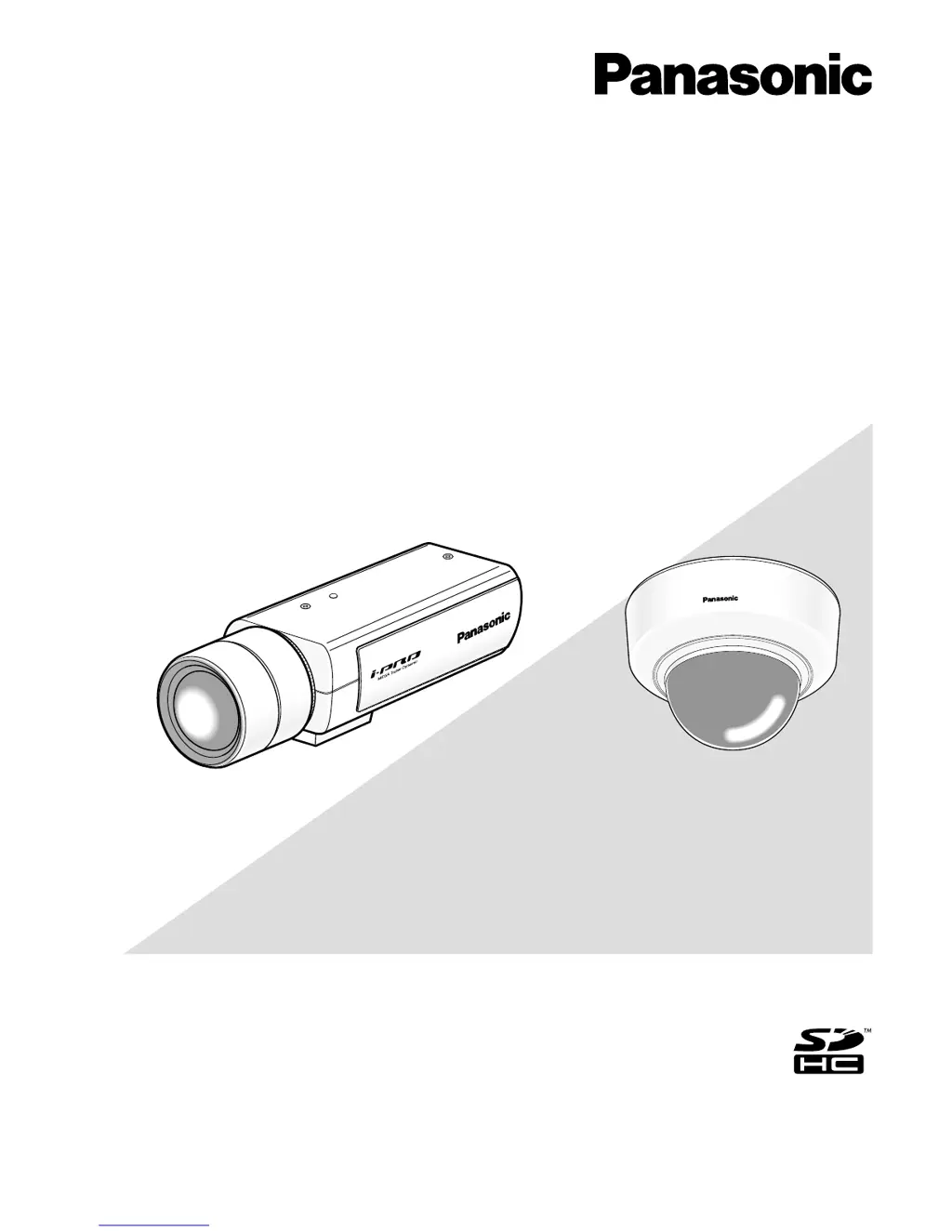
Operating Instructions
Network Camera
Model No. WV-SP300 Series
WV-SF330 Series
(Lens is optional for WV-SP300 Series.)
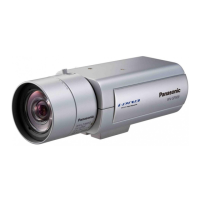
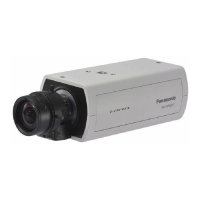
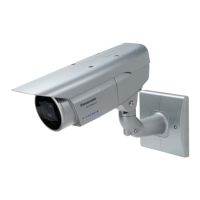
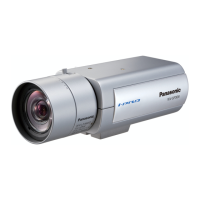
WV-SP306
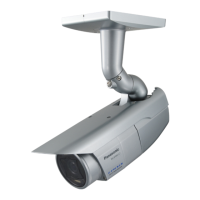
WV-SF336
WV-SF336WV-SP306
This manual covers the models: WV-SP300 Series (WV-SP306, WV-SP305, WV-SP302, WV-SP306E,
WV-SP305E, WV-SP302E) and WV-SF330 Series (WV-SF336, WV-SF335, WV-SF332, WV-SF336E,
WV-SF335E, WV-SF332E).

Table of Contents

Other manuals for Panasonic WV-SP302

Questions and Answers

  • A
    Alex ChristianJul 30, 2025
    Why are Panasonic WV-SP302 images not displayed or refreshed smoothly?
    • A
      Anthony EdwardsJul 30, 2025
      If images from your Panasonic Security Camera are not displayed or refreshed smoothly, the firewall function of your anti-virus software might be filtering the camera's port. To resolve this, exclude the camera's port number from the list of port numbers filtered by your anti-virus software.
  • S
    Steven WilliamsAug 4, 2025
    What to do if no image is displayed on Panasonic Security Camera "Live" page?
    • J
      jasonmitchellAug 4, 2025
      If no image is displayed on the "Live" page of your Panasonic Security Camera, ensure that in the "Temporary Internet Files" section of your browser's settings, "Every time I visit the webpage" is selected for "Check for newer versions of stored pages:". To do this in Internet Explorer, go to "Tools", select "Internet Options…", click the [Settings] button in the "Browsing history" section on the [General] tab, and then select the mentioned option. Also, check that the focus of the camera is adjusted correctly.
  • N
    Noah CardenasAug 9, 2025
    What to do if Panasonic WV-SP302 image is not being refreshed?
    • B
      Benjamin RamirezAug 9, 2025
      If the image from your Panasonic Security Camera is not being refreshed, it might be due to network traffic or high access concentration. Try refreshing the camera picture using your browser, for example, by pressing the [F5] key.
  • T
    Terry ConradAug 14, 2025
    Why can't I obtain images on Panasonic Security Camera SD memory card?
    • Z
      Zachary SalazarAug 14, 2025
      If you can't obtain images on the SD memory card from your Panasonic Security Camera, make sure the viewer software is installed on your PC. Install the viewer software if it is not already installed.
  • A
    Andrew HendersonAug 19, 2025
    Panasonic WV-SP302 Security Camera: why are there no indicator lights?
    • M
      Michael GillespieAug 20, 2025
      If there are no indicator lights on your Panasonic Security Camera, check if "Off" is selected for "Link/Access indicator" on the "Basic" page. If it is, select "On" to enable the indicator lights.
  • J
    John BarrettAug 25, 2025
    Why are Panasonic Security Camera images displayed in sequence on a single browser window?
    • A
      Adam WelchAug 25, 2025
      When displaying H.264 (or MPEG-4) images from your Panasonic Security Camera on multiple web browser windows, and images from different cameras are displayed in sequence on a single window, this may be due to the display adapter and driver combination. First, update the display adapter driver to the latest version. If the problem persists, adjust the hardware acceleration.

Summary

Monitor images on a PC

Monitor images from a single camera

Instructions on how to view images from one camera on a PC.

Action at an alarm occurrence

Alarm types and actions

Details camera actions when an alarm event is detected, including types.

Network security

Equipped security functions

Lists security features like access restrictions and HTTP port changes.

Accessing the setup menu

Display the setup menu from a PC

Steps to access the camera's configuration menu via a PC.

Configure basic camera settings

Camera title and date;time settings

Setting a display name and configuring the camera's current time and date.

SD memory card configuration

Recording format selection

Choosing between JPEG (still) and H.264 (video) formats.

Access SD card images on PC

Image and audio settings

H.264 image settings

Settings for H.264 video encoding, transmission, and quality.

MPEG-4 image settings

Settings for MPEG-4 video encoding, transmission, and quality.

Detailed image quality settings

Audio configuration

Alarm settings

Video Motion Detection (VMD) areas

Mail notification setup

Image recognition settings

Face detection function

User authentication and management

User authentication settings

Setting up user names, passwords, and access levels.

Host authentication settings

Server settings

Mail server configuration

Setting up the camera to send emails via an SMTP server.

FTP server configuration

Network settings

IPv4 network configuration

Setting up IP address, subnet mask, and gateway.

FTP periodic image transmission

Camera maintenance

Firmware upgrade

Resetting and rebooting the camera

Troubleshooting

Panasonic WV-SP302 Specifications

General IconGeneral
Day/Night FunctionYes
Wide Dynamic Range (WDR)Yes
Ingress ProtectionIP66
Vandal ResistanceIK10
Image Sensor1/3" MOS
Power SourcePoE (IEEE802.3af compliant)
Operating Temperature-10 °C to +50 °C
Power SupplyDC 12 V / PoE

Related product manuals