EasyManua.ls Logo

Panasonic WV-SP305 - User Manual

Panasonic WV-SP305
36 pages
Print Icon
To Next Page IconTo Next Page
Loading...
Before attempting to connect or operate this product, please read these
instructions carefully and save this manual for future use.
The model number is abbreviated in some descriptions in this manual.
Lens: Option
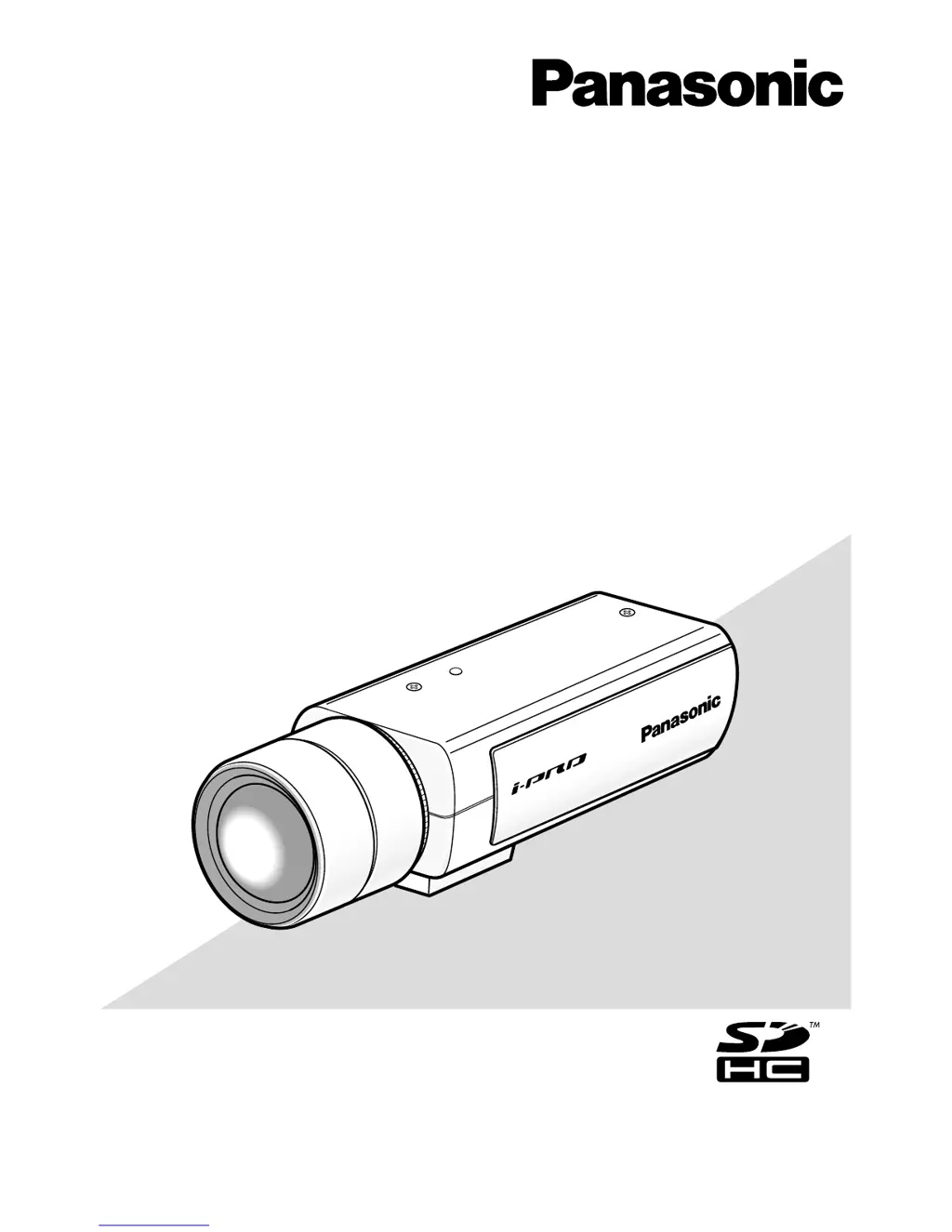
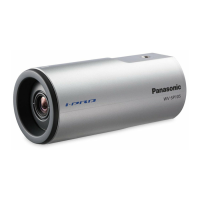
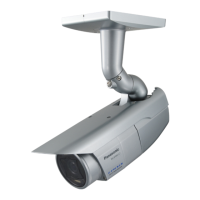
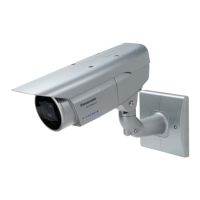
(This illustration represents WV-SP306.)
WV-SP306
Installation Guide
Network Camera
Model No. WV-SP306, WV-SP305
WV-SP302
WV-SP306E, WV-SP305E
WV-SP302E

Other manuals for Panasonic WV-SP305

Questions and Answers

  • J
    Jeffrey DrakeAug 7, 2025
    What to do if my Panasonic WV-SP305 Security Camera power is not turned on?
    • T
      Terry NewmanAug 7, 2025
      If your Panasonic Security Camera isn't powering on, first, ensure the 12 V DC power supply is correctly connected to the power supply terminal. Second, verify that the AC adapter you are using meets the specifications outlined in the product documentation. Also, if using PoE, confirm the PoE device and network connector are connected with a 4-pair LAN cable. Finally, consider that some PoE devices may stop supplying power if the camera's power demand exceeds the PoE device's total power limit. Consult the PoE device's manual for further assistance.

Panasonic WV-SP305 Specifications

General IconGeneral
Camera TypeNetwork Camera
Day/Night FunctionYes
Wide Dynamic RangeYes
Ingress ProtectionIP66
Vandal ResistanceIK10
Image Sensor1/3" MOS Sensor
Resolution1280 x 960
LensFixed
Focal Length2.8 mm
Optical ZoomNo
Video CompressionH.264
Max Frame RateUp to 30 fps
Network Interface10BASE-T/100BASE-TX (RJ-45)
Power SupplyPoE (IEEE 802.3af)
Operating Temperature-10 °C ~ +50 °C (14 °F ~ 122 °F)
Dimensions130 mm x 130 mm x 112 mm

Related product manuals