EasyManua.ls Logo

Panasonic WV-SPW631L - User Manual

Panasonic WV-SPW631L
226 pages
Print Icon
To Next Page IconTo Next Page
Loading...
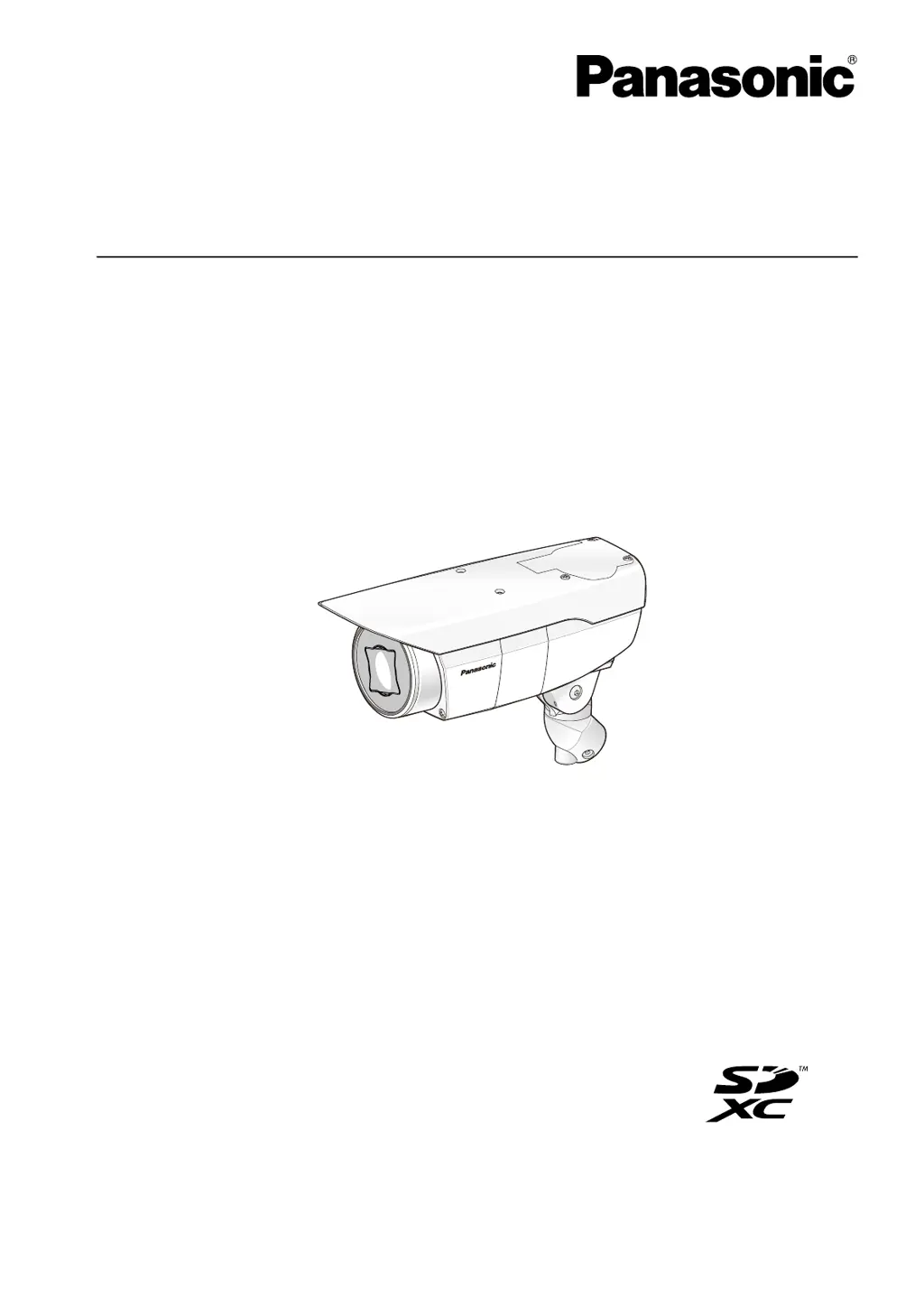
Operating Instructions
Network Camera
Model No. WV-SPW631LT/WV-SPW631L
WV-SPW611L/WV-SPW611
WV-SPW631L
W
V
S- P
W
6
3
1
L
Before attempting to connect or operate this product, please read these instructions
carefully and save this manual for future use.
The model number is abbreviated in some descriptions in this manual.

Table of Contents

Other manuals for Panasonic WV-SPW631L

Questions and Answers

  • T
    Thomas WilliamsAug 8, 2025
    What to do if my Panasonic WV-SPW631L power is not turned on?
    • T
      tnelsonAug 8, 2025
      If your Panasonic Security Camera isn't powering on when using a DC power supply, ensure the 12 V DC power supply is correctly connected to the 2P power supply cable. Verify the connection is properly established. If you're using a PoE device, confirm the camera's network cable and the PoE device are connected with a LAN cable and that the connection is also properly established. Also, the power supply might stop if the power demanded exceeds the PoE device's limit. Consult the PoE device's operating instructions.
  • K
    Kenneth HillNov 22, 2025
    How to fix Panasonic WV-SPW631L Security Camera when cannot access from the web browser?
    • B
      bobby07Nov 22, 2025
      If you cannot access the Panasonic Security Camera from the web browser, here are several things to check: * Ensure the LAN cable is firmly connected. * Verify the link indicator is lit, and check for cable or wiring issues. * Confirm the camera's power is on. * Validate the IP addresses and check for conflicts with other devices. * Ensure you're using the correct IP address by using the Windows command prompt to ping the camera's IP address. * If using HTTPS, access with “https://” and the correct port number. * Make sure the default gateway or DNS server address is correctly set in the network settings. * If the router doesn't support UPnP, enable port forwarding. * Log into “Viewnetcam.com” to check registered camera information. * Check the URL for correctness. * ...

Panasonic WV-SPW631L Specifications

General IconGeneral
Image Sensor1/3" MOS Sensor
Maximum Resolution1920 x 1080
Lens Focal Length2.8 - 10mm
Optical Zoom3.6x
Digital ZoomUp to 12x
IR LEDYes
IR Distance30m
Day/Night FunctionYes
Wide Dynamic Range (WDR)Yes
Video CompressionH.264, MJPEG
Power SupplyPoE (IEEE802.3af compliant)
Ingress ProtectionIP66
Vandal ResistanceIK10
Lens TypeVarifocal
Audio CompressionG.726
Ethernet10BASE-T/100BASE-TX
Network InterfaceRJ-45
Operating Temperature-10°C to +50°C
SD Card SlotYes

Related product manuals