EasyManua.ls Logo

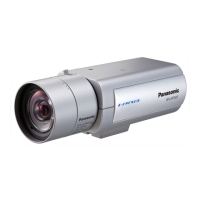
Panasonic WV-SPW531AL - User Manual

Panasonic WV-SPW531AL
222 pages
Print Icon
To Next Page IconTo Next Page
Loading...
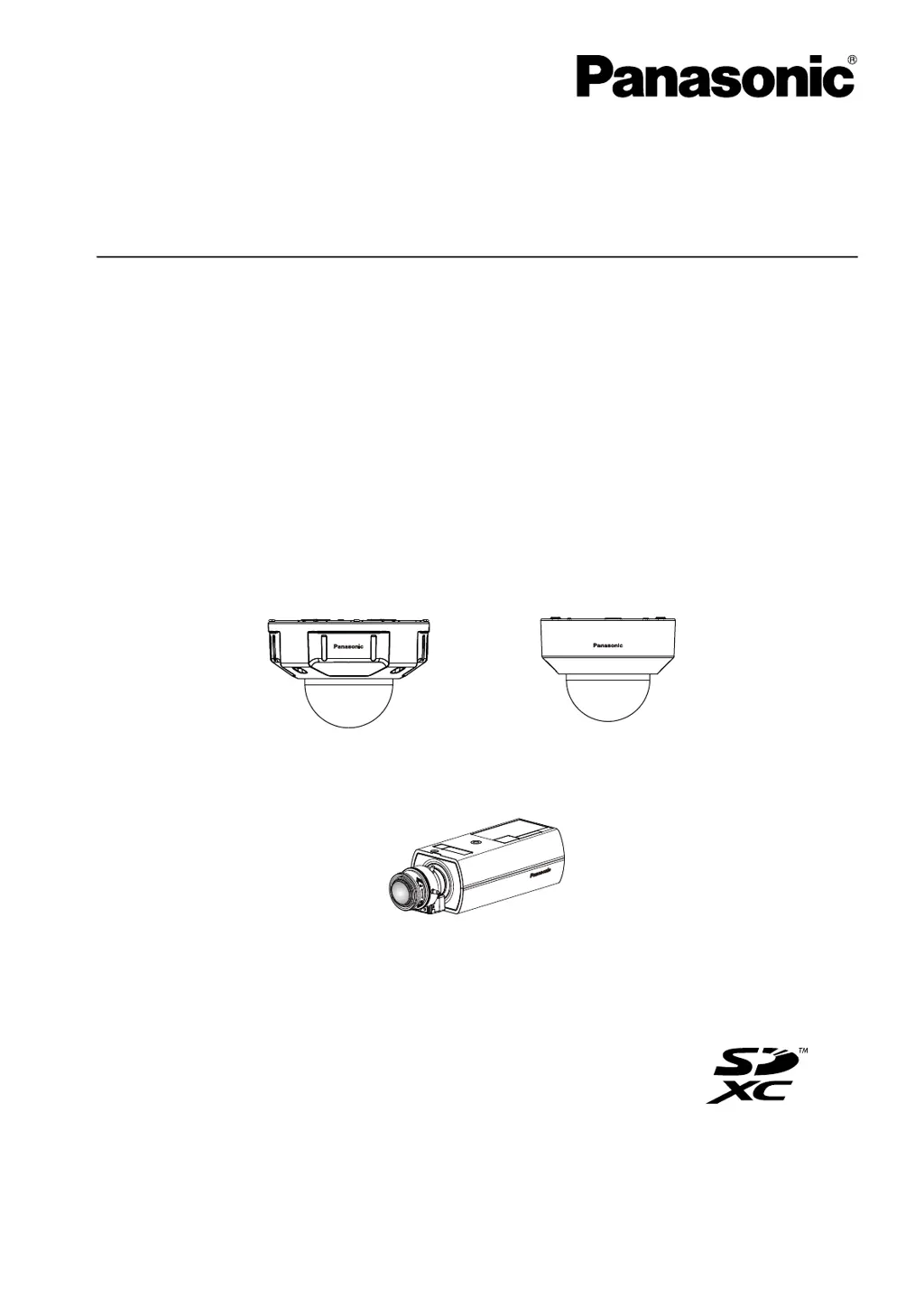
Operating Instructions
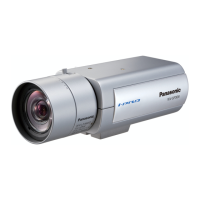
Network Camera
Model No. WV-SFV311A/WV-SFV310A/
WV-SFR311A/WV-SFR310A/
WV-SFN311A/WV-SFN310A/
WV-SPN531A/WV-SPN311A/
WV-SPN310A/WV-SPW531AL/
WV-SPW311AL/WV-SPW532L/
WV-SPW312L
WV-SFV311A
WV-SFV311A
WV-SFN311A
WV-SFN311A
WV-SPN531A
WV-SPN531A
Before attempting to connect or operate this product, please read these instructions
carefully and save this manual for future use.
The model number is abbreviated in some descriptions in this manual.

Table of Contents

Other manuals for Panasonic WV-SPW531AL

Questions and Answers

  • M
    Mark BennettAug 22, 2025
    Why I cannot download the log list of Panasonic Security Camera?
    • D
      Dustin AndersonAug 22, 2025
      If you cannot download the log list for your Panasonic Security Camera, change the settings in Internet Explorer to enable file downloads, as this function may be disabled.
  • C
    connerjillAug 25, 2025
    What to do if user registration for Panasonic WV-SPW531AL Security Camera fails?
    • F
      Faith DeanAug 25, 2025
      If user registration for the “Viewnetcam.com” service fails for your Panasonic Security Camera, visit the “Viewnetcam.com” website to register the correct E-mail address.
  • W
    williamwrightAug 26, 2025
    Why can't I access my Panasonic Security Camera from a web browser?
    • J
      Joseph Smith DDSAug 26, 2025
      There could be several reasons why you cannot access your camera from a web browser. First, check if the LAN cable is firmly connected to the network connector of the camera. Also, verify that the link indicator is lit, indicating a proper connection to the LAN. Make sure the camera's power is on and the set IP addresses are valid. Ensure you are accessing the correct IP address, using 'ping' to verify connectivity. As additional steps, you can temporarily disable firewall settings on your PC, reboot the camera and change network settings using the IP Setting Software, access the camera and set the IP address again, or reboot the camera and hold the INITIAL SET button to configure the IP.
  • A
    Amber ContrerasAug 27, 2025
    What to do if I cannot access Panasonic WV-SPW531AL Security Camera via the Internet?
    • M
      Matthew JohnsonAug 28, 2025
      If you're unable to access your camera via the Internet, ensure that the network settings of the camera are correct. Specifically, set the default gateway or DNS server address correctly. Also, verify that the 'Default gateway' setting is configured on the 'Network' page.
  • R
    Richard HernandezAug 29, 2025
    What to do if I cannot obtain images on the SD memory card of my Panasonic WV-SPW531AL Security Camera?
    • B
      Becky SchmidtAug 30, 2025
      If you're having trouble obtaining images from the SD memory card, check that 'Allow' is selected for 'FTP access to camera' on the [Network] tab of the 'Network' page. If that setting is correct, restart the web browser and re-enter the password, ensuring it is entered correctly.
  • M
    Michelle SmithAug 31, 2025
    Why is my Panasonic WV-SPW531AL Security Camera image blurry?
    • B
      Bradley MendozaSep 1, 2025
      If the images from your camera appear blurry, verify that the focus is adjusted correctly.
  • C
    Charles HuntSep 2, 2025
    Why can't I access Panasonic WV-SPW531AL Security Camera from a cellular phone?
    • D
      Dr. Brian Rogers MDSep 2, 2025
      If you cannot access the camera from a cellular phone, check if the URL is entered correctly, ensuring that “/mobile” is included at the end of the URL. Also, verify that the SSL encryption method is compatible with the camera's settings; select 'HTTP' for 'HTTPS' - 'Connection' if necessary.
  • C
    Chad LinSep 4, 2025
    What to do if no image is displayed on the 'Live' page of Panasonic Security Camera?
    • C
      Christina JonesSep 4, 2025
      If no image is displayed on the 'Live' page, press the [F5] key on your PC's keyboard or click the [Live] button.
  • U
    uberrySep 6, 2025
    How to fix user registration failure for the 'Viewnetcam.com' service with Panasonic WV-SPW531AL Security Camera?
    • J
      Jessica CastilloSep 6, 2025
      If user registration for the 'Viewnetcam.com' service fails, visit the 'Viewnetcam.com' website to register the correct E-mail address.
  • U
    uperrySep 8, 2025
    Why is my Panasonic Security Camera power not turned on?
    • J
      Jennifer RodriguezSep 8, 2025
      There are several reasons why your Panasonic Security Camera might not be powering on. It could be due to connection issues with your PoE device, power supply limitations, or using both PoE and 12V DC power simultaneously (in which case, turn down the power supply from the PoE device). If you're using a DC power supply SPW531L SPW311L, ensure the power plug is firmly connected. Also, verify that your AC adapter complies with the specifications.

Panasonic WV-SPW531AL Specifications

General IconGeneral
BrandPanasonic
ModelWV-SPW531AL
CategorySecurity Camera
LanguageEnglish

Related product manuals