EasyManua.ls Logo

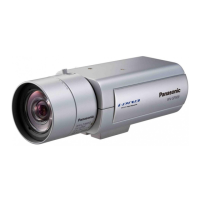
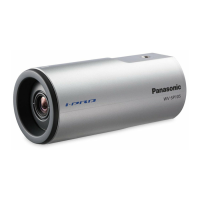
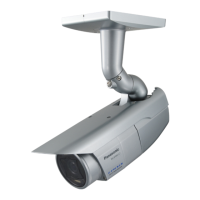
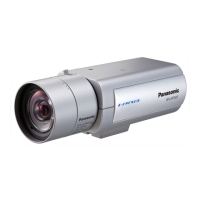
Panasonic WV-SPN531 - User Manual

Panasonic WV-SPN531
32 pages
Print Icon
To Next Page IconTo Next Page
Loading...
Before attempting to connect or operate this product,
please read these instructions carefully and save this manual for future use.
The model number is abbreviated in some descriptions in this manual.
Important Information
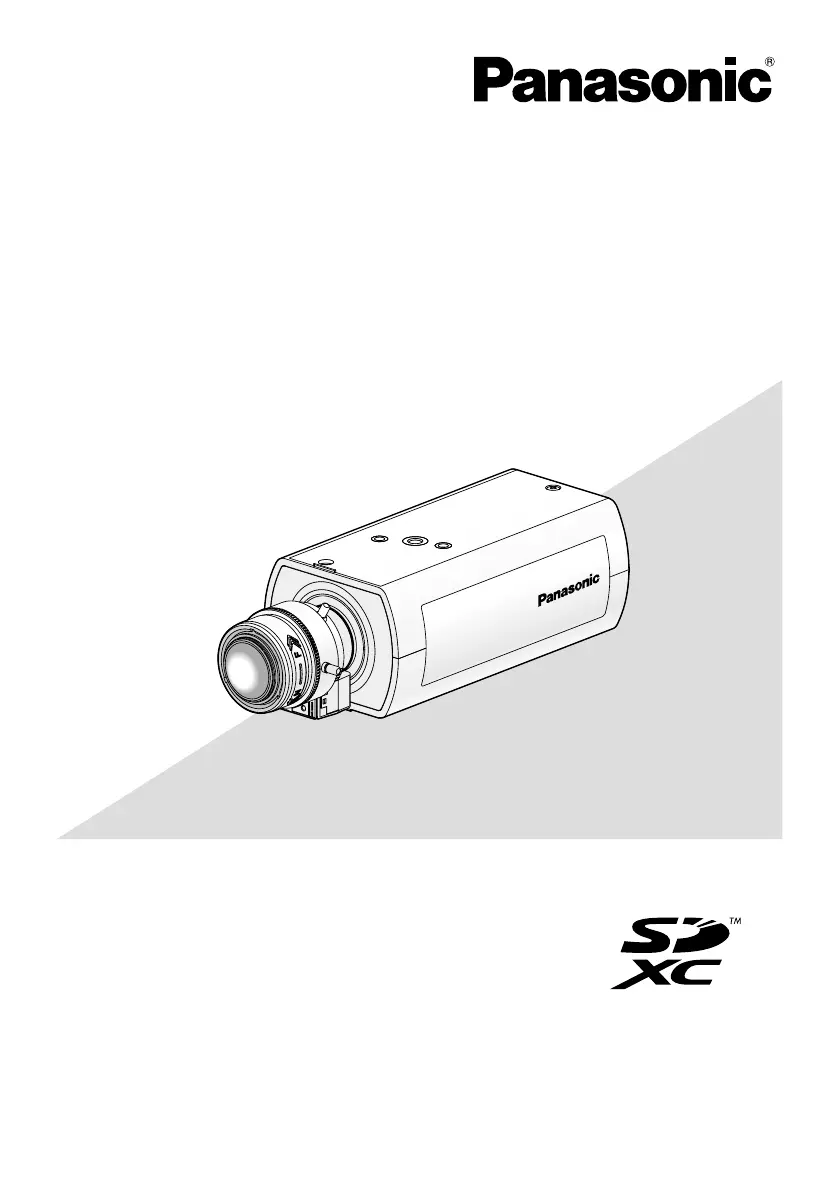
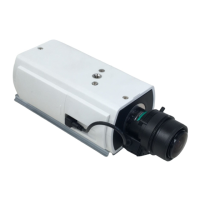
Network Camera
Model No.
WV-SPN531
Please purchase the recommended lens separately.
WV-SPN531
PGQX1759ZA Cs1014-0 Printed in China

Other manuals for Panasonic WV-SPN531

Questions and Answers

  • T
    tstewartAug 11, 2025
    Why is the LINK indicator not lighting on my Panasonic WV-SPN531 Security Camera?
    • H
      Heather FrenchAug 11, 2025
      The LINK indicator may not light up because the LAN cable is not connected correctly. Ensure the LAN cable is properly connected. The hub or router connected to the camera might not be working correctly; verify that the hub or router is operating as expected. Also, the LAN cable itself might be broken, so try replacing it with a new one.
  • V
    Vanessa HicksAug 19, 2025
    What to do if my Panasonic WV-SPN531 audio input contains noise?
    • S
      Sarah BrownSep 12, 2025
      If you're experiencing noise in the audio input, it might be due to grounding issues with the camera, switching hub, or other peripheral devices. Check the grounding to ensure it's properly set up. The camera might also be too close to an electrical power line, so try moving it away. Also, move the camera away from devices producing strong magnetic fields or radio waves, such as TV/radio antennas, air conditioning motors or transformers.
  • L
    lauren18Aug 30, 2025
    What to do if the SD ERROR/ABF indicator lights red on Panasonic WV-SPN531 Security Camera?
    • C
      Courtney WheelerAug 31, 2025
      If the SD ERROR/ABF indicator is red, check if the write protect switch on the SD memory card is set to “LOCK”. If it is, unlock the switch. Also, if the SD memory card was formatted on a PC, use an SD memory card formatted on the camera instead.

Panasonic WV-SPN531 Specifications

General IconGeneral
Camera TypeNetwork Camera
Resolution1920 x 1080
Max Resolution1920 x 1080
Day/Night FunctionYes
Wide Dynamic Range (WDR)Yes
Weather Resistance/Ingress ProtectionIP66
LensMotorized zoom lens
Video CompressionH.264, JPEG
Frame RateUp to 30 fps
Minimum Illumination0.05 lx (B/W)
Power Supply/SourcePoE (Power over Ethernet)

Related product manuals