EasyManua.ls Logo

Panasonic WV-SP508 - User Manual

Panasonic WV-SP508
216 pages
Print Icon
To Next Page IconTo Next Page
Loading...
Operating Instructions
Network Camera
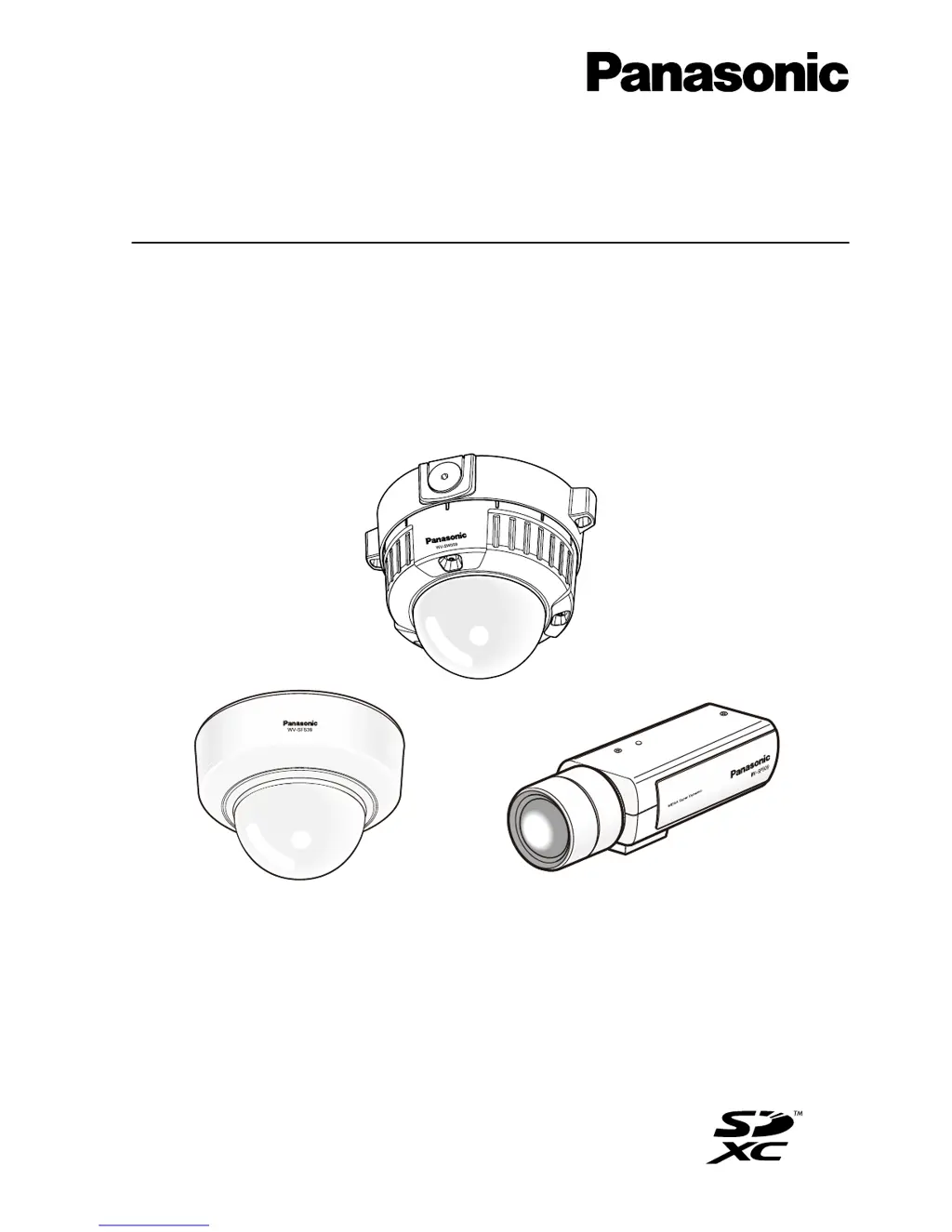
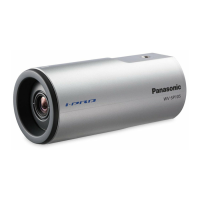
Model No. WV-SW550 Series
WV-SP500 Series
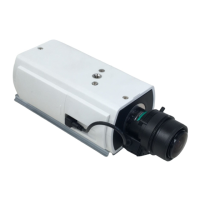
WV-SF540 Series
WV-SF530 Series
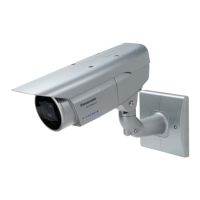
WV-SW559
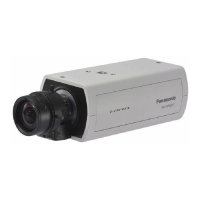
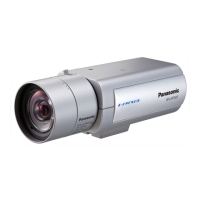
WV-SP509
(Lens is optional for WV-SP509.)
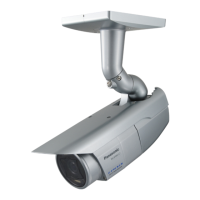
WV-SF539
This manual covers the models: WV-SW550 Series (WV-SW559, WV-SW558, WV-SW559E, WV-SW558E,
WV-SW559PJ), WV-SP500 Series (WV-SP509, WV-SP508, WV-SP509E, WV-SP508E), WV-SF540 Series
(WV-SF549, WV-SF548, WV-SF549E, WV-SF548E), and WV-SF530 Series (WV-SF539, WV-SF538,
WV-SF539E, WV-SF538E).
Before attempting to connect or operate this product, please read these instructions
carefully and save this manual for future use.
The model number is abbreviated in some descriptions in this manual.

Table of Contents

Other manuals for Panasonic WV-SP508

Questions and Answers

  • M
    Melody JohnsonAug 17, 2025
    Why does the authentication window appear repeatedly on my Panasonic WV-SP508 Security Camera?
    • C
      christopher59Aug 17, 2025
      To resolve the repeated display of the authentication window on your Panasonic Security Camera, if you've changed the authentication settings, close the web browser and access the camera again. If the username or password was changed, note that the authentication window will appear each time the screen is refreshed or changed.
  • T
    Thomas BurnsAug 20, 2025
    How to troubleshoot 'Cannot access from the web browser' on Panasonic Security Camera?
    • J
      Jeffrey FrenchAug 20, 2025
      If you cannot access your Panasonic Security Camera from a web browser, start by checking the LAN cable connection (category 5 or better, STP* for E models). Ensure it's firmly connected to the camera's network connector. Verify the link indicator is lit; if not, the LAN connection may be faulty. Also, check that the camera is powered on and the IP addresses are correctly configured. If connected to the same subnet, ensure the camera and PC IP addresses are in a common subnet, and proxy settings are correctly configured. If connected via different subnets, verify the default gateway IP address setting for the camera.
  • C
    cartererikaAug 22, 2025
    What to do if I cannot access my Panasonic WV-SP508 Security Camera via the Internet?
    • L
      Linda GlennAug 23, 2025
      If you are unable to access your Panasonic Security Camera via the Internet, ensure that the default gateway or DNS server address is correctly set in the camera's network settings. Also, verify that the 'Default gateway' setting is configured on the 'Network' page.
  • M
    Miss Susan HuffmanAug 26, 2025
    How to fix 'Cannot access the camera from a cellular phone' issue on Panasonic WV-SP508?
    • C
      Christopher SimonAug 26, 2025
      If you cannot access the Panasonic Security Camera from a cellular phone, first, check that the URL is entered correctly and includes '/mobile' at the end. If you're still having trouble, verify that the SSL encryption method matches the camera's settings. Select 'HTTP' (and not 'HTTPS') under 'HTTPS' - 'Connection' on the 'Network' page - the [Network] tab, and try accessing the camera again.
  • M
    Marcus PhillipsAug 28, 2025
    Why is no image displayed from my Panasonic WV-SP508 Security Camera?
    • A
      agarciaAug 28, 2025
      If no image is displayed from your Panasonic Security Camera, verify that the viewer software is installed on your PC. Also, confirm that your version of DirectX® is 9.0c or later; if it's older, upgrade it.
  • M
    Madison AvilaAug 31, 2025
    What to do if I cannot obtain images on the SD memory card of my Panasonic WV-SP508 Security Camera?
    • S
      Susan CaldwellAug 31, 2025
      If you are unable to obtain images on the SD memory card of your Panasonic Security Camera, ensure that 'Allow' is selected for 'FTP access to camera' on the [Network] tab of the 'Network' page. Also, restart the web browser and re-enter the password to ensure it is correct.
  • M
    Mrs. Michelle DiazSep 3, 2025
    How to stop screen flicker on my Panasonic WV-SP508 Security Camera?
    • L
      Lisa WilliamsSep 3, 2025
      To resolve flickering on the screen of your Panasonic Security Camera, select 'Indoor scene' for 'Light control mode'.
  • L
    lewislorraineSep 5, 2025
    How to troubleshoot audio transmission issues with my Panasonic WV-SP508?
    • D
      Dr. Emily JonesSep 5, 2025
      To troubleshoot the 'Cannot transmit audio to the camera' issue with your Panasonic Security Camera, check that the microphone and speaker are connected correctly and firmly.
  • D
    David SimpsonSep 8, 2025
    Why does user registration for 'Viewnetcam.com' service fail for my Panasonic Security Camera?
    • J
      Jill HallSep 8, 2025
      To resolve a failed user registration for the 'Viewnetcam.com' service with your Panasonic Security Camera, visit the 'Viewnetcam.com' website to register the correct E-mail address.
  • M
    Matthew JamesSep 12, 2025
    What to do if I cannot access my Panasonic Security Camera via the URL of the “Viewnetcam.com” service?
    • S
      Samantha SullivanSep 12, 2025
      To address the issue of being unable to access your Panasonic Security Camera via the URL of the “Viewnetcam.com” service, log into the 'My Account' page of 'Viewnetcam.com' website to check the information of the registered camera.

Panasonic WV-SP508 Specifications

General IconGeneral
Sensor TypeMOS
Digital ZoomUp to 4x
Frame RateUp to 30 fps
Audio CompressionG.726 (ADPCM) 32 kbps / 16 kbps, G.711 64 kbps
Power SourcePoE (IEEE802.3af compliant)
Ingress ProtectionIP66
Vandal ResistanceIK10
Resolution1920 x 1080 pixels
Lens TypeVarifocal lens
Field of ViewHorizontal: 96.4° (Wide) - 29.1° (Tele)
Day/Night FunctionYes
Wide Dynamic Range (WDR)Yes
Video CompressionH.264, JPEG
Ethernet10Base-T / 100Base-TX
Operating Temperature-10 °C ~ +50 °C {14 °F ~ 122 °F}

Related product manuals