EasyManua.ls Logo

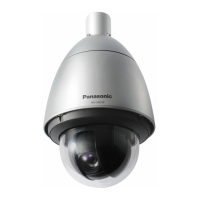
Panasonic WV-SW172 - User Manual

Panasonic WV-SW172
244 pages
Print Icon
To Next Page IconTo Next Page
Loading...
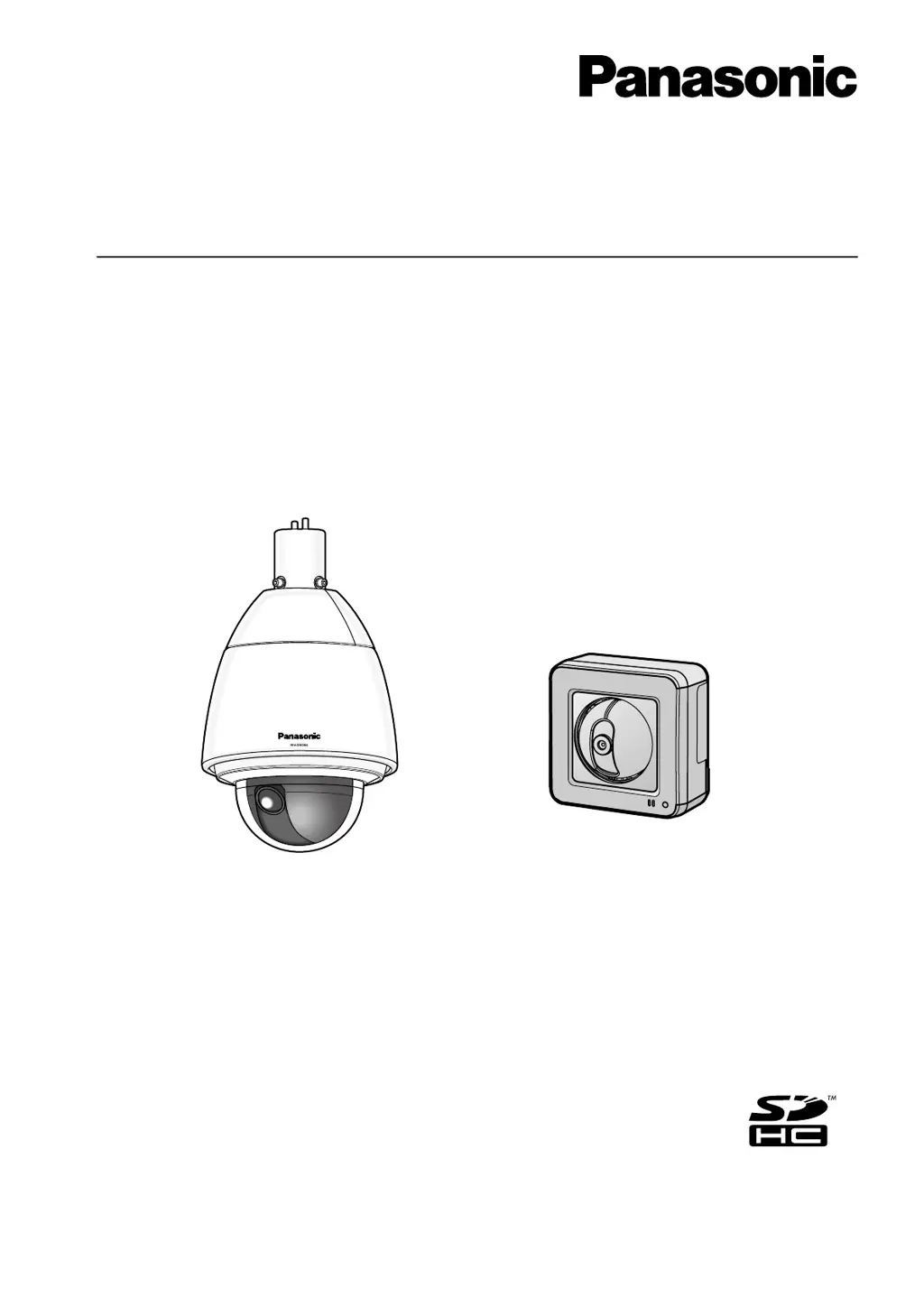
Operating Instructions
Network Camera
Model No. WV-SW390 Series
WV-SC380 Series
WV-SW170 Series
WV-ST160 Series
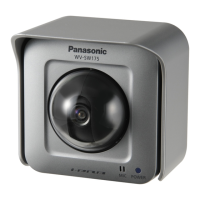
WV-SW175
WV-SW396
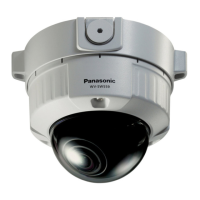
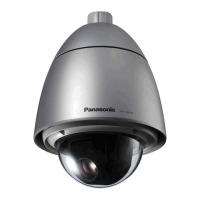
This manual covers the models: WV-SW390 Series (WV-SW396, WV-SW395, WV-SW396E, WV-SW395E,
WV-SW395R, WV-SW395PJ), WV-SC380 Series (WV-SC386, WV-SC385, WV-SC384, WV-SC386E,
WV-SC385E, WV-SC384E, WV-SC385R, WV-SC384R, WV-SC385PJ), WV-SW170 Series (WV-SW175,
WV-SW174W, WV-SW172, WV-SW175E, WV-SW174WE, WV-SW172E), and WV-ST160 Series (WV-ST165,
WV-ST162, WV-ST165E, WV-ST162E).
Before attempting to connect or operate this product, please read these instructions
carefully and save this manual for future use.
The model number is abbreviated in some descriptions in this manual.
WV-SW395R, WV-SC385R, and WV-SC384R do not support the HTTPS function.

Table of Contents

Other manuals for Panasonic WV-SW172

Questions and Answers

  • J
    Jacqueline GalvanAug 8, 2025
    How to access Panasonic WV-SW172 Security Camera via the Internet?
    • P
      Philip GonzalezAug 8, 2025
      To access your Panasonic Security Camera via the Internet, ensure that the camera's network settings, including the default gateway and DNS server address, are correctly configured. If using DDNS, verify those settings as well. Also, if your router doesn't support UPnP, you'll need to configure port forwarding to enable external access to the camera.
  • A
    Angela JordanNov 22, 2025
    What to do if I cannot access Panasonic WV-SW172 Security Camera from the web browser?
    • S
      sandovaldanielleNov 22, 2025
      If you cannot access your Panasonic Security Camera from a web browser, check the following: * Ensure the LAN cable (category 5 or better, STP for E model only) is firmly connected. * Verify the link indicator is lit, indicating a proper LAN connection. If not, check the cables and wiring. * Confirm the camera's power is on. * Validate that the set IP addresses are correct. * Ensure that you are accessing the correct IP address. Use the Windows command prompt to ping the camera's IP address to test the connection. If there's no reply, reboot the camera and use the Panasonic “IP Setting Software” to change the IP address within 20 minutes of restarting. * Confirm that “554” is not selected for the HTTP port number. Choose a port number other than the reserved ones (20, 21, 23,...

Panasonic WV-SW172 Specifications

General IconGeneral
BrandPanasonic
ModelWV-SW172
CategorySecurity Camera
LanguageEnglish

Related product manuals