EasyManua.ls Logo

Panasonic WV-SW598A - User Manual

Panasonic WV-SW598A
48 pages
Print Icon
To Next Page IconTo Next Page
Loading...
Installation Guide
Included Installation Instructions
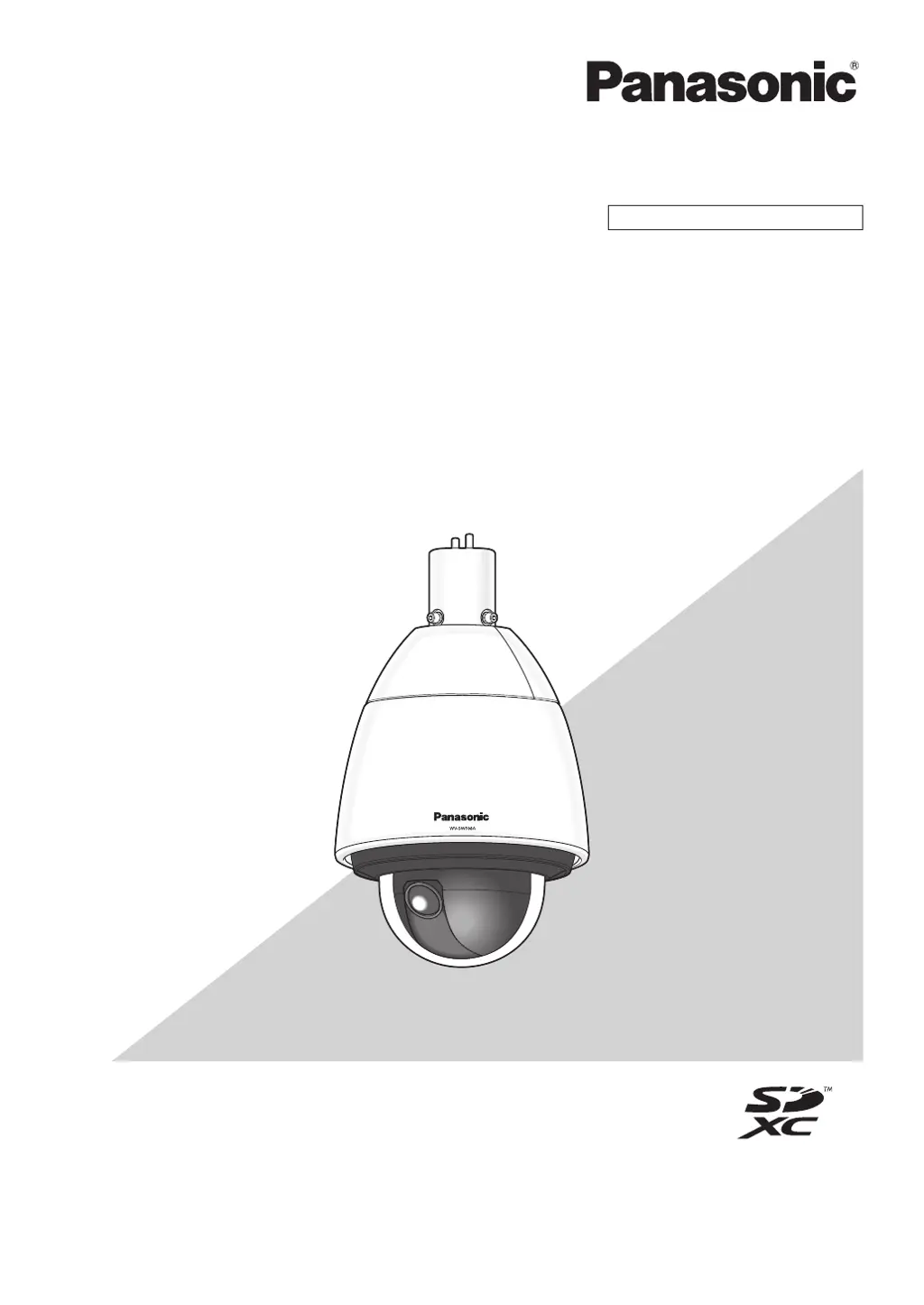
Network Camera
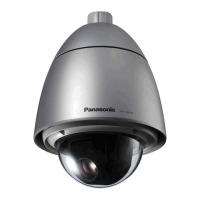
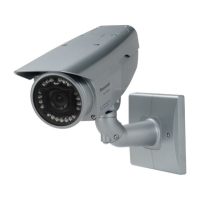
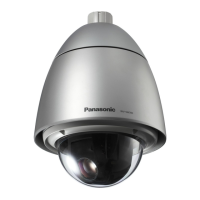
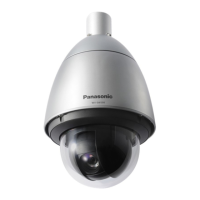
Model No. WV-SW598A / WV-SW397B
Rain wash coating Rain wash coating
PGQX1983YA Cs1215-1047 Printed in China
Before attempting to connect or operate this product,
please read these instructions carefully and save this manual for future use.
The model number is abbreviated in some descriptions in this manual.
This manual uses the WV-SW598A as an example in the explanations.

Questions and Answers

  • S
    Summer SmithAug 13, 2025
    Why does the live indicator keep blinking orange on my Panasonic Security Camera?
    • K
      katherine64Aug 13, 2025
      If the power is not supplied to the router, a UPnPTM error might have occurred. Turn on the power of the router and wait until the connections are established. You may also need to perform the port forwarding setting for the router or enable the UPnP function, referring to the router's operating instructions.
  • S
    Sophia CarlsonAug 17, 2025
    What to do if the live indicator blinks orange on Panasonic WV-SW598A Security Camera?
    • M
      Mrs. Caitlin LinAug 17, 2025
      If the live indicator lights or blinks orange when the power is turned on, ensure the LAN cable is properly connected and that the hub or router is operating correctly. If issues persist, try replacing the cable.
  • J
    jacob19Aug 20, 2025
    How to fix audio input noise on Panasonic WV-SW598A Security Camera?
    • J
      jacob51Aug 20, 2025
      If the audio input contains noise, check the grounding of the camera, switching hub, and peripheral devices. Also, verify that the camera is not near an electrical power line or a device producing a strong magnetic field or radio waves. Consider using a powered microphone or connecting audio output with low output impedance.
  • P
    pcampbellAug 25, 2025
    What to do if live indicator lights red on Panasonic WV-SW598A Security Camera?
    • A
      Amber LopezAug 25, 2025
      If the live indicator lights red, unlock the write protect switch of the SD memory card. If that doesn't work, use an SD memory card formatted on the camera or replace the card with a normal one.
  • V
    Victor GreenAug 28, 2025
    Why does my Panasonic WV-SW598A Security Camera start panning unpredictably?
    • T
      Teresa TaylorAug 28, 2025
      If the camera starts panning unpredictably, check the exogenous noise level around the camera.
  • T
    Timothy BennettAug 31, 2025
    What to do if Panasonic Security Camera does not move to the preset positions accurately?
    • J
      Jake TorresSep 1, 2025
      Execute the position refresh function if the camera does not move to the preset positions accurately.
  • W
    William PenaSep 4, 2025
    What to do if Panasonic Security Camera stops panning/tilting with mechanical noise?
    • S
      Scott GrantSep 4, 2025
      Carry out the refresh position function from the [Default reset] tab of the 'Maintenance' page of the setup menu, if the camera stops panning/tilting and mechanical noise comes from the camera.
  • Q
    qmunozSep 8, 2025
    How to turn on live indicator on Panasonic WV-SW598A?
    • C
      courtney11Sep 8, 2025
      Select 'On' or 'On(Access)' for the indicator setting, if live indicator never lights up.

Summary

Important safety instructions

Preface

About notations

Explains notations used for specific model functions.

Main functions

About the user manuals

System requirements for a PC

Trademarks and registered trademarks

Copyright

Network security

Precautions

Initialize the camera

Insert;remove an SD memory card

How to insert an SD memory card

Step-by-step guide for inserting an SD memory card.

How to remove the SD memory card

Step-by-step guide for removing an SD memory card.

Installations;Connections

Installation

Connection

Connection example

When connecting with a PC directly

Shows direct connection diagram to a PC.

Connecting to a network using a PoE+ hub

Illustrates network connection via PoE+ hub.

Configure the network settings

Troubleshooting

About the live indicator

Specifications

Standard accessories

Optional accessories

Disposal of Old Equipment and Batteries

Panasonic WV-SW598A Specifications

General IconGeneral
Video CompressionH.264, JPEG
Max Resolution1920 x 1080
Frame Rate30 fps
Optical Zoom3.6x
Digital Zoom12x
Day/Night FunctionYes
WeatherproofIP66
Vandal ResistantIK10
TypePTZ Network Camera
Image Sensor1/3 type MOS Sensor
Field of ViewH: 94° (wide) to 30° (tele)
Power SupplyPoE (IEEE 802.3af)
Pan/TiltPan: 360°
Power SourcePoE
Wide Dynamic RangeYes
Video Output1 Vp-p, 75 Ω

Related product manuals