8 SECURITYSERVICE SYSTEM PANDORA LIGHT PRO
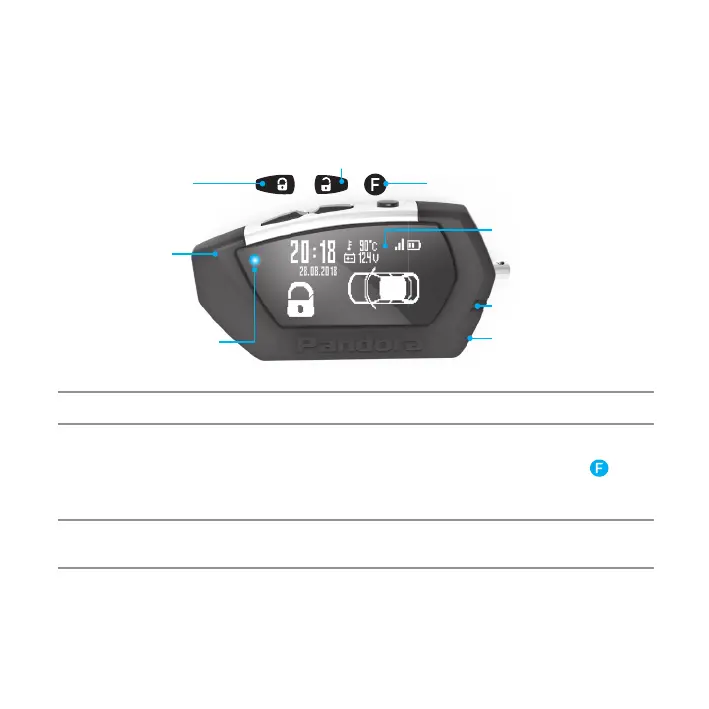
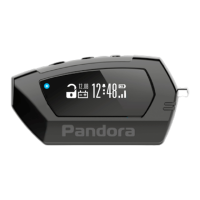
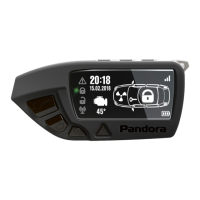
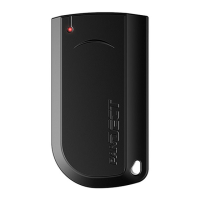
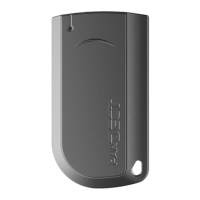
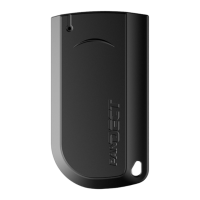
REMOTE CONTROL D022
A two-way remote control is the main mean of control over the system.
For easily distinguishable notifications the remote uses 16 ringtones. Each ringtone matches
particular event. Remote has flashing LED indicators for additional information.
NOTE! a rEmOTE cONTrOl is a uNifiEd cONTrOl dEvicE. iTs fuNcTiONs dEpENd ON sEcuriTy sysTEm mOdEl.
Switch on/off the remote control
The remote is fully operational when shipped. To switch on the remote, press and hold the button
for3seconds.The“REMOTEON”ringtonewillplay.Pressingandholdingthisbuttonagainfor3seconds
will cause the remote to switch off.
AtteNtIoN! All coNtRol commANds ARe tRANsmItted vIA RAdIo chANNel, foR mAxImum effectIveNess ANd
RANGe It Is RecommeNded Not to shIeld AeRIAl AReA (see pIctuRe) WIth fINGeRs WheN usING A Remote coNtRol.
LED indicator signals
Green indicator:
• Flashes if there is a connection with the base unit
• Goes dark when there is no connection with the base unit
Aerial
868 MHz
SEND/ALARM
Indicator
OLED-
display
Sound
source
Button 1
Button 2
Button 3
micro-USB


 To Next Page