REPLACING THE PRINT HEAD
The print head on the PTR3E printer is a user-replaceable item. If it becomes
damaged for any reason, it can be easily removed and replaced. Contact Technical
Support for information on obtaining a new print head.
Supplies needed:
No. 2 Phillips screwdriver (a magnetic tip is
helpful), Replacement Print Head (available
through Panduit Printer Repair Department)
1. Turn the printer OFF and remove the power cable.
2. Open the Top and Side Access doors.
3. Open the Print Head by pushing the Head Latch toward the rear of the
printer. The Print Head is spring-loaded and will automatically open as soon
as the Head Latch is disengaged.
4. Remove the ribbon from the Ribbon Rewind Spindle if necessary.
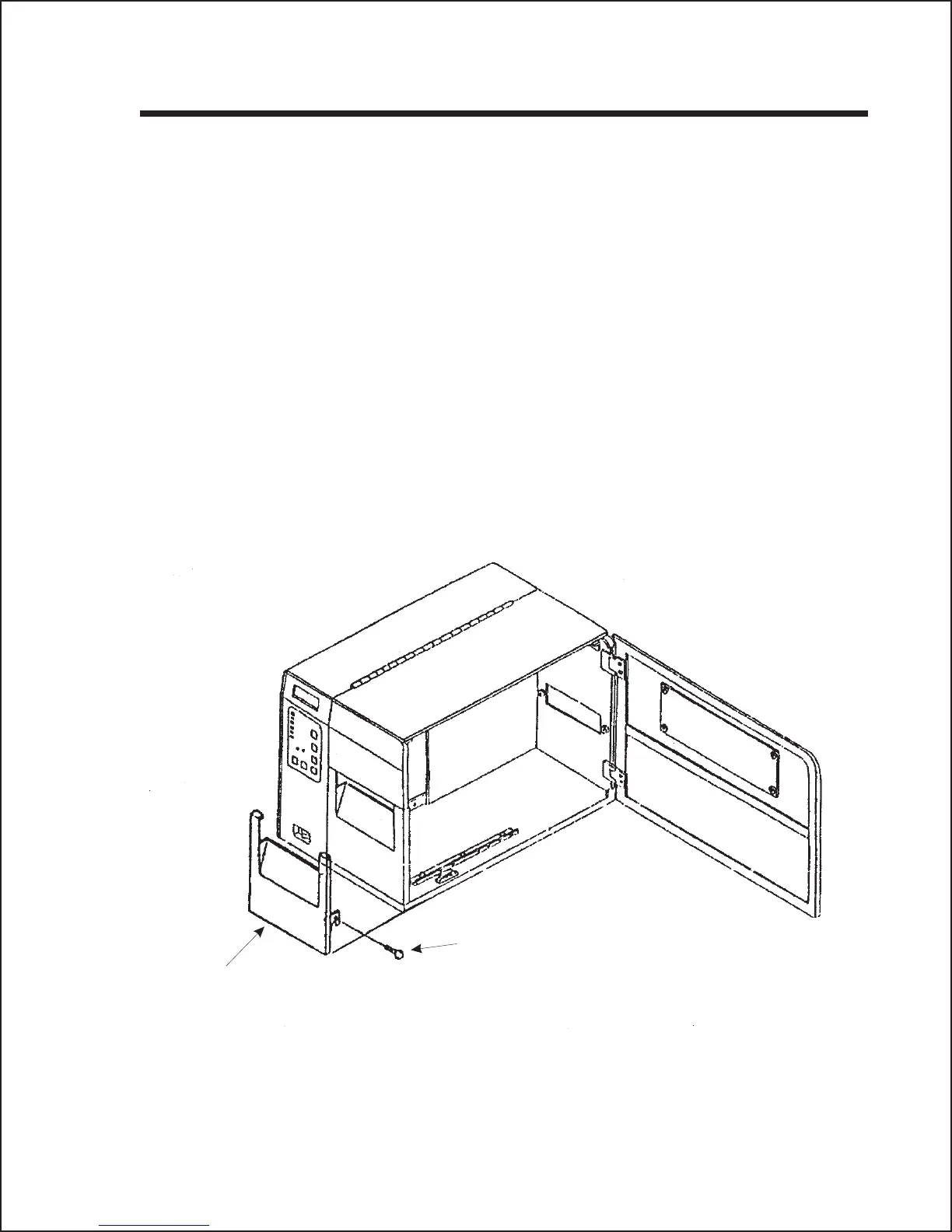
5. Remove the Label Cover Assembly by removing the securing screw from
the assembly.
43
Section 4: Cleaning and Maintenance
Label Cover securing
screw
Label Cover



 To Next Page