26
Getting Started
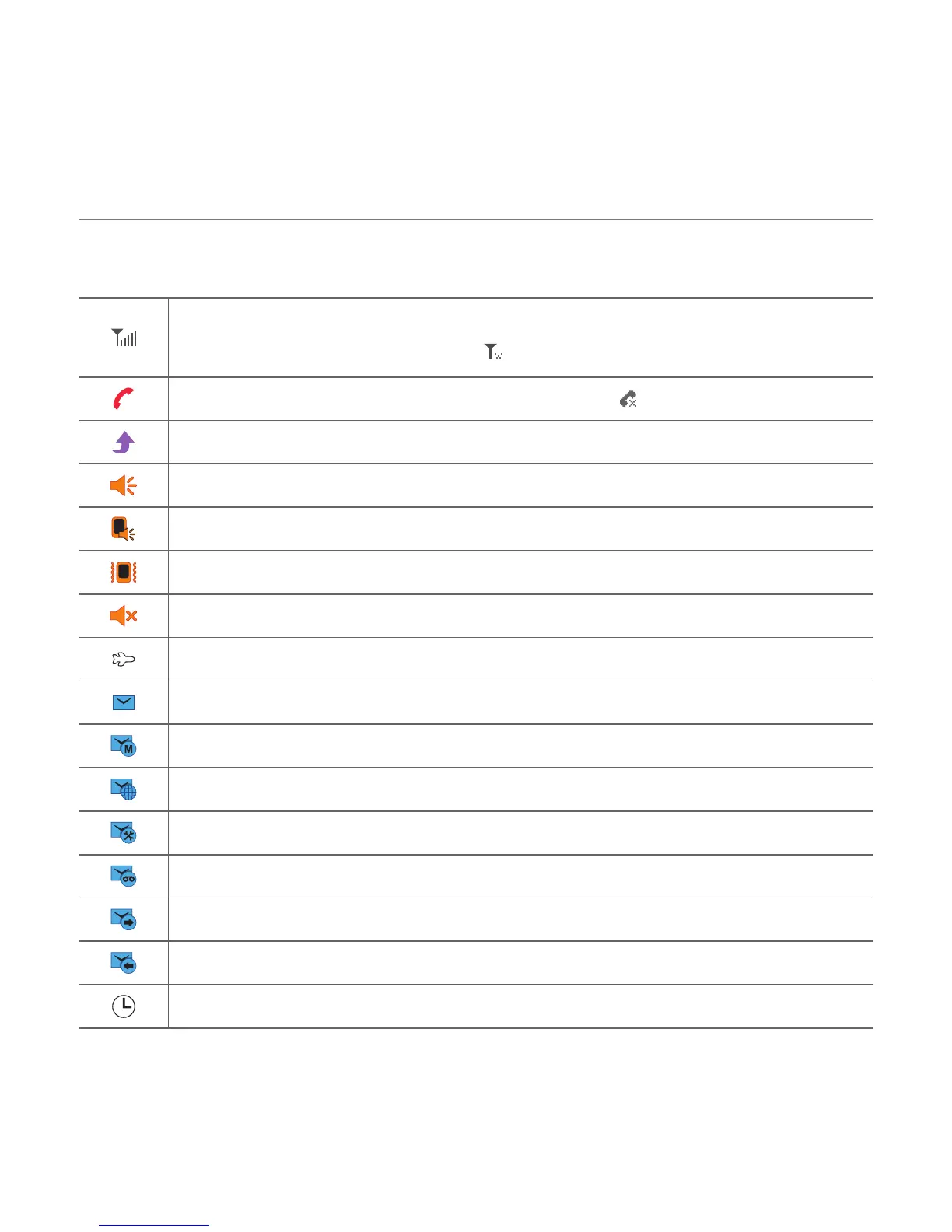
Essential display indications
Signal strength. The greater the number of bars, the stronger the signal.
When network is in searching mode
is displayed.
A call is in progress. When you are in no service area is displayed.
Call forwarding is active.
N
Incoming calls set to ring only (Normal).
Incoming calls set to Outdoor.
Incoming calls set to Vibrate Only.
Incoming calls set to Silent.
Flight Mode is active.
Received one or more text messages.
Received one or more multimedia messages.
Received one or more WAP push messages.
Received one or more configuration messages.
Received one or more voice messages.
A message is being sent.
A message is being received.
An alarm is set.



 To Next Page