93
Useful Features
4. Tap Reset to reset.
Stop watch and timer
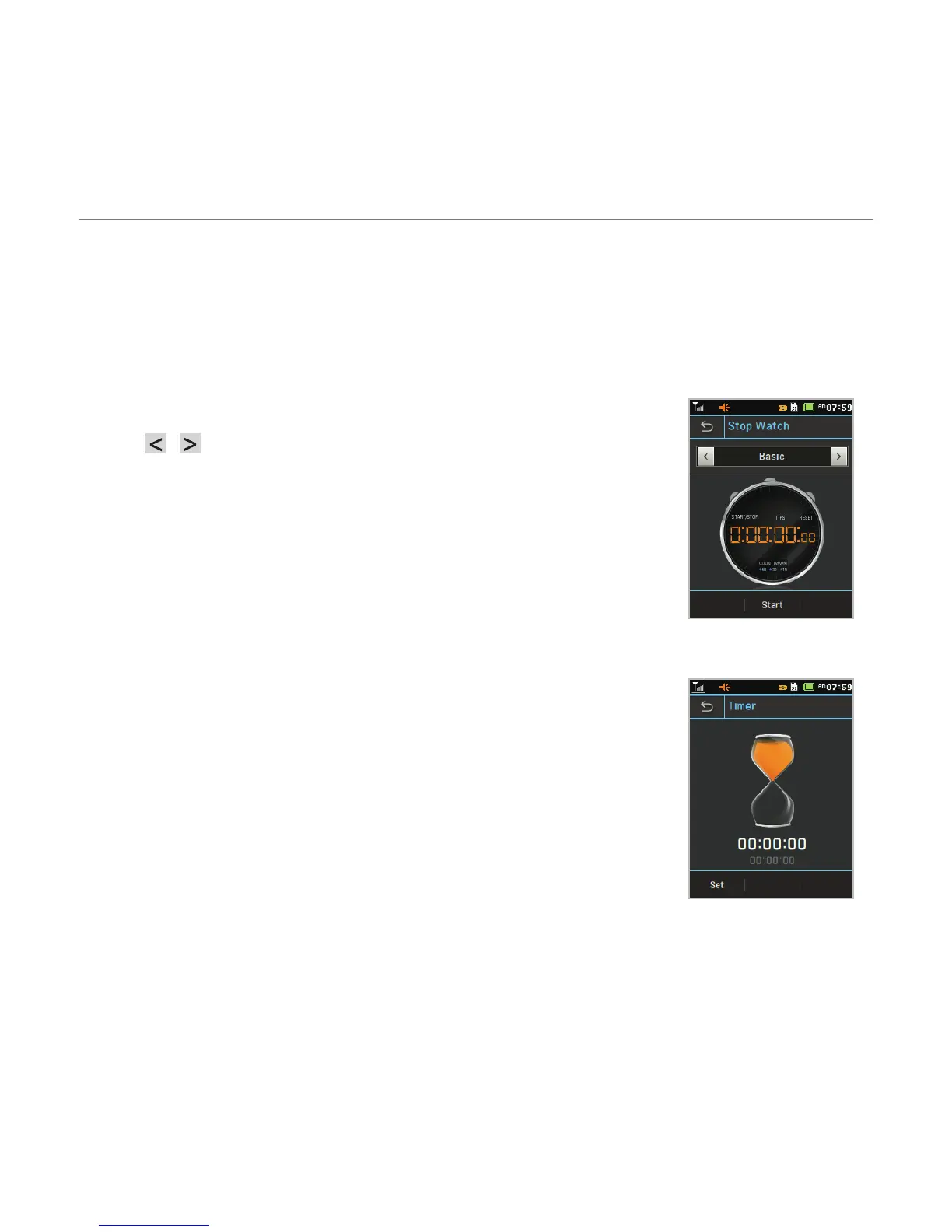
Using the stop watch
1. Tap Menu ; > Tools > Stop Watch.
2. Tap / to select Basic, Split or Lap.
3. Tap Start to start.
4. Tap Stop to pause.
5. Tap Continue to resume.
6. Tap Reset to clear.
Using the timer
1. Tap Menu ; > Tools > Timer.
2. Tap Set to input the time
3. Scroll to set the hour, minute and second > Save.
4. Tap Start to start.
5. Tap Pause to stop.
6. Tap Continue to resume.
7. Tap Restart to restart.



 To Next Page