53
Messaging
Entering text
Using the QWERTY keypad
Open the phone to use the QWERTY keypad
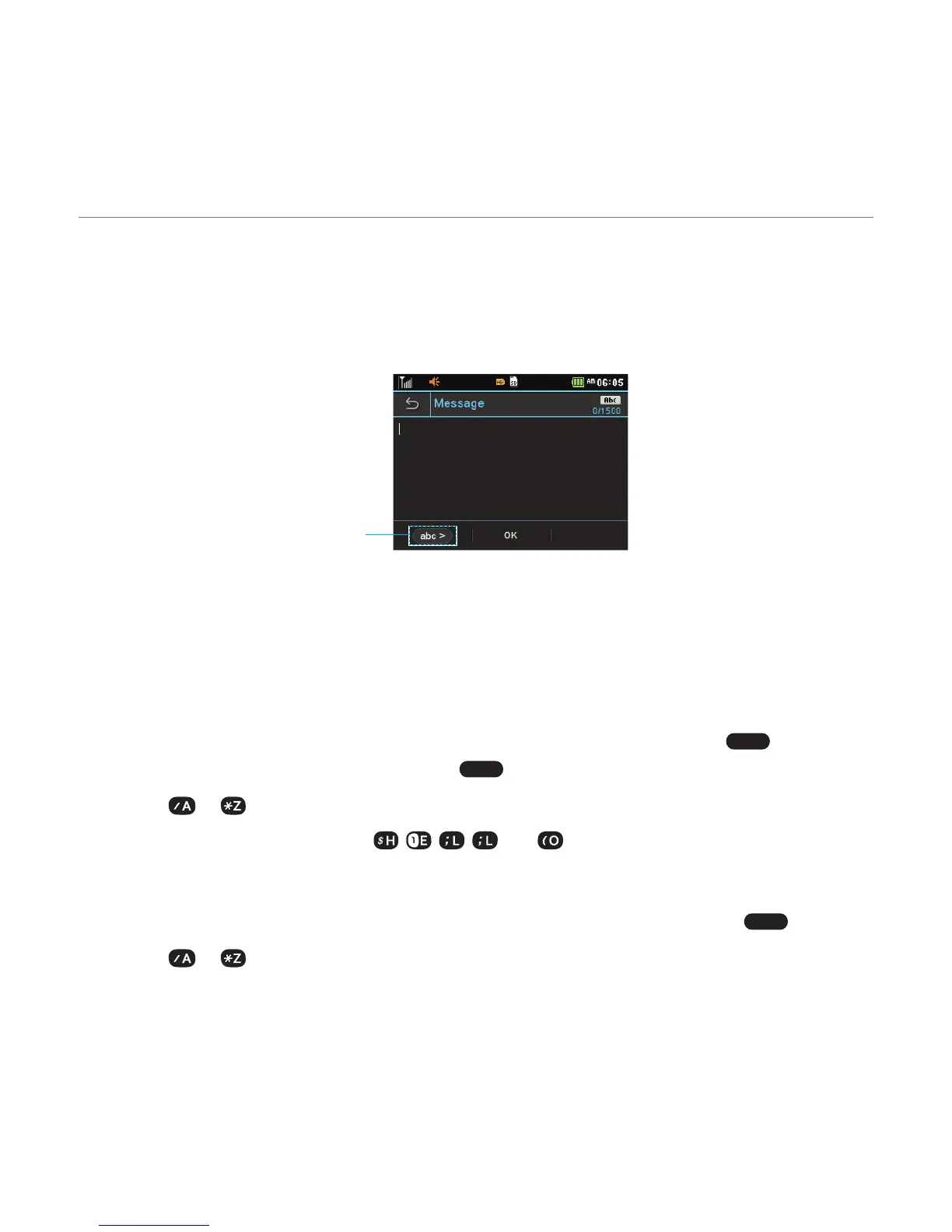
Changes the text input mode.
For details on
QWERTY keypad
,
see page 8
.
Predictive mode
The predictive mode automatically compares your keystrokes with an internal dictionary to
determine the correct word. It will display the most commonly used word first.
1. Tap Messages > Create a New Message or New > Tap to enter text > Tap
abc >
> Select
Predictive Mode to change the mode to
T9 >
.
2. Select to to input text.
For example, to write “Hello” press , , , and .
ABC mode
1. Tap Messages > Create a New Message or New > Tap to enter text > Verify
abc >
mode.
2. Select to to input text repeatedly.



 To Next Page