92
Useful Features
Calculator, tip calculator and converter
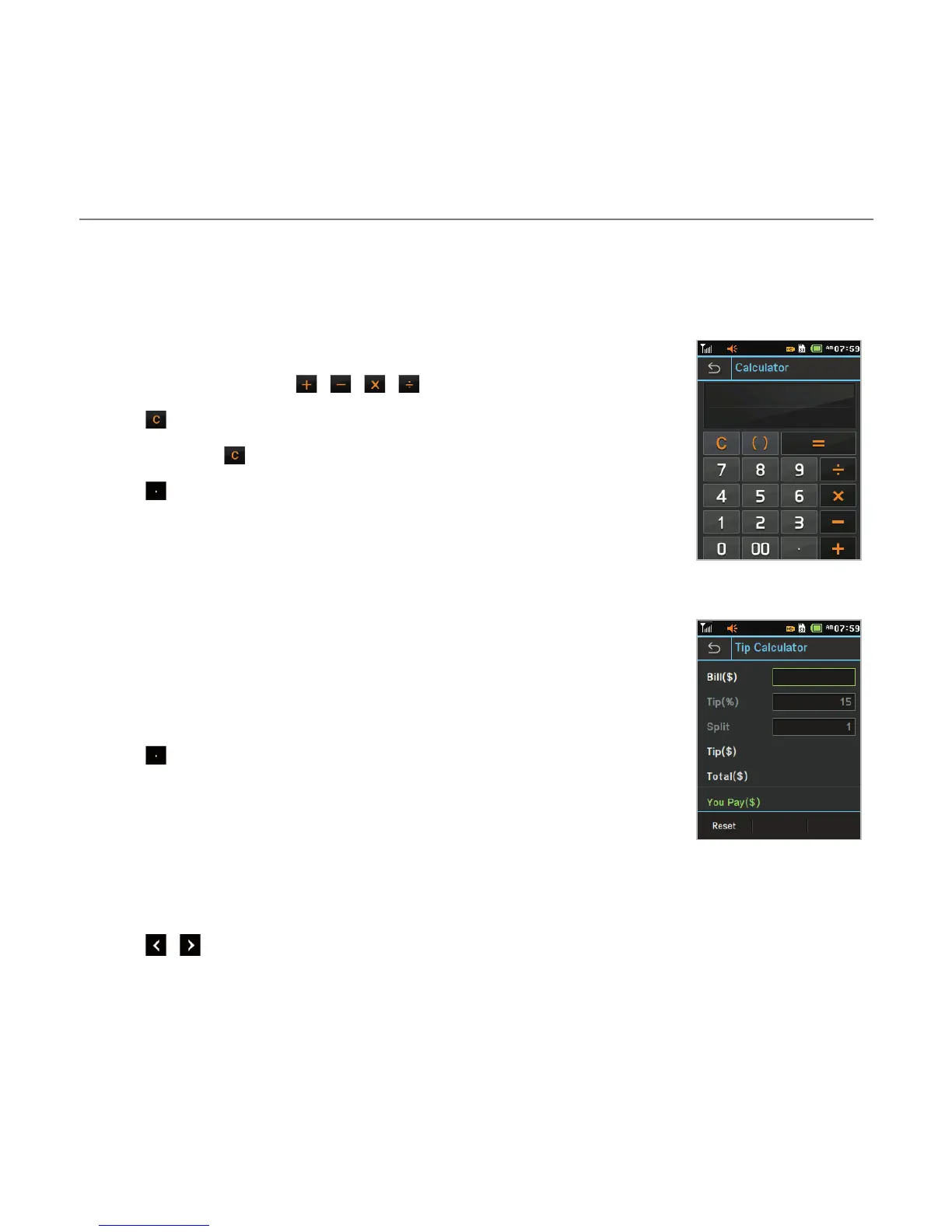
Using the calculator
1. Tap Menu ; > Tools > Calculator.
2. Tap the numbers and / / / to calculate.
3. Tap to erase one digit.
4. Tap and hold to reset.
5. Tap to use the decimal point.
Using the tip calculator
1. Tap Menu ; > Tools > Tip Calculator.
2. Tap to enter values for all variable fields (Bill($), Tip(%), Split)
and the corresponding calculation fields (Total($), Tip($), You
Pay($)) are updated automatically.
3. Tap to use the decimal point.
4. Tap Reset to reset.
Using the converter
1. Tap Menu ; > Tools > Converter.
2. Tap / to select the categories.
3. Tap the field to enter a number and scroll left or right to select the unit. Other unit fields
are updated automatically.



 To Next Page