29
Getting Started
Adding a home screen item
The Contents and Contacts screens allow you to assign items to the screen.
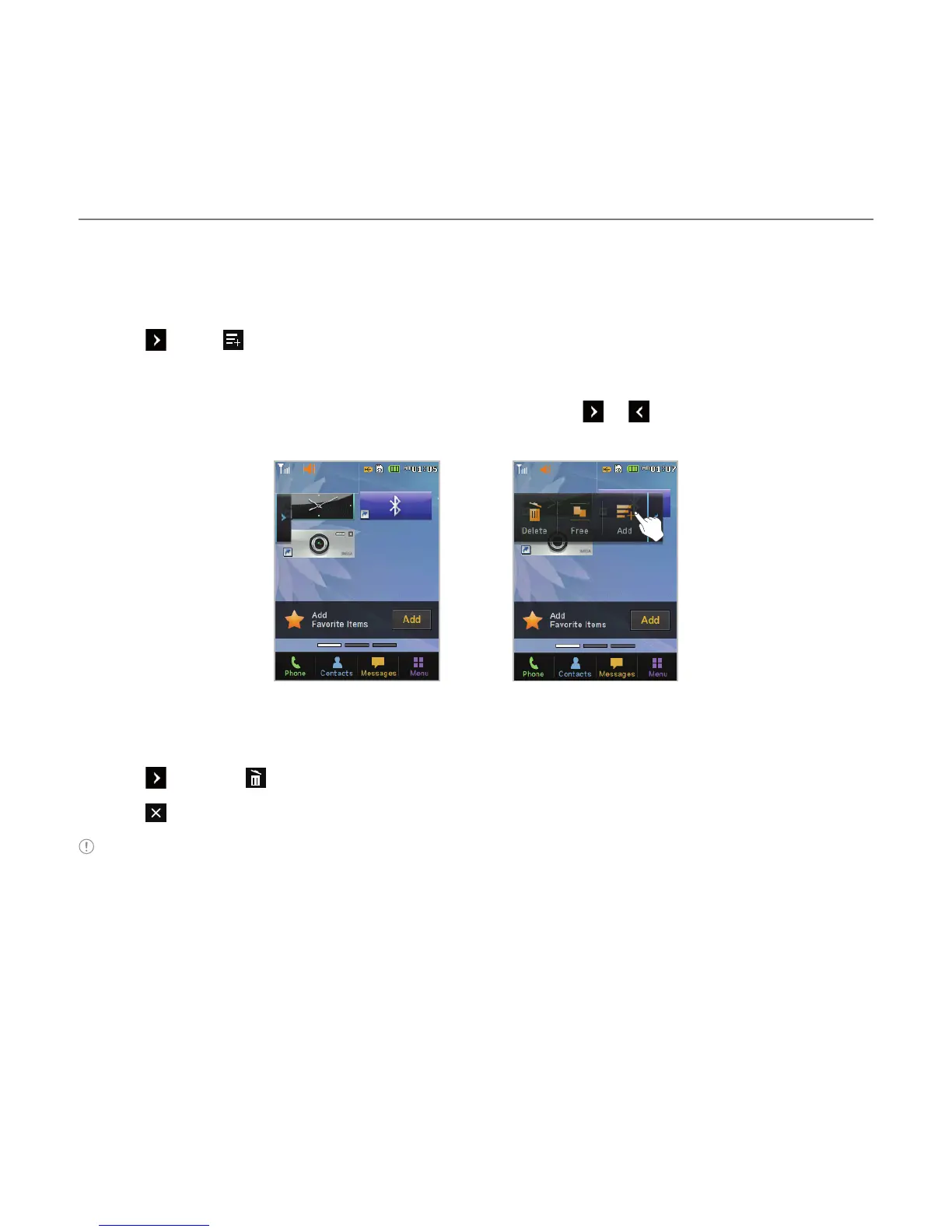
1. Tap > Add .
2. Tap a desired menu.
3. Once you have added one or more items to the screen, or is displayed to customize
the home screen.
®
Deleting a home screen item
1. Tap > Delete .
2. Tap on the item to delete.
Note This action is only applied to the home screen.



 To Next Page