7
Important Safety Information
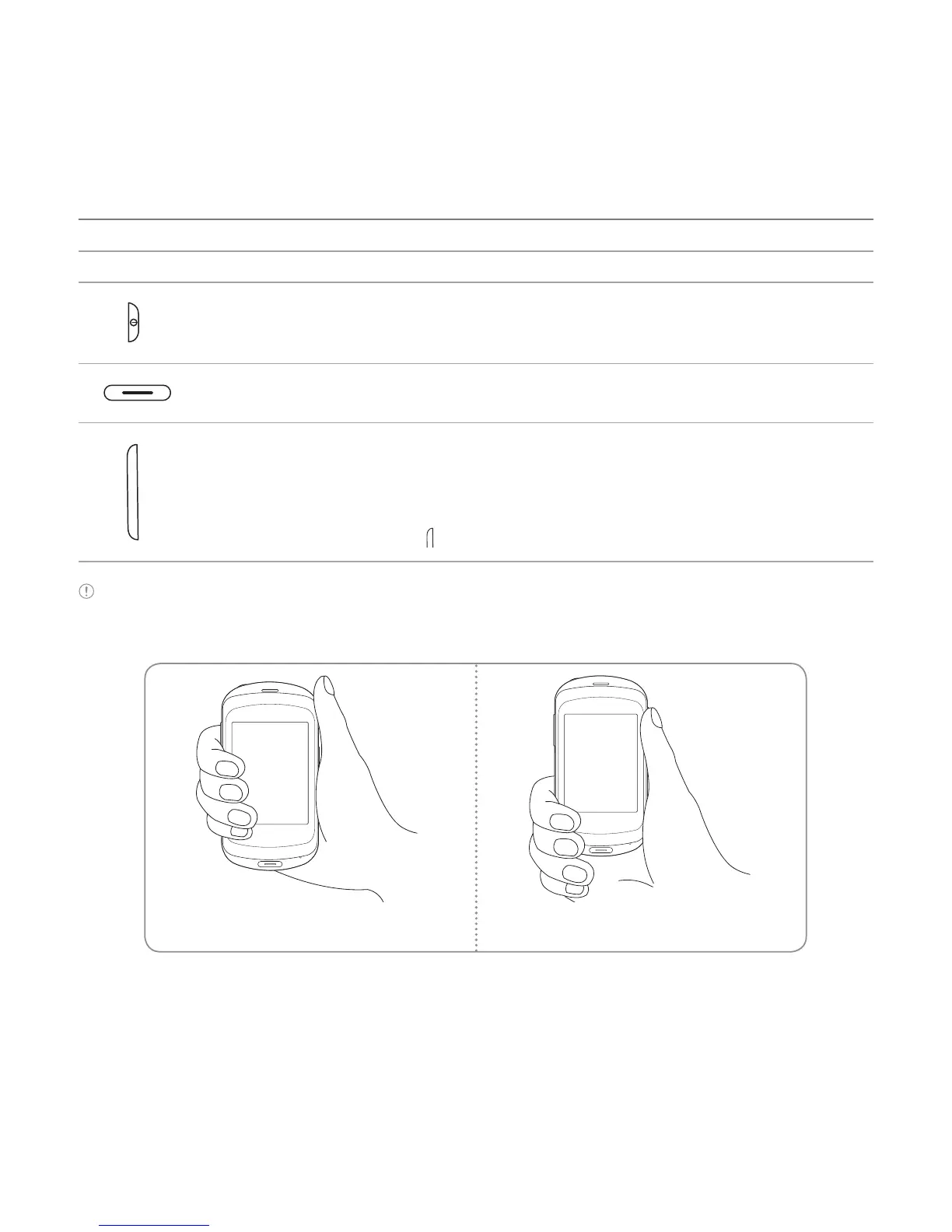
Keys Functions
Turn on/off the phone if pressed and held. Lock the touch screen.
Canceling current operation and move to idle screen.
Adjust the earpiece volume while making a call.
Adjust ringtone volume, and control vibrate or standby mode.
Mute the ringtone of an incoming call.
Launch the multitasking if
key pressed and held.
Note If you use metal accessories (stickers) on the phone or hold the device by the internal antenna area
while exchanging data or talking on the phone, sound quality may be affected.
Correct Incorrect



 To Next Page