5. EASI-V SOFTWARE 73
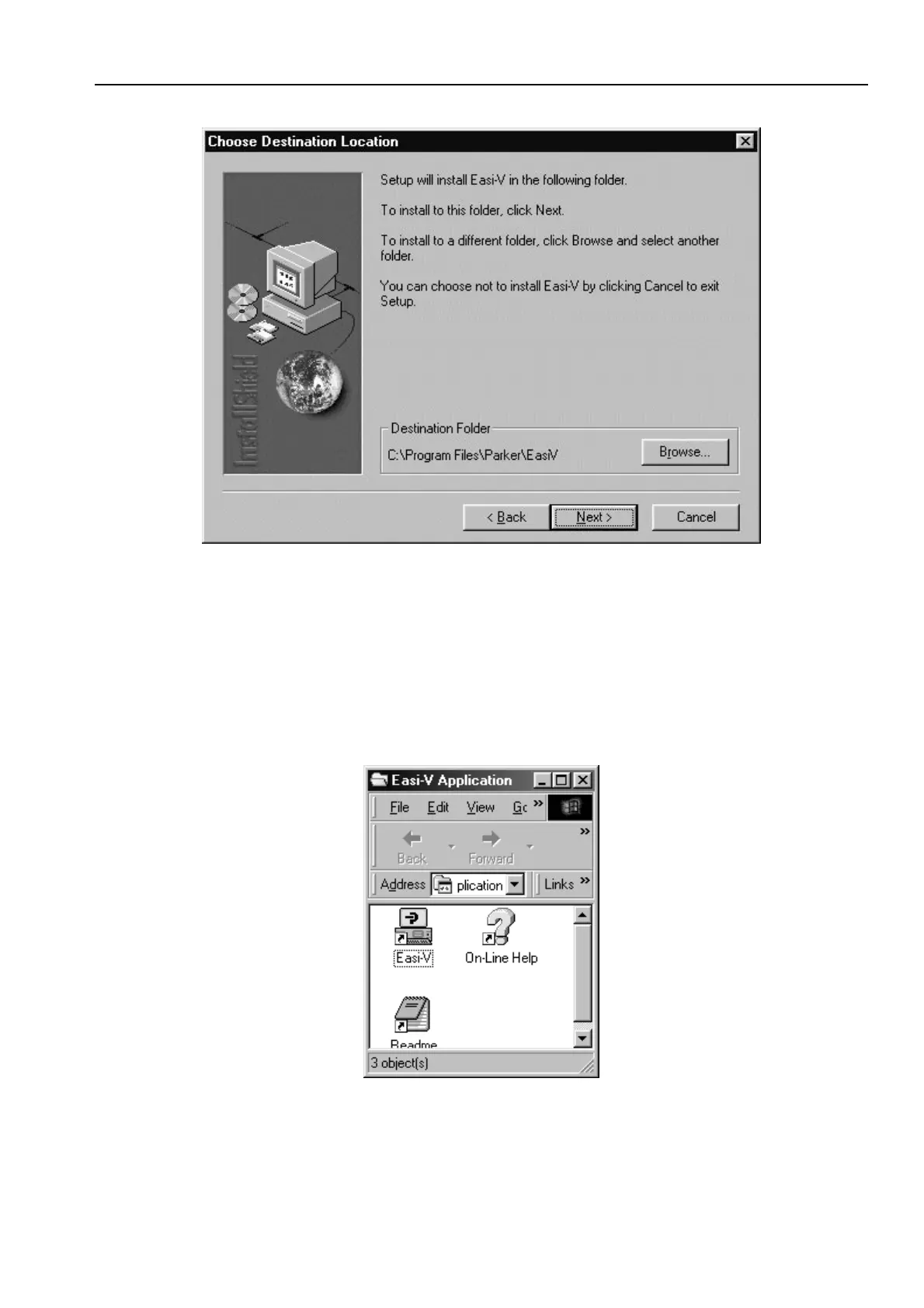
Figure 5-1. Choosing Where to Install Easi-V
6. Once you have selected a destination for Easi-V or have decided to use the
default directory, select NEXT to begin file transfer.
7. Once Easi-V has been loaded, the screen will display a message dialogue box,
stating ‘Setup is complete. You may run the installed program by double-clicking on
the program icon.’ When you click the OK button, the window shown in Figure 5-2 will
appear. Note: Easi-V may also be run from the Start menu.
Figure 5-2. Easi-V Application Window


 To Next Page