28 GB
Reset
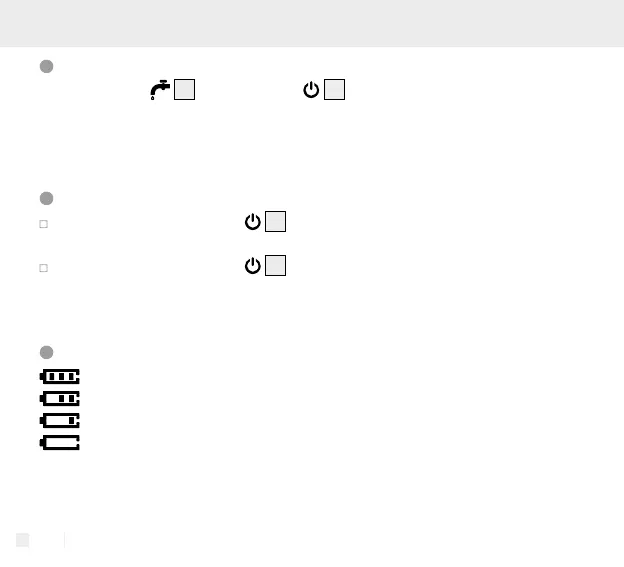
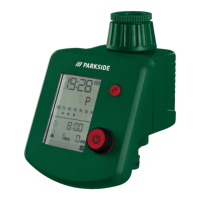
Press the button
4
and the button
5
for approx. 5 seconds at the same
time. The LCD will show all symbols for approx. 1 second and the system will restart.
All the programmed data will be erased and restored to factory setting. The product
will enter the time setting mode again (same as the first power-on).
Key lock
Press and hold the button
5
for approx. 5 seconds to lock the keys.
The LCD will only display “LOC” when any key is being pressed.
Press and hold the button
5
for approx. 5 seconds again to unlock.
The LCD will display “OPEN” for 1 second and the product can operate
normally.
Battery status display
: Battery is full.
: Battery is approx. half full.
: Battery is low.
: Batter is extremely low, cannot operate the valve in this condition!
User should replace the batteries as soon as possible.









 To Next Page