49GB/IE
Toggling between air temperature,
dew point and wet-bulb temperature
readings
In measurement mode, briefly press DP WBT/SET[4] to
toggle between the air temperature, dew point and wet-bulb
temperature readings on the temperature display
[].
When measuring the dew point, DP
[9] is shown on the left
side of the display
[2].
When measuring the wet-bulb temperature, WBT
[9] is
shown on the left side of the display
[2].
When measuring the air temperature, none of these
indicators is shown on the left side of the display
[2].
Measuring air temperature, dew
point, wet-bulb temperature and
humidity
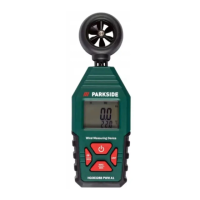
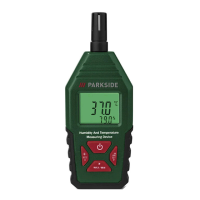
1. In measurement mode, move the product so that the sensor
head
[1] is positioned in the area, where you want to take
the measurement.
2. Wait until the readings on the display
[2] are stable.
NOTE: In measurement mode, following indicators are not
shown on the display
[2]: SET[], MAX[], MIN[],
and H
[].


 To Next Page
 Loading...