54 GB/IE
Troubleshooting
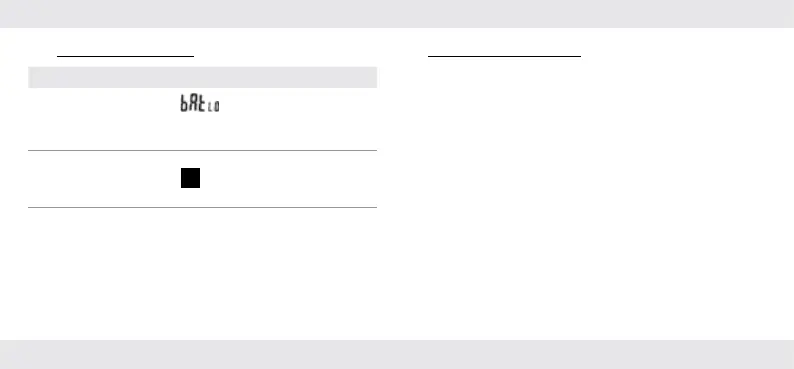
Error Possible causes/solutions
The measurement is
obviously too high
or low.
Is
[]
shown on the
display
[2]? If yes: Replace with new
batteries.
The value on the
display
[2] is not
reacting.
Is H [] shown on the display[2]?
If yes: Briefly press HOLD
[5].
You can barely see
the values on the
display
[2].
The batteries are very low
(see “Inserting/changing the
batteries”).
Electrostatic discharges can lead to malfunctions. In the event of
such malfunctions, remove the batteries briefly and reinsert them.
Cleaning and care
Do not allow liquids to enter the product. Otherwise the
product may be damaged.
Do not use abrasive cleaning agents, cleaning alcohol or
other chemical solutions since these could damage the
housing or even impair operation.
Use a dry, lint-free cloth for cleaning.
The product is maintenance-free. No components need to
be maintained inside the product.
Before every use: Check the product for visible external
damage.


 To Next Page
 Loading...