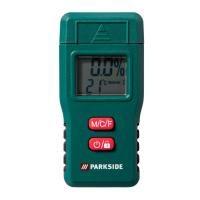
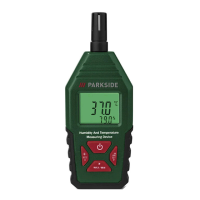
53GB/IE
humidity reading = actual humidity
measurement result + humidity offset
4. Proceed as follows to adjust the humidity offset:
Press ►
[6] to select the desired digit. The selected digit
flashes.
Press ▲
[5] or ▼[4] to increment or decrement the
selected digit.
NOTE: The humidity offset can be set from ‒10 to +10%.
5. After you have adjusted the humidity offset, press
[3]
to switch off the product and exit the humidity offset setting
mode.
Automatic power-off function
In measurement mode, [7] is shown on the display[2], if
the automatic power-off function has been turned on.
In this case, the product switches off automatically, if no
button has been pressed for approx. 10minutes.


 To Next Page
 Loading...