EasyManua.ls Logo

Parrot BLAZE - Page 9

Parrot BLAZE
23 pages
Print Icon
To Next Page IconTo Next Page
To Previous Page IconTo Previous Page
Loading...
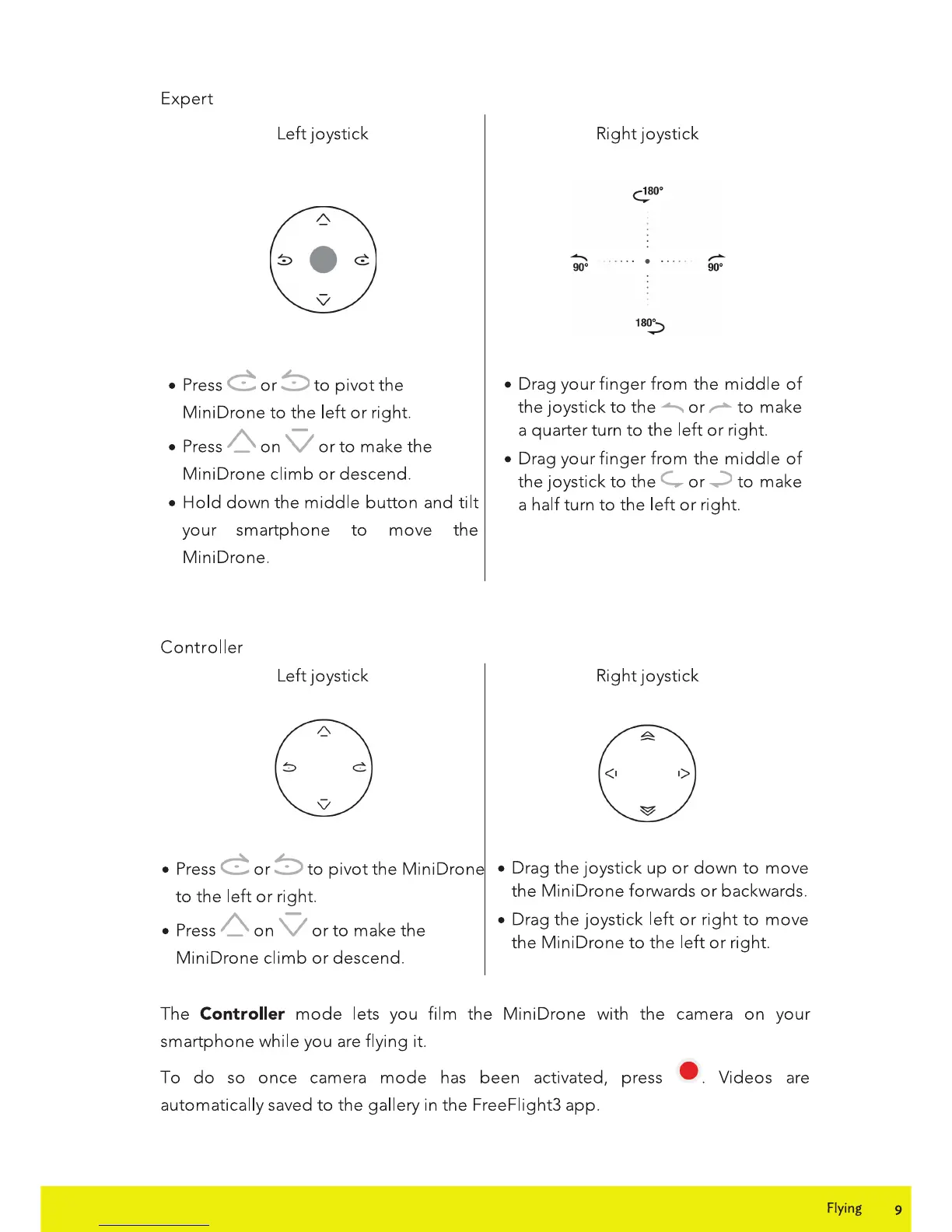
Expert
Left
joystick
Press
C
or
~
to
pivot
the
Mini
Drone
to
the
left
or
right.
Press
A
on
V
or
to
make
the
Mini
Drone
climb
or
descend.
Hold
down
the
middle
button
and
tilt
your
smartphone
to
move
the
Mini
Drone.
Controller
Left
joystick
Right
joystick
....
.•
18~
Drag
your
finger
from
the
middle
of
the
joystick
to
the
~
or
~
to
make
a
quarter
turn
to
the
left
or
right.
Drag
your
finger
from
the
middle
of
the
joystick
to
the
C....
or
-:::>
to
make
a half turn
to
the
left
or
right.
Right
joystick
Press
C
or
~
to
pivot
the
Mini
Drone
Drag
the
joystick
up
or
down
to
move
to
the
left
or
right.
the
Mini
Drone
forwards
or
backwards.
A V Drag
the
joystick
left
or
right
to
move
Press _
on
or
to
make
the
the
Mini
Drone
to
the
left
or
right.
Mini
Drone
climb
or
descend.
The Controller
mode
lets you
film
the
MiniDrone
with
the
camera
on
your
smartphone
while you are flying it.
To
do
so
once
camera
mode
has
been
activated, press e
Videos
are
automatically saved
to
the
gallery in
the
FreeFiight3
app.
Flying 9

Related product manuals