EasyManua.ls Logo

Parrot BLAZE - Take Off and Landing; Flight Control Modes

Parrot BLAZE
23 pages
Print Icon
To Next Page IconTo Next Page
To Previous Page IconTo Previous Page
Loading...
Take
Off
Place
the
MiniDrone
on a dry, flat surface, ensuring there are no obstacles in
the
way, and press Take Off.
>The
MiniDrone
will take
off
and stabilise at
approximately
1
meter
in height.
You can also also have
the
Mini Drone take
off
from
your
hand.
To
do
this:
....
....
1.
Press
- .
>The
Mini Drone
LED
eyes will
blink
red and green rapidly.
2.
Throw
the
Mini Drone in
front
of
you, up,
or
simply
take away
your
hand
to
let
it
fall.
> The
motors
for
the
MiniDrone
propellers will start automatically and
the
MiniDrone
will hovers.
Controlling the MiniDrone
in
flight
8 Flying
Flights
depend
on
the
settings
for
the
selected
control
mode:
Controller,
Normal
or
Expert.
Normal
mode
is
selected
by
default.
To
change
the
control
mode,
go
to
the
Control Settingssection.
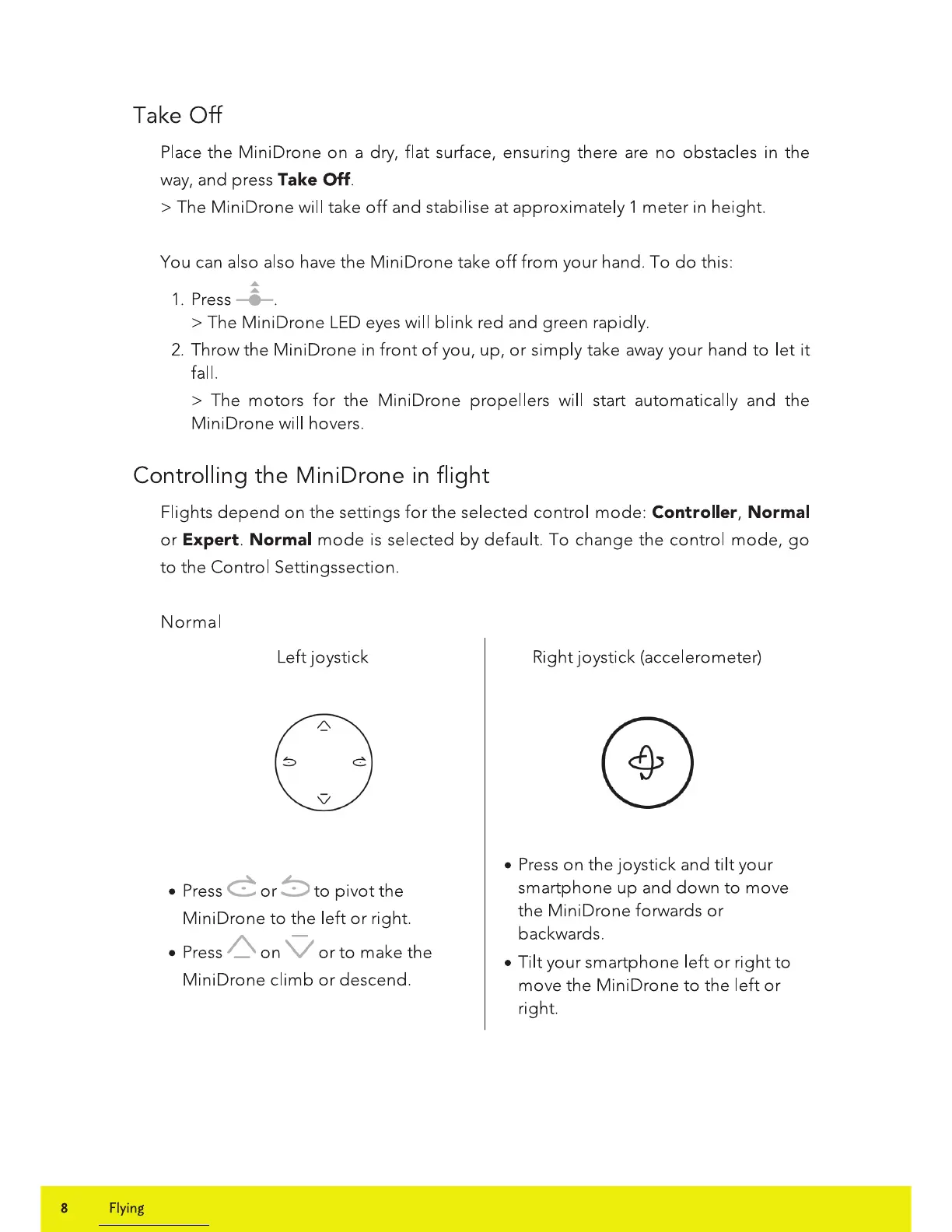
Normal
Left joystick
Press
C
or
8
to
pivot
the
MiniDrone
to
the
left
or
right.
Press
/\.
on
V
or
to
make
the
Mini Drone
climb
or
descend.
Right joystick (accelerometer)
Press
on
the
joystick and
tilt
your
smartphone
up
and
down
to
move
the
MiniDrone
forwards
or
backwards.
Tilt
your
smartphone
left
or
right
to
move
the
Mini Drone
to
the
left
or
right.

Related product manuals