25
Power Button
When disabled, the power button can’t turn the system power o. When enabled, the power
button can be used to turn o the system.
LED S3 Function
This feature allows you to enable or disable the LED S3 blinking feature.
USB Maintain Port
This feature allows you to enable or disable the USB maintain port.
EuP
When enabled, the system will meet EuP requirement.
PowerOn After PowerFail
This item sets the system status after restore on AC power loss.
Wake system with Fixed Time
This function is for setting the Date and Time for your computer to boot up. When enabled, more
options will appear for you to specic the Date and Time.
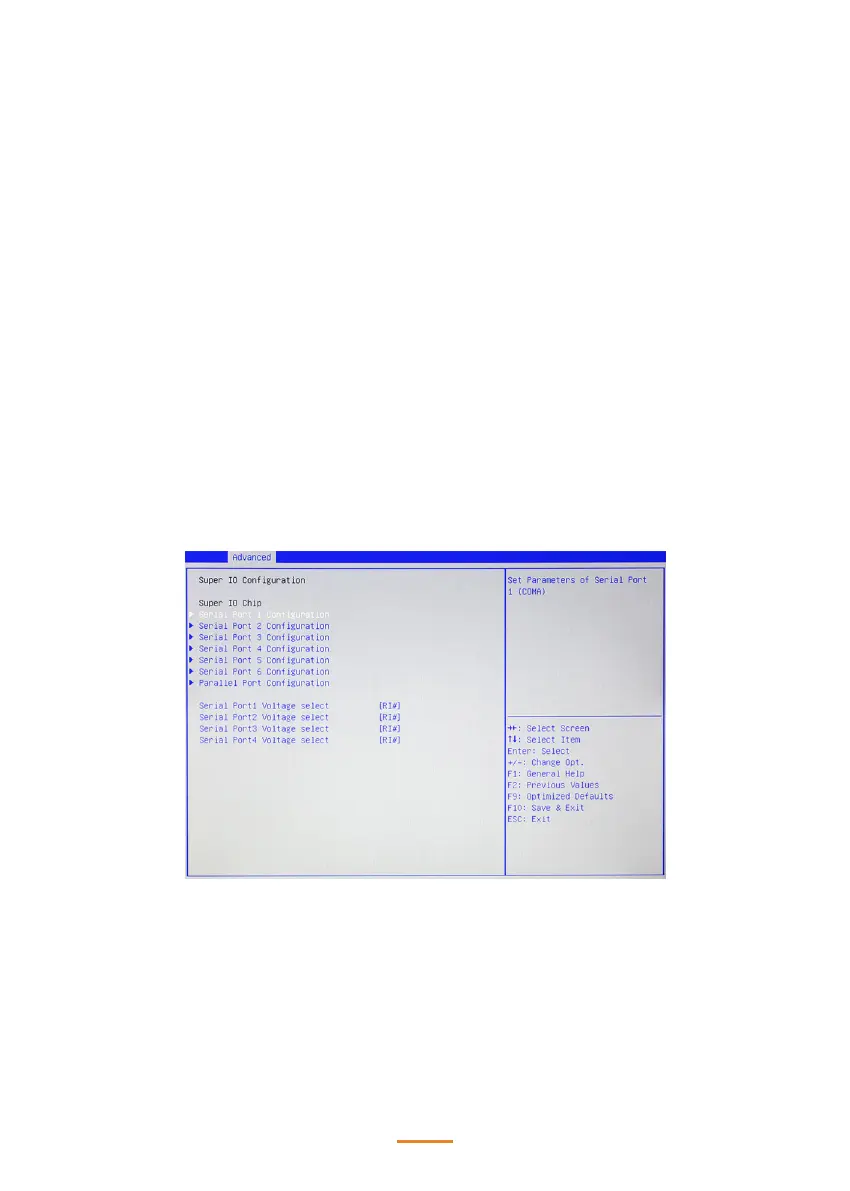
Super IO Conguration
Serial Port X Voltage select
This item allows you to set voltage for a serial port.



 To Next Page