Wireless Smart Gate Connect the Sensor Wirelessly in PASCO Capstone
40
013-16123A
11. Carefully measure the length of the card you are
using to interrupt the Light Gate. If needed,
highlight the default value and enter your
measured length.
12. Click “Next” TO open Step 8.
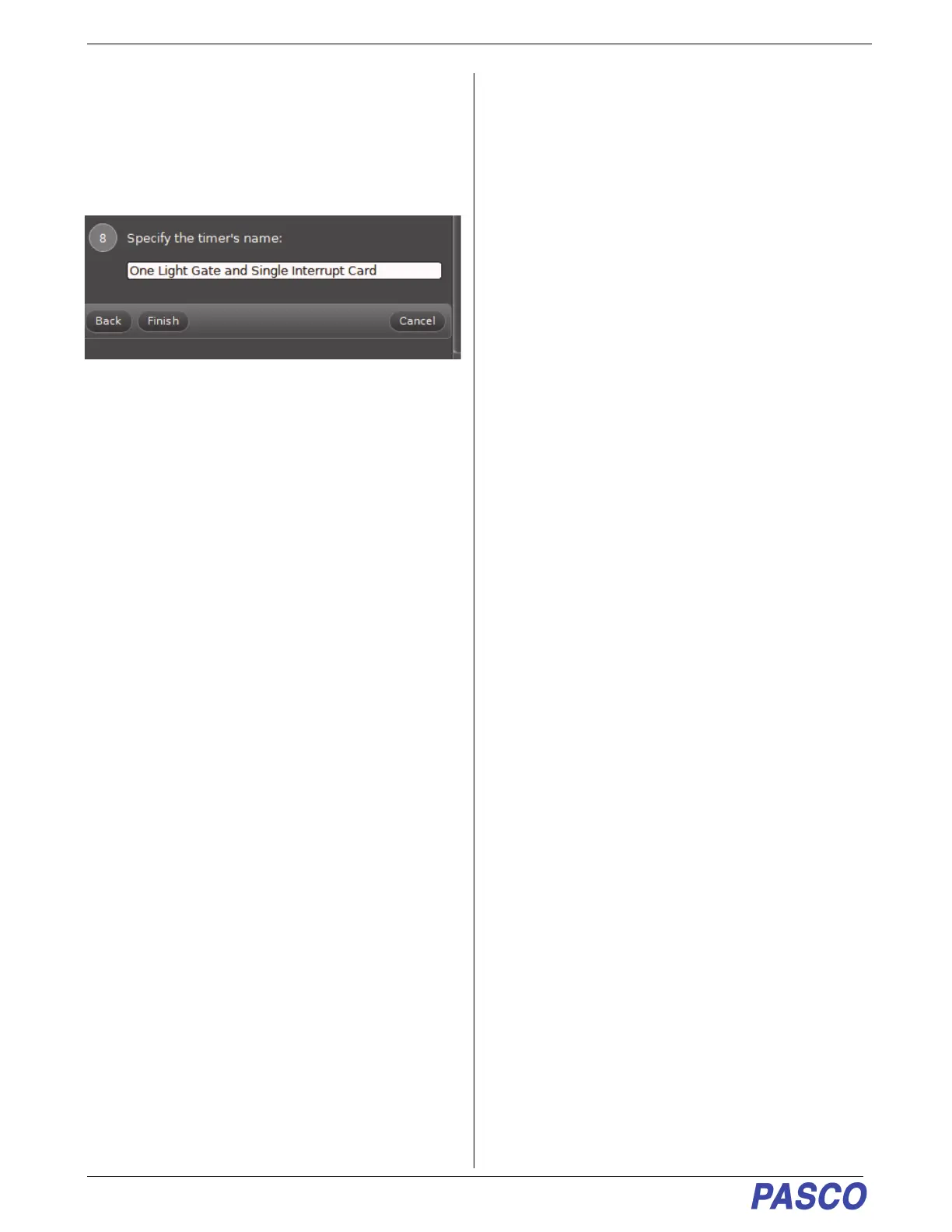
• You can use Step 8 to enter a specific name for the
timer.
13. Click “Finish”.
• You can review the details of the Timer Setup and
make changes if needed.
14. Setup to Record and Display data using PASCO
Capstone as described previously.


 To Next Page