11 | P a g e
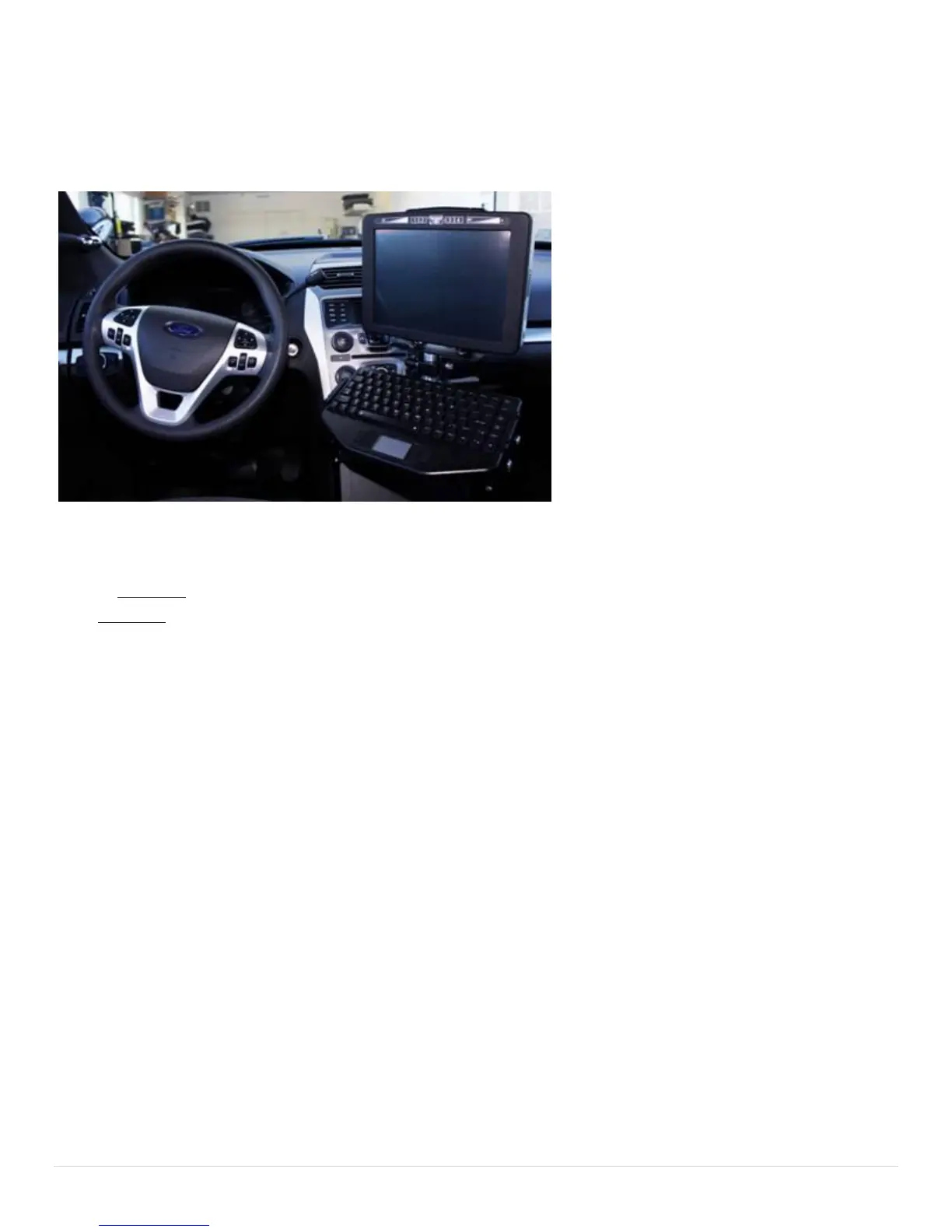
Typical Install
Car installs vary greatly between each car make and model. A general guideline for a typical car install is
provided below.
1. Locate a 12 Volt (DC) always-on power cable.
NOTE: DO NOT install a charge guard or equivalent device between the computer and the 12 Volt always-on
line. DO NOT use the lighter adapter power, since this line is switched on or off with the ignition.
2. Disconnect the positive power cable from the car battery.
3. Splice the supplied power cable (with 10 amp fuse) with the always-on power cable. Connect the ground
wire to a solid ground point.
4. Re-connect the positive battery terminal. With a multi-meter, check the connector of the RT-12i power
cable for 12 Volts DC and ensure that there are no shorts between the positive cable and ground.
5. Install the computer mount per manufacturer instructions.
6. Plug in the power cable and all USB cables/peripherals, then secure the wires with the tie wraps. Leave
service loops to avoid straining the plugs.



 To Next Page