25 | P a g e
Set Home Buttons - Select a category, then click "Set Home Buttons". The selected category will be present
in the RTi Control Panel Window.
Adding a Speed Button
1. Select the category in which you want to create a new Speed Button.
2. Pick a blank (or already used) button in the "Buttons Field" and click "Edit" to the right of it.
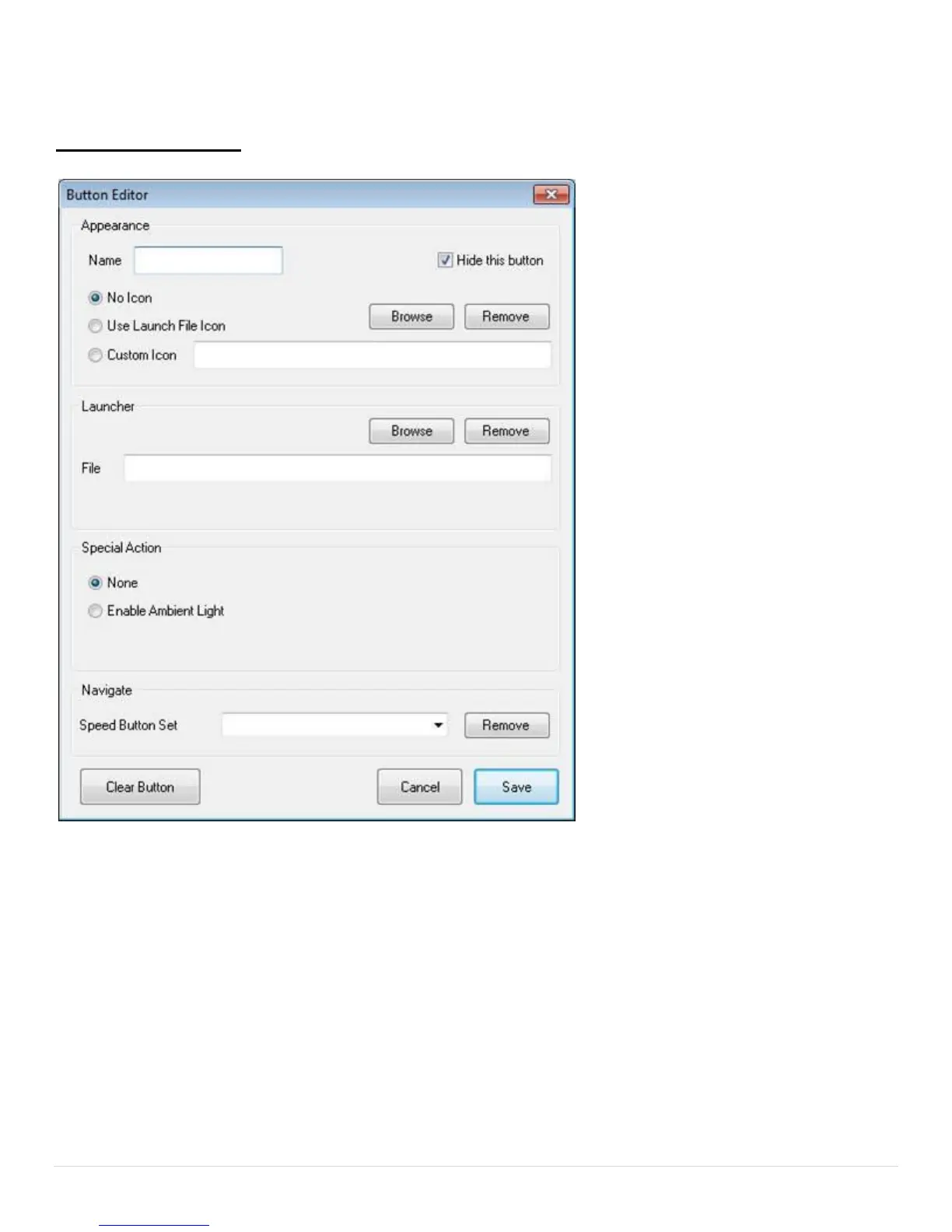
3. You will see the "Button Editor" window.
4. Type the desired name of the speed button into the "Name" field. If you want this button to be hidden,
check-mark "Hide this button".
5. Select which icon you wish to be displayed on the button:
No Icon - Only the name will be displayed on the speed button in text.


 To Next Page