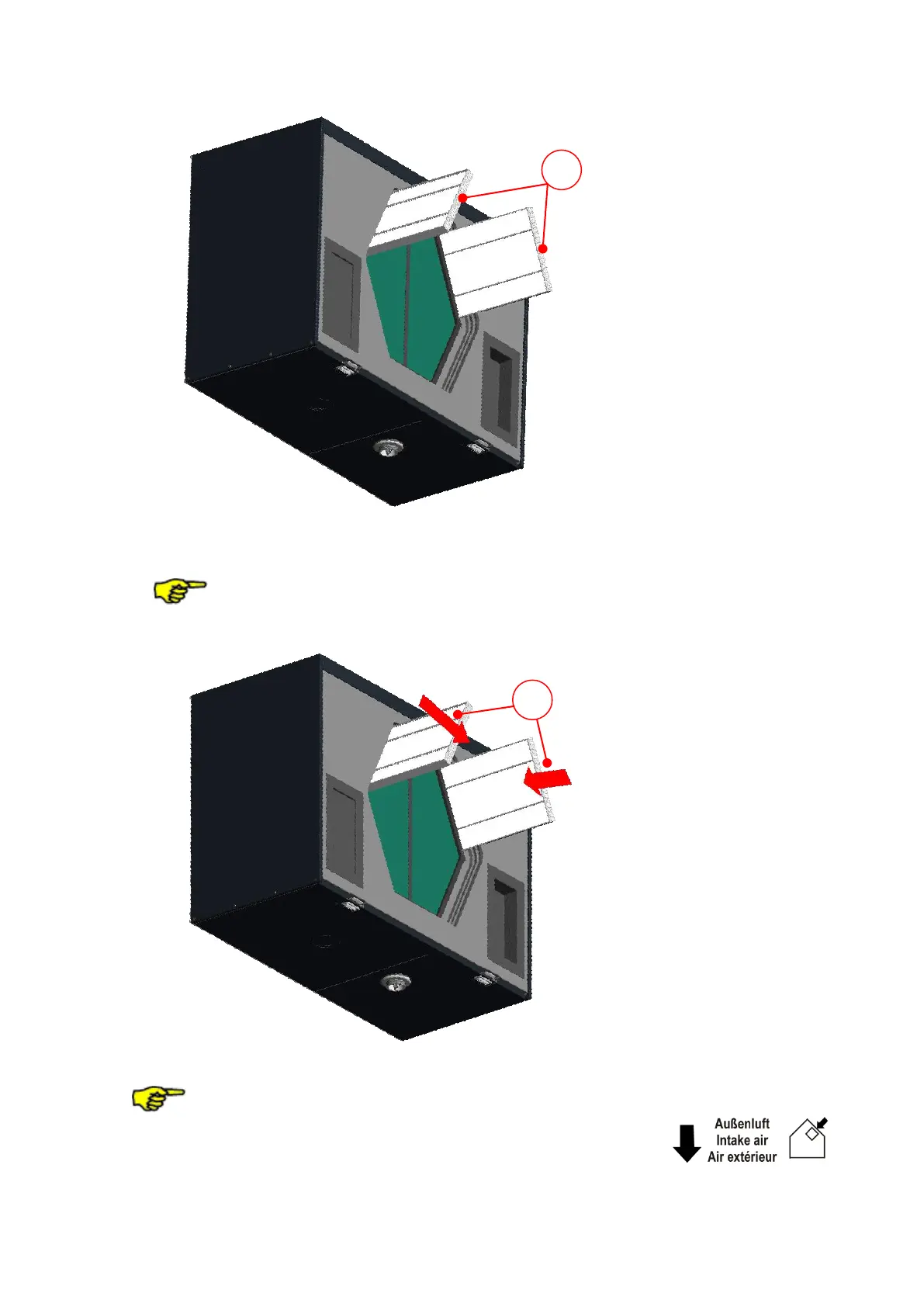
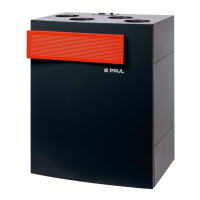
Fig 7: Pull out the filter
6. Push the new filters in the filter slide-in compartments with regard to the flow direction F.
The filters are marked with an arrow according to the required flow direction!
.
Fig 8: Install the new filter
Pollen filters are to be inserted in the filter slide-in compartment of the intake air
connection! The intake air connection is marked with the symbol .



 To Next Page