Page 23
SETTING
GENERAL DATA
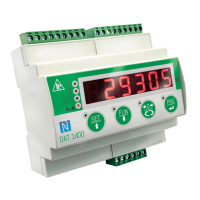
All functions of the DAT 1400 are activated and modified by accessing a simple setup menu, shown on
the next page. All settings that are selected or activated remain in the memory even after the transmitter
has been switched off.
The DAT 1400 is preconfigured with a default setting. The following pages shows the “Default” values
of each parameter.
With the first field installation some parameters have to be changed in order to obtain a correct indi-
cation of the displayed weight (Theoretical calibration).
This may be required when you first purchase the DAT 1400.
The settings of the setup menu can be changed using the keys on the front or the “OPTIMATION”utility
software provided.
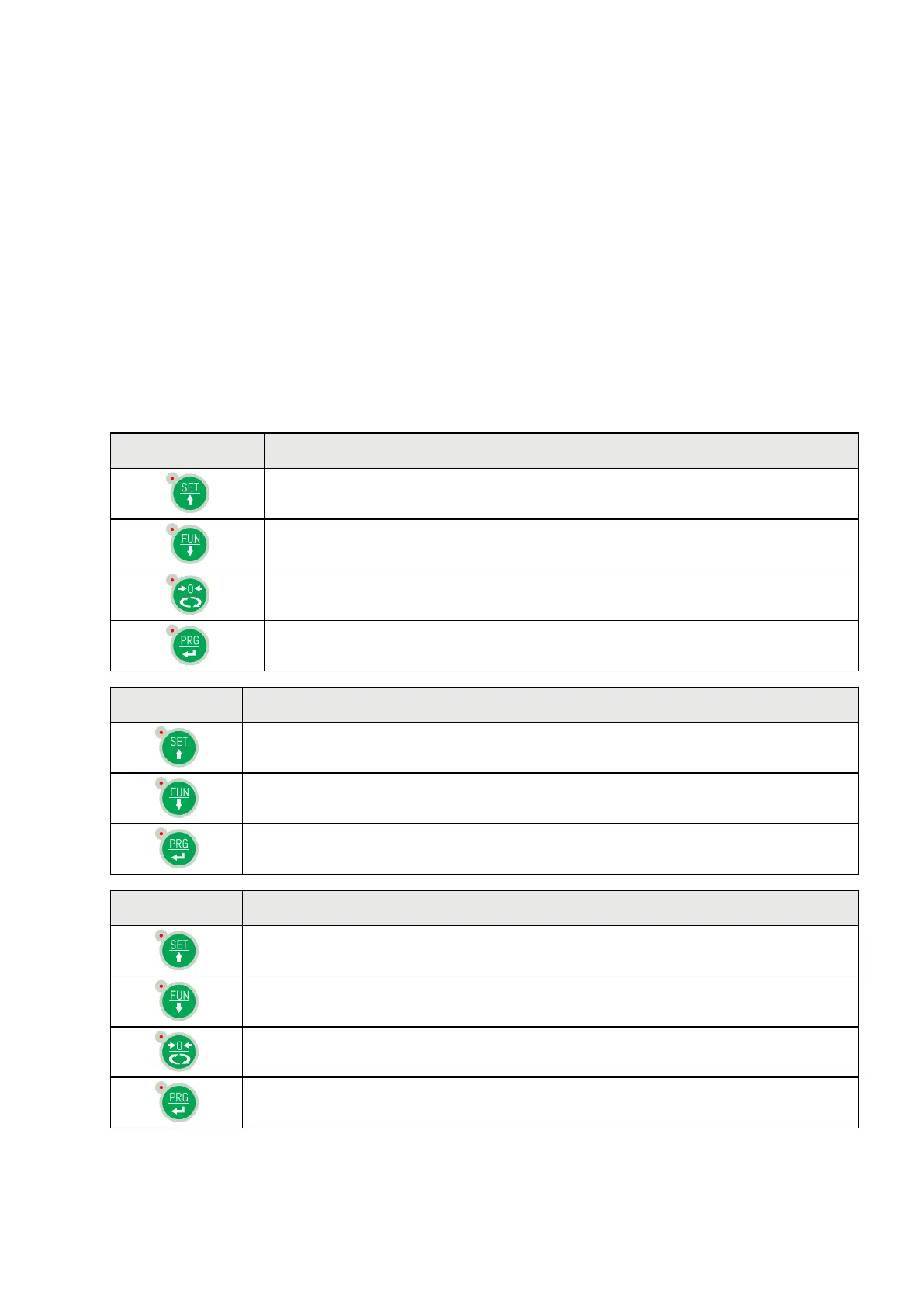
KEY FUNCTION WHILE MAIN MENU PROGRAMMING
It selects the next menu.
It selects the previous menu.
It exits the programming menu or returns to the upper level.
It accesses the relative sub-menu or programming or confirms the selected
parameter.
KEY FUNCTION WHILE SETTING SUGGESTED VALUES
It selects the next value.
It selects the previous value.
It confirms and stores the displayed value.
KEY FUNCTION WHILE SETTING NUMERIC VALUES
It increases the value of the flashing digit.
It decreases the value of the flashing digit.
It goes to the next digit.
It confirms and stores the displayed value.


 To Next Page