PAX D220 Quick Setup Guide
2
0180801 v1.1 4 PAX Technology®
support@pax.us
(877) 859-0099
www.pax.us
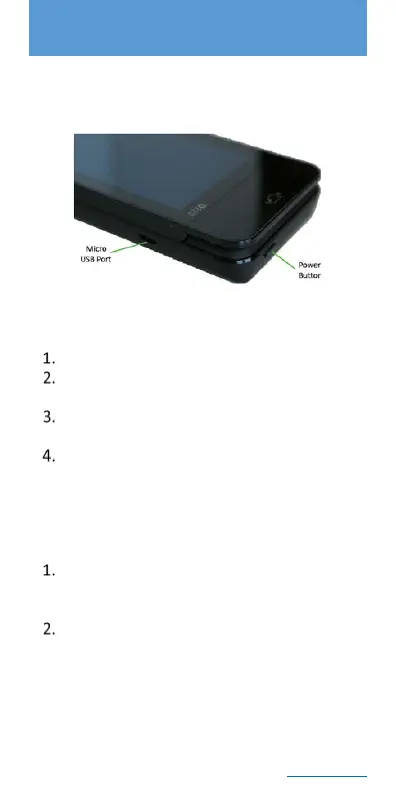
5 D220 Power Button and USB
Port
6 D220 Charging Instructions
Plug in the USB AC adapter.
Plug the standard USB end of the cable to the
AC adapter or a PC USB port.
Plug the micro USB end of the cable into the
micro USB port on the D220 terminal.
Allow the battery to charge until full.
NOTE
Battery must remain installed for proper operation.
7 D220 Power On/Off
Power on the terminal by pressing and holding
the power button down for 3-5 seconds and
then release.
Power off the terminal by pressing and holding
the power button down for 3 to 5 seconds and
then release.



 To Next Page