v1.3 | 7
A80 REFERENCE GUIDE
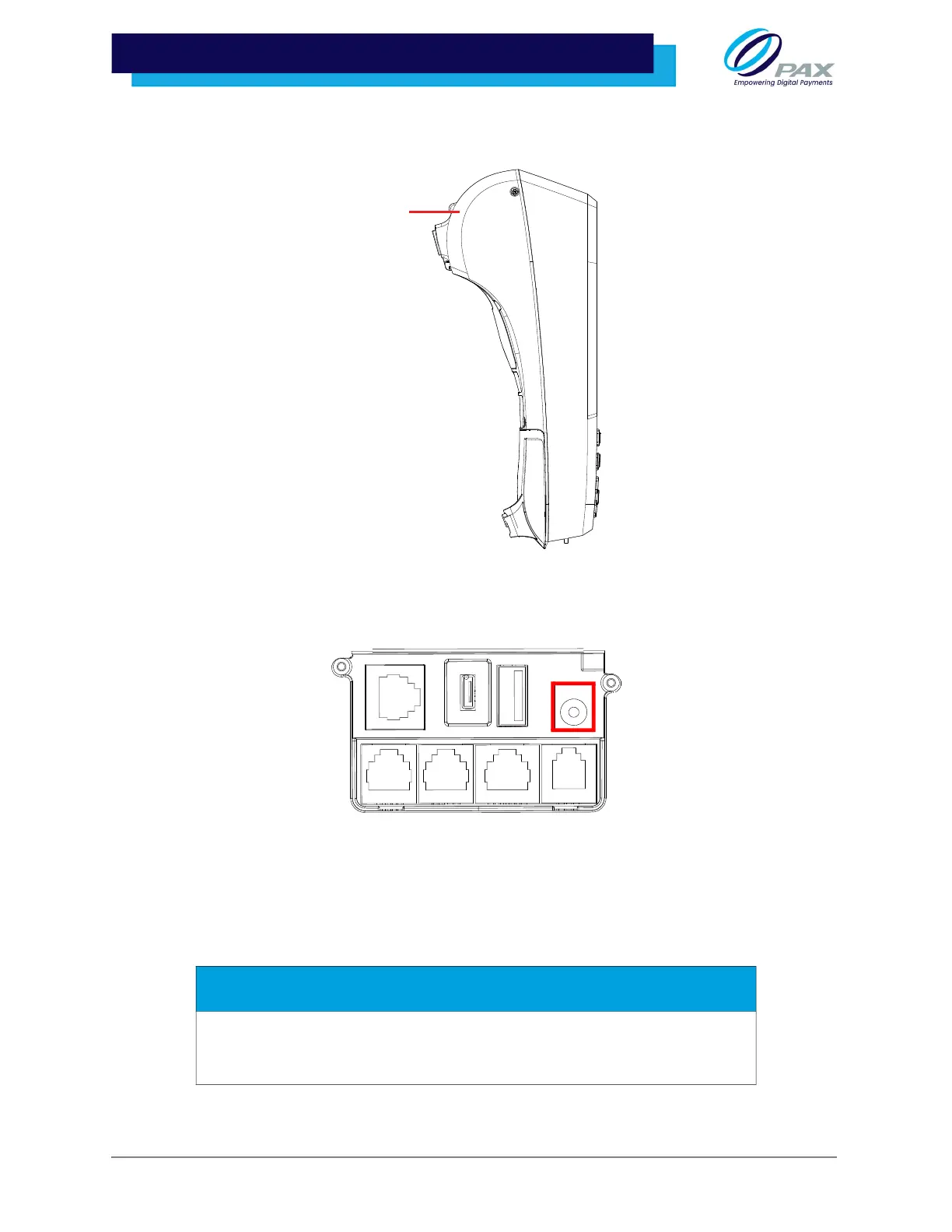
3 .1.4 RIGHT SIDE VIEW
3.2 AC Power Connection
The A80 can be powered by (5V, 1A) power cable into the power port on the back of the device.
Please Note:
• Connecting the power source before all the other cables are connected first may
result in damage to the terminal or connected devices.
• Disconnecting the power while applications are downloading may result in
improper application download, or the flash memory becoming damaged.
WARNING
The A80 AC power connection can only support an approved 5V, 1A power
supply. Using a third-party power supply and/or a power supply with incorrect
voltage and amperage could damage the device and void its warranty.



 To Next Page