v1.3 | 18
A80 REFERENCE GUIDE
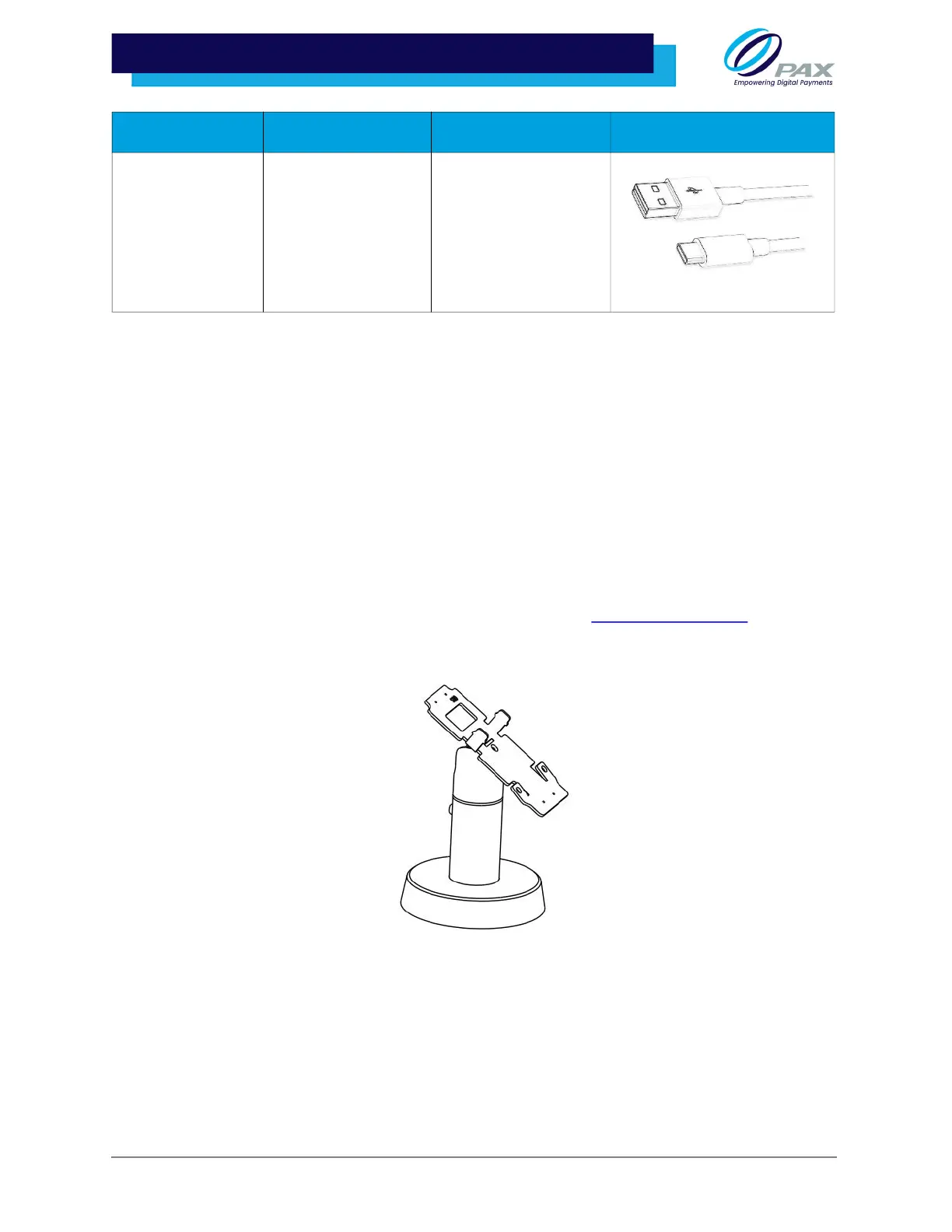
3 .9.2 A80 PS200 STAND
The PS200 Terminal Stand mounts and secures the POS terminal to the counter. The stand can be
manually tilted and rotated for optimal viewing angles. A fastening screw locks the terminal to the stand,
helping protect against unauthorized removal or tampering of the terminal.
3 .9.2.1 Mounting Options
The stand design provides two mounting options:
• Option 1: Place the base pole directly onto the counter top. Drilling is required.
• Option 2: Place a weighting iron to create a moveable stand that rests on top of
the counter. No drilling required.
For more details, please reference the Quick Set Up Guide or contact PAX Customer Support
.
Type-A USB Male
to Micro C Type
USB Male Cable,
1 Meter
200204030000263 Used for programming
with the CU100 in
addition to standard
power cable
Cable Part Number Use Case Image



 To Next Page