v1.3 | 19
A80 REFERENCE GUIDE
4. Basic Operating Instructions
This section provides information and step-by-step instructions for the A80’s basic operations.
4.1 Intended Use Case
The A80 is intended for indoor, attended use only.
Please Note: Operating the terminal outside of its intended use case and operating environment for a
prolonged period of time will void the terminal warranty.
4.2 Terminal Location
Position the A80 on a counter-top, desktop, or tabletop. Keep the terminal away from direct sunlight,
excessive dust, moisture, and heat. Avoid locating the terminal near electrical devices that might
introduce interference such as microwave ovens and blow dryers.
4.3 Powering the Device ON/OFF
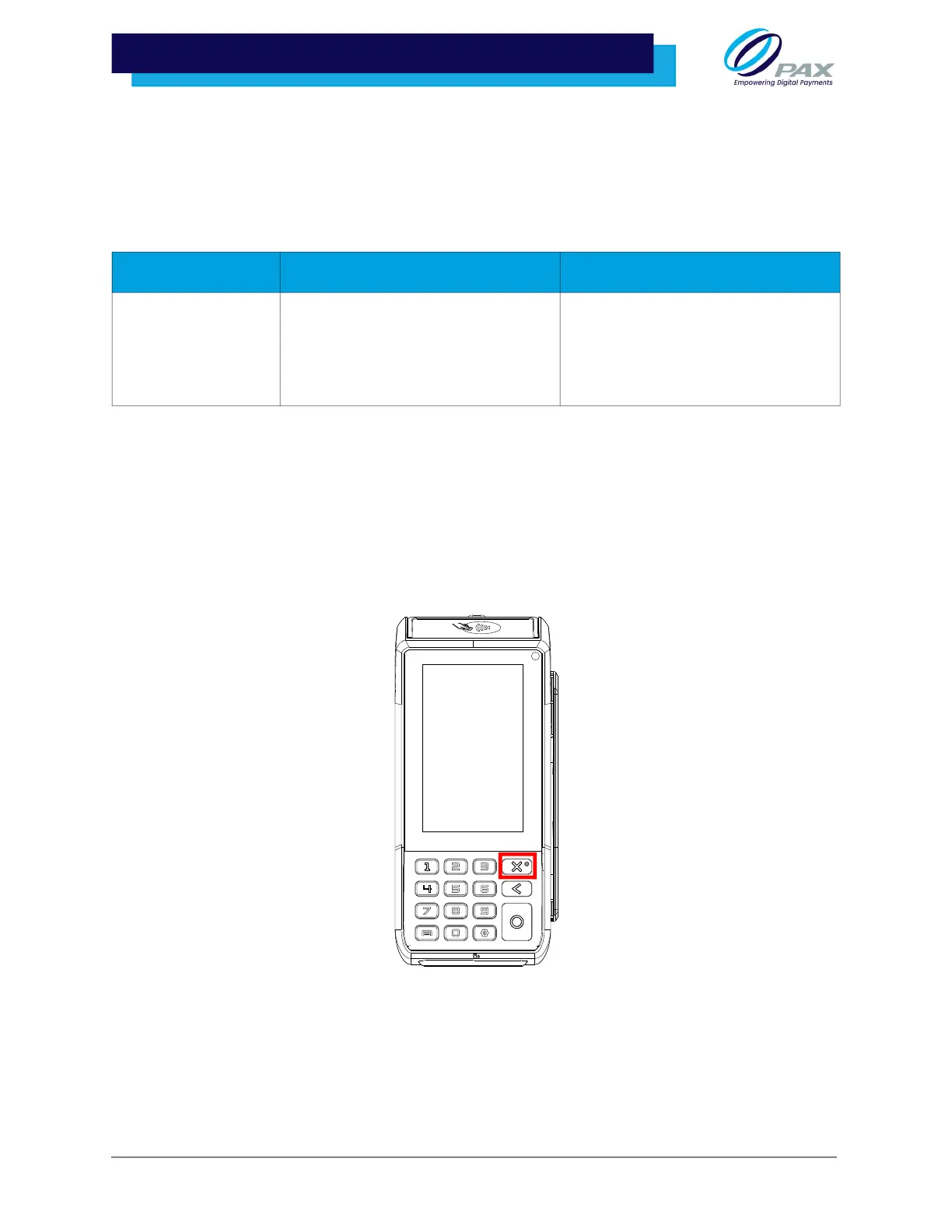
• Power ON: Press and hold the power button down for 3-5 seconds and then
release.
• Power OFF: Press and hold the power button down for 3-5 seconds and then
release.
Please Note: When first connected to a power source, the terminal will automatically power on.
IP/IK Rating Operating Environment Storage Environment
IP/IK Ratings are
done for terminals
with an outdoor use
case only.
Temperature:
-10°C ~ 50°C (14°F ~ 122°F)
Humidity:
10% ~ 93% (without condensation)
Temperature:
-20°C ~ 70°C (-4°F ~ 158°F)
Humidity:
10% ~ 93% (without condensation)



 To Next Page