23
Chapter 3: BIOS Setup Utility
fRemovable Drives (Press Enter)
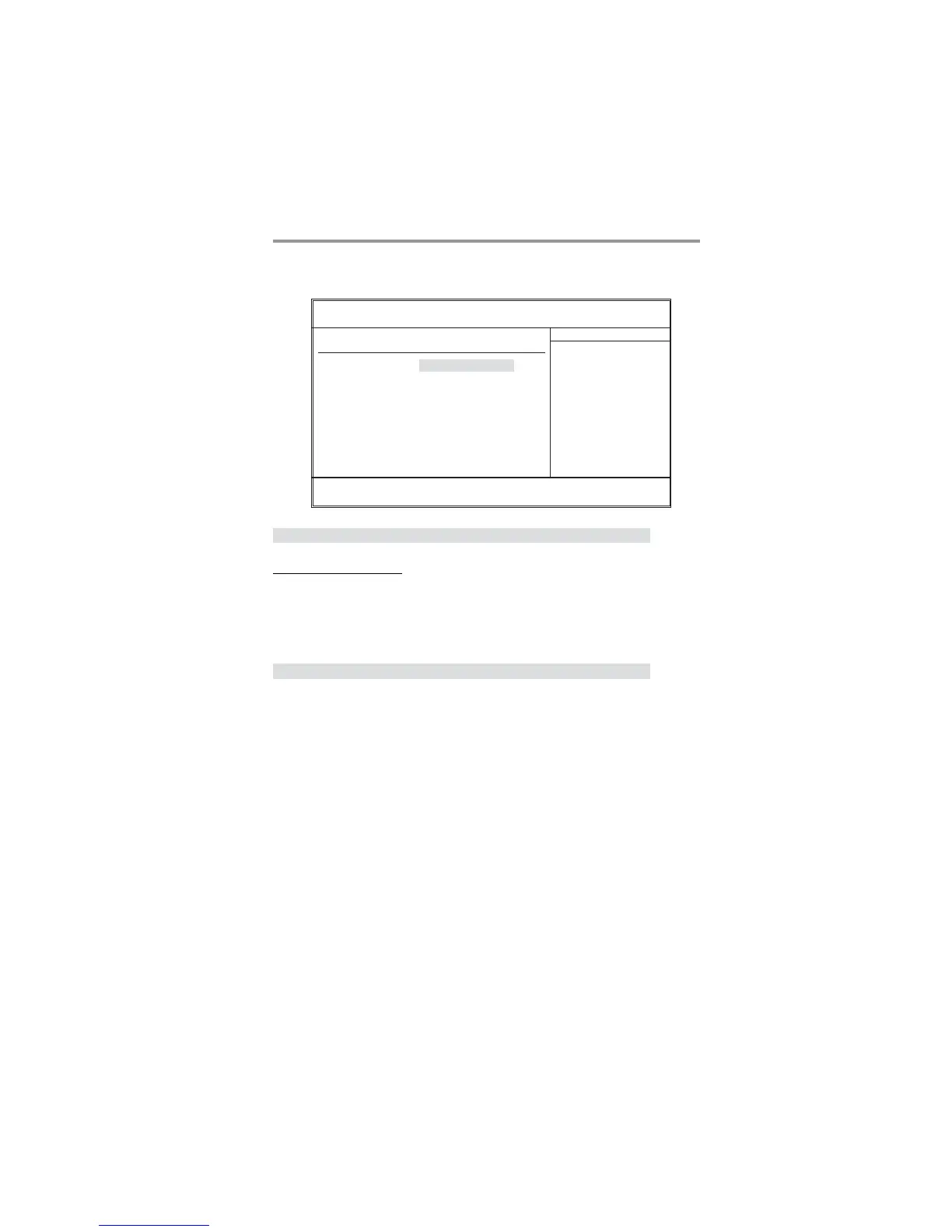
Scroll to this item and press <Enter> to view the following screen:
Removable Drives
1st Drive 1st FLOPPY DRIVE
Help Item
Specifies the boot sequence
from the available devices.
F10: Save ESC: Exit+/-/: Value
Enter : Select
F9: Optimized Defaults
F1:General Help
: Move
mnlkmnlk
mnlkmnlk
mnlk
CMOS Setup Utility - Copyright (C) 1985-2005, American Megatrends, Inc.
Removable Drives
Press <Esc> to return to the Advanced setup page.
Press <Esc> to return to the main menu setting page.
Boot Other Device (Yes)
When enabled, the system searches all other possible locations for an operating
system if it fails to find one in the devices specified under the First, Second, and
Third boot devices.


 To Next Page