41
Chapter 5: Setting Up NVIDIA RAID Configuration
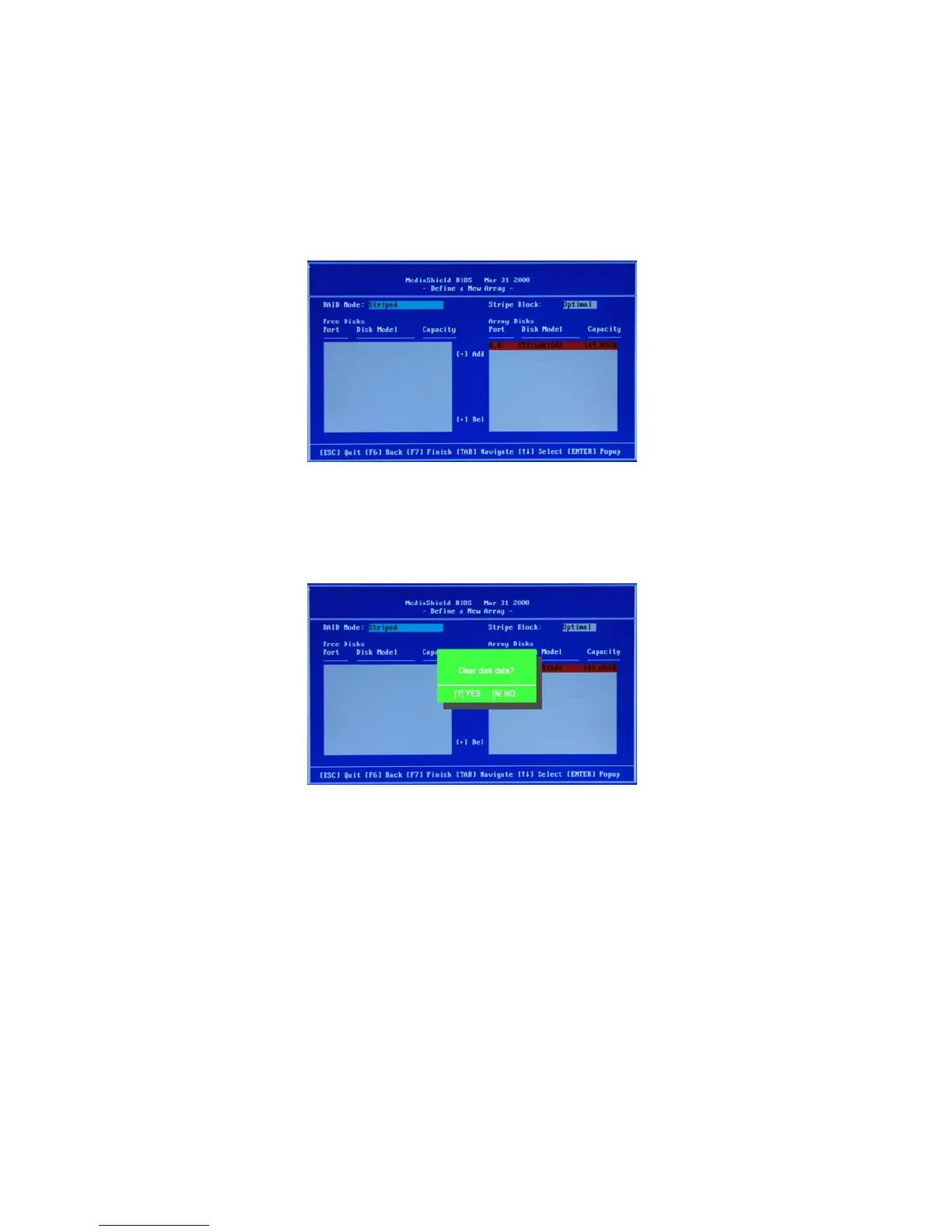
Figure 1.8 illustrates the Define a New Array screen after one disk have been assigned
as RAID 0 array disk.
Figure 1.8 MediaShield BIOS—Array Disks Assigned
Completing the RAID BIOS Setup
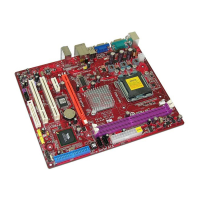
Figure 1.9 Clear Disk Data Prompt
After assigning your RAID array disk, press F7.
The Clear disk array prompt appears.
1


 To Next Page