16 Quick Start and Reference Guide
COMMUNICATE! LITE is now installed and ready to send
and receive faxes or voice messages.
How To Use Communicate! LITE
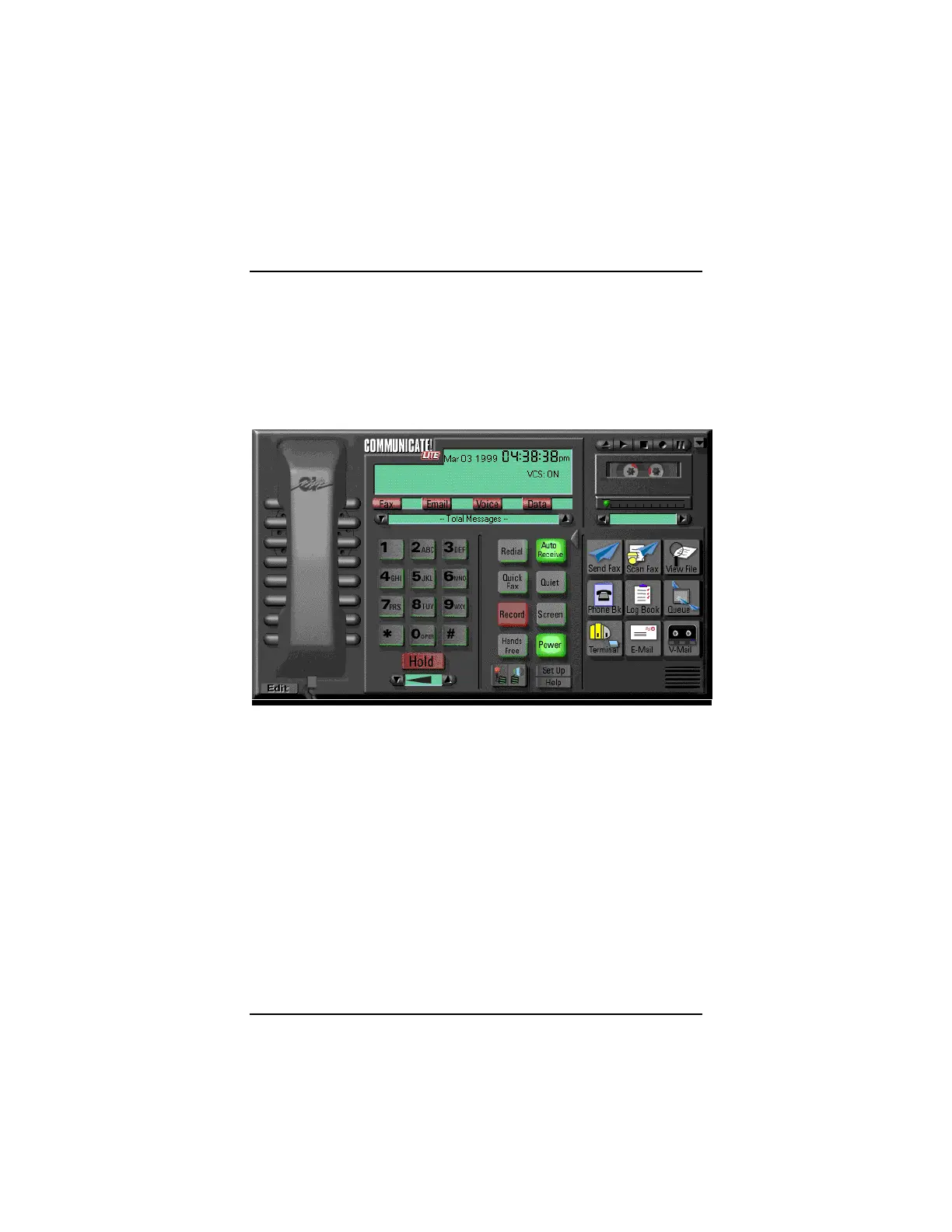
The main interface of COMMUNICATE! LITE resembles an
integrated telephone and answering machine, with a
handset on the left, a keypad in the middle, and a re-
corder on the right.
The handset and keypad can be used to dial your regular
phone if you’ve plugged one into the PHONE jack on your
faxmodem.
The recorder can be used as an answering machine if
your faxmodem and software include voice support, or as
a sound recorder using your soundcard and a micro-
phone.
There are also several other buttons, which activate vari-
ous components of the program, including a text editor
and a graphics editor for creating faxes.
Use the mouse to select the various functions. If you
pause the mouse pointer over a button, a description of



 To Next Page