EasyManua.ls Logo

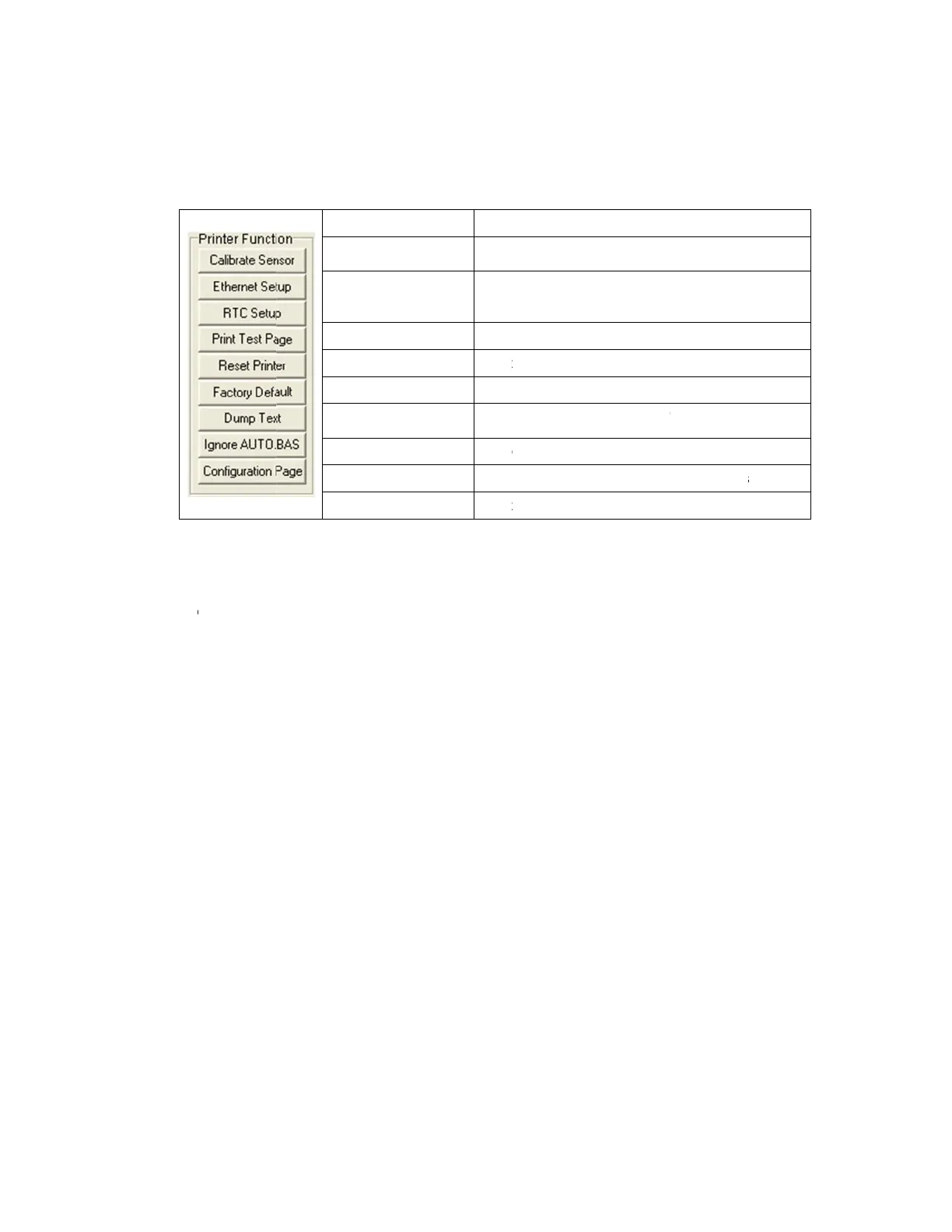
PDC CERTIS B2 - Printer Function (Calibrate Sensor, Ethernet Setup

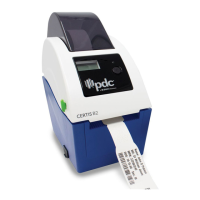
PDC CERTIS B2
30 pages
Print Icon
To Next Page IconTo Next Page
To Previous Page IconTo Previous Page
Loading...
3.
3
.2
Printe
1.
Sel
e
2.
Clic
k
3.
The
Note:
For mo
r
the CD
d
r Functio
n
e
ct the PC
k
the “Fun
c
detail fun
c
r
e informati
disk \ Utiliti
e
n
(Calibra
t
interface
c
c
tion” butt
o
c
tions in th
Cali
Eth
e
RT
C
Pri
n
Re
s
Fa
c
Du
m
Ign
o
Co
n
on about D
i
e
s director
y
t
e sensor
,
c
onnected
o
n to setti
n
e Printer
F
Function
brate Sens
o
e
rnet Setup
C
Time
n
t Test Page
s
et Printe
r
c
tory Default
m
p Text
o
re AUTO.B
A
n
figuration P
a
i
agnostic T
o
y
.
11
,
Etherne
t
with bar c
o
n
g.
F
unction G
or
Cali
b
grou
Setu
the
o
secti
Syn
c
Prin
t
Reb
o
Initi
a
fact
o
To a
c
A
S Igno
r
a
ge Prin
t
o
ol, please
r
t
setup, R
T
o
de printe
r
roup are li
b
rate the se
n
p media sen
p the IP add
o
n board Eth
on)
c
hronize prin
t
a test page
o
ot printe
r
a
lize the prin
t
o
ry default.
c
tivate the p
r
e the downl
t
printer conf
i
r
efer to the
d
T
C setup
r
.
sted as be
Descripti
o
n
sor specifie
d
sor field
ress, subne
t
ernet (Pleas
ter Real Ti
m
t
er and rest
o
rinter dump
oaded AUT
O
i
guration
d
iagnostic
u
……)
low.
o
n
d
in the Prin
t
t
mask, gate
w
e refer to ne
m
e Clock wit
h
o
re the settin
g
mode.
O
.BAS progr
a
u
tility quick
t
er Setup
w
ay fo
r
xt
h
PC
g
s to
a
m
start guide in