27
5.3 LCD display
This section lists the LCD display messages that you may encounter when operating the
printer. Also, it provides solutions.
Messages Possible Cause Recovery Procedure
*
The printer top cover is open. * Please close the top cover.
*
Running out of wristband.
*
The wristband is installed
incorrectly.
*
Black mark sensor is not
calibrated.
*
Black mark sensor is not set
properly.
*
Make sure wristband size is set
properly.
*
Wristbands may be stuck inside
the printer mechanism.
*
The space of FLASH/DRAM or
MicroSD card is full.
*
Peel function is enabled.
Waiting user to take wristband
away to print the next
wristband.
*
Cutter jam.
*
There is no cutter installed on
the printer.
*
Cutter or cutter driver circuit
board is damaged.
*
Supply a new wristband roll.
*
Please refer to the steps in user’s
manual to reinstall the wristband
roll.
*
Calibrate the black mark sensor.
*
Calibrate the black mark sensor.
*
Set wristband size correctly.
*
Delete unused files in the
FLASH/DRAM or MicroSD card.
*
Please take the wristband away to
print the next wristband if peeler
module is installed.
*
If peeler module is installed and
wristband is been taken away, but
the message remains. Please
check if the peeler module
connector is connected to main
board properly.
*
If peeler module is not installed,
please disable the peeler function.
*
Remove the jammed wristband.
*
Make sure the media thickness is
equal or less than 0.19mm.
*
Replace the cutter or cutter driver
circuit board.
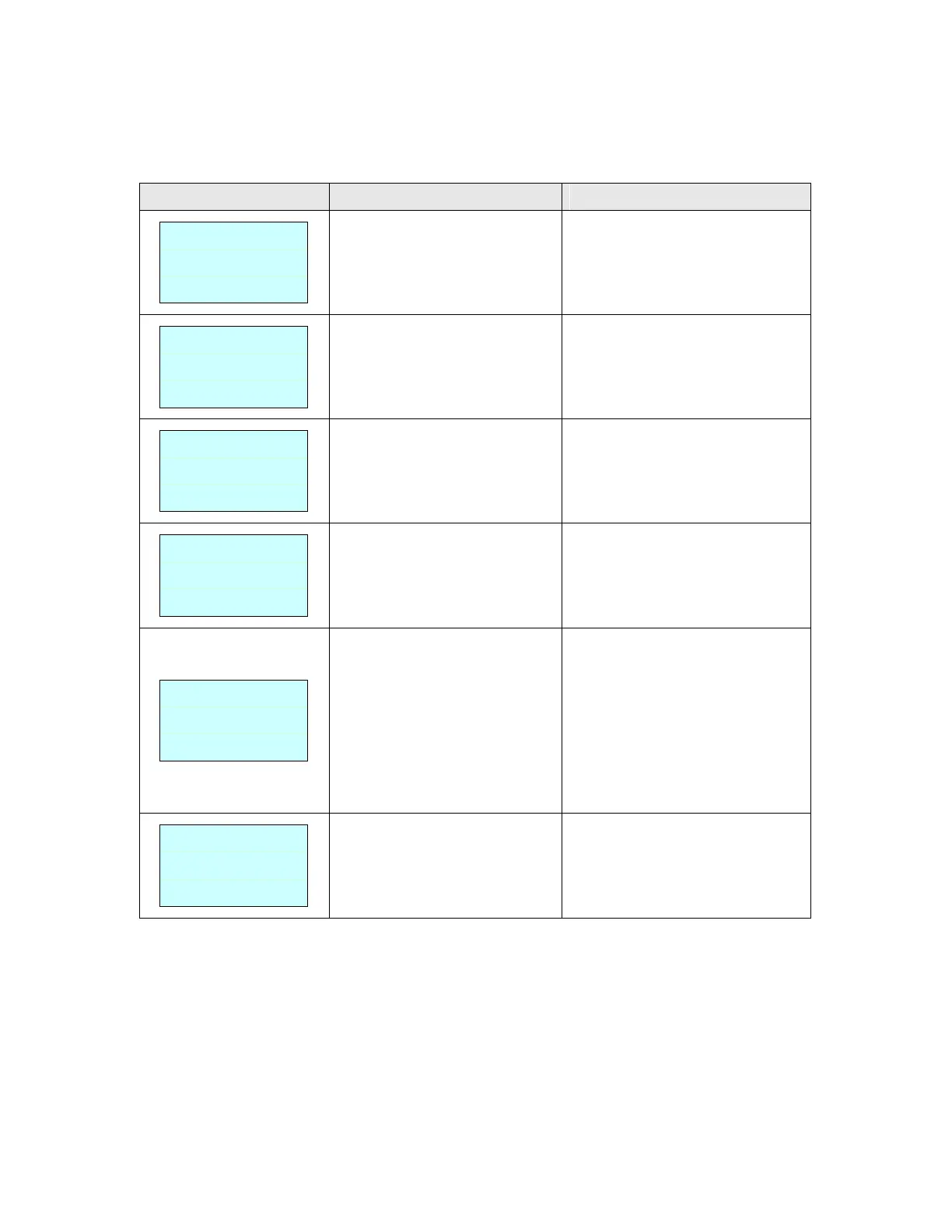
Head Open
No Paper
Paper Jam
Out of Mem
Take Label
Cutter Error


 To Next Page