4. Memory Call Button Operation
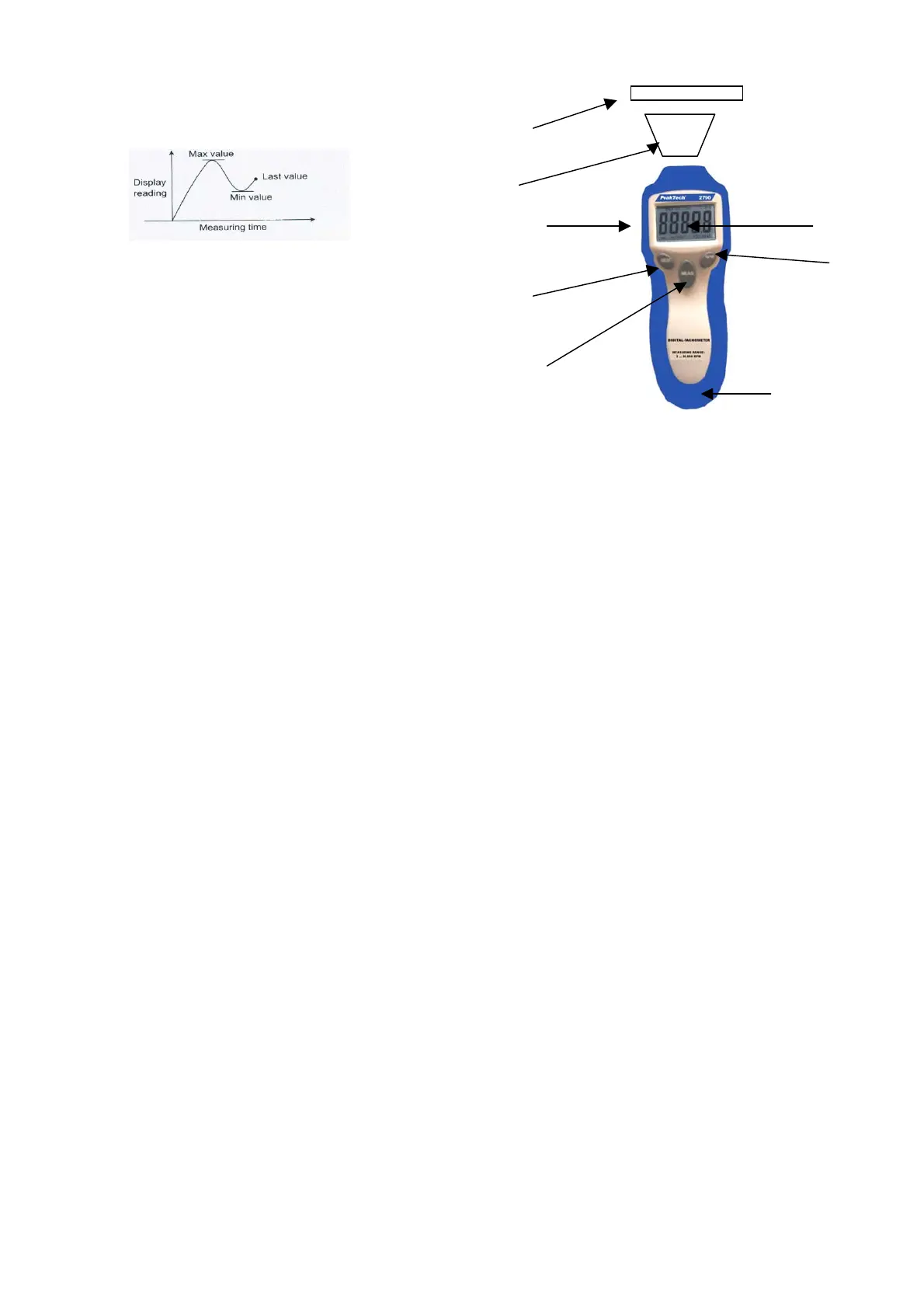
A readout (the Last value, max. value, min. value) obtained
immediately before turning off the MEASURING BUTTON is
automatically memorised.
For example, please ref. following fig.:
For P 2785
That Memorised value can be display on the indicator whenever.
* First push-To display the Last value: “LA” and “the Last value” will
be displayed by turn.
* Second push-To display the maximum value: “UP” and “the max.
value” will be displayed by turn.
* Third push-To display the minimum value: “DN” and “the min.
value” will be displayed by turn.
For P 2790
* Press the MEM-button one time and the display shows “MAX”
and the max. value
* Press the MEM-button again and the display shows “MIN” with
the min. value
* Press MEM-button again and the display shows “LAST” and the
last measured value will be displayed.
- 15 -
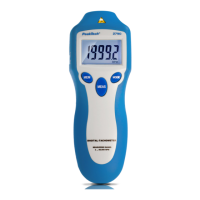
9. Vorderansicht P 2790
1) Reflektierendes Klebeband
2) Messstrahl (Laser)
3) LCD-Anzeige
4) Messtaste (MEAS)
5) Speichertaste MEM
6) Batteriefach
7) Funktionstaste RPM/Total
8) Anschlussbuchse für 6 VDC-Adapter
- 8 -
4


 To Next Page