support@pecron.com
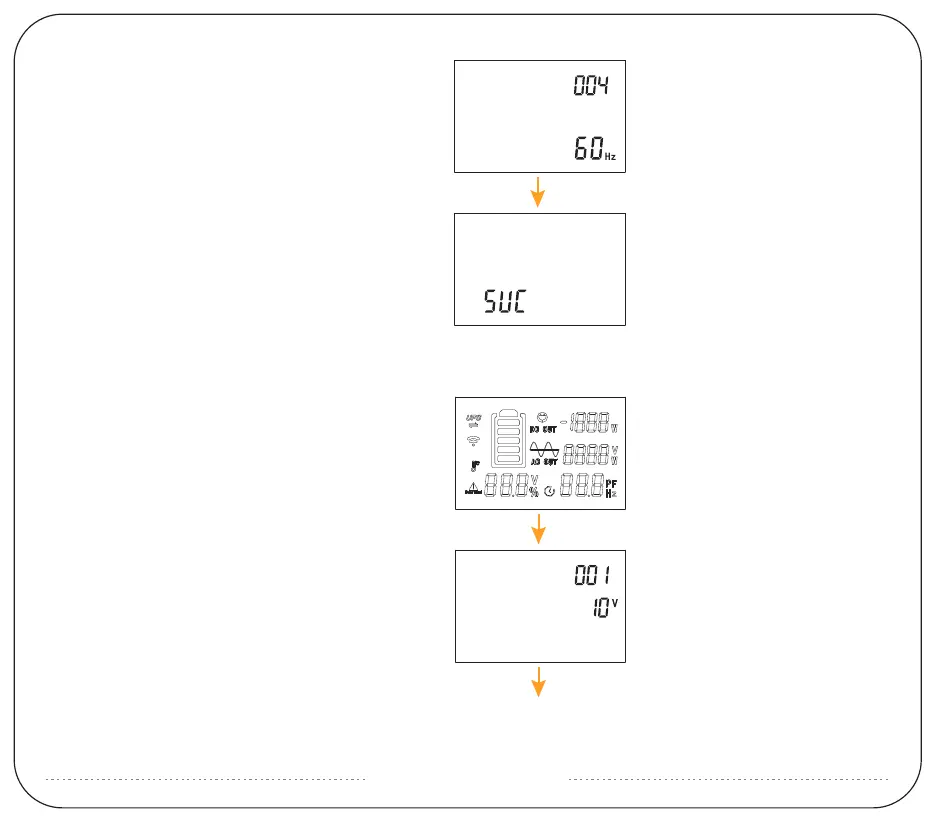
2: Setting-001 can be seen at this time, the default
value is 10 (this is for voltage calibration, do not
modify it)
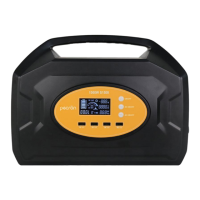
1: Turn on the power station, screen will light. Then
press the DC and AC buttons at the same time, the
battery frame will flash. Then quickly double-click
AC button to enter the setting.
Solution 2
5: Long press AC to enter the setting of item 004, the
default value is 60Hz. This is the AC output frequency,
do not modify it.
6: Long press AC to exit the setting. You will see a word
of SUC if the setting is successful.



 To Next Page