Pegatron M2N-VM/S 1-27
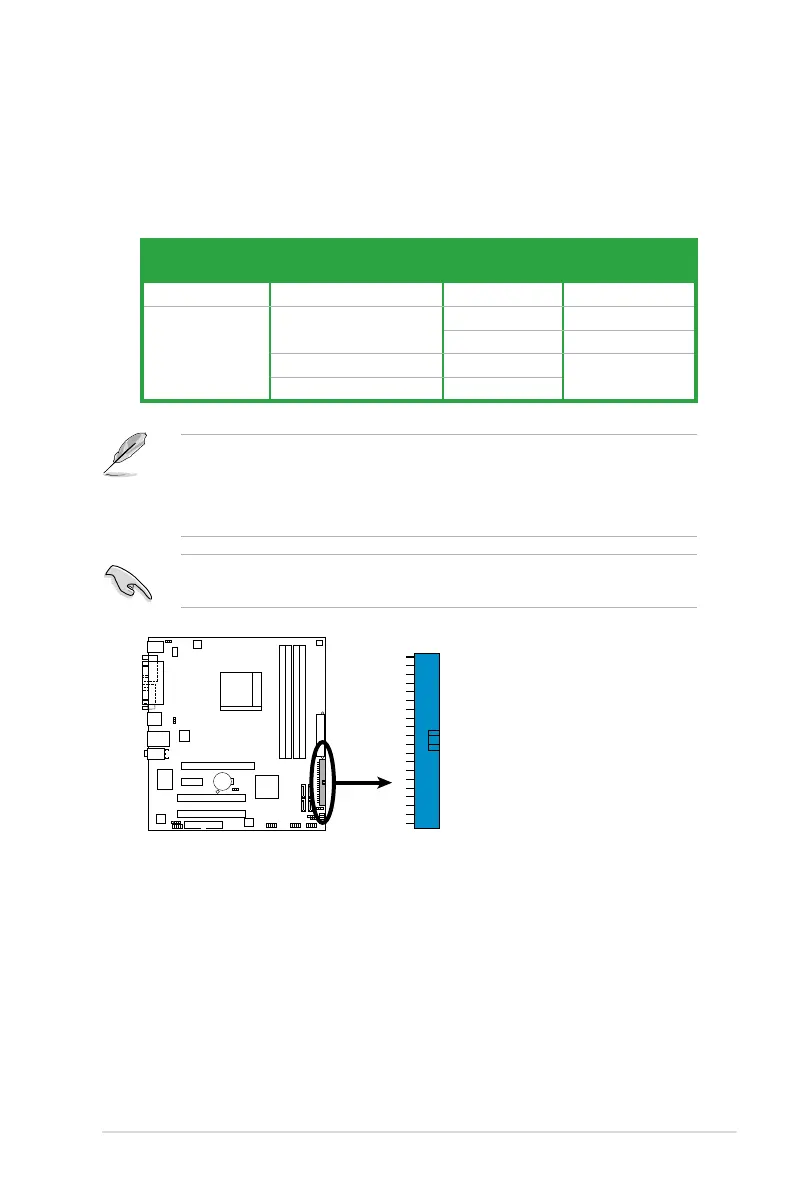
3. IDE connectors (40-1 pin PRI_IDE)
The onboard IDE connector is for an Ultra DMA 133/100/66 signal cable.
There are three connectors on each Ultra DMA 133/100/66 signal cable:
blue, black, and gray. Connect the blue connector to the motherboard’s IDE
connector, then select one of the following modes to congure your device(s).
• Pin 20 on the IDE connector is removed to match the covered hole on the
Ultra DMA cable connector. This prevents incorrect insertion when you
connect the IDE cable.
• Use the 80-conductor IDE cable for Ultra DMA 133 / 100 / 66 IDE devices.
If any device jumper is set as “Cable-Select,” ensure that all other device
jumpers have the same setting.
Drive jumper setting Mode of
device(s)
Cable connector
Single device Cable-Select or Master - Black
Two devices Cable-Select Master Black
Slave Gray
Master Master Black or gray
Slave Slave
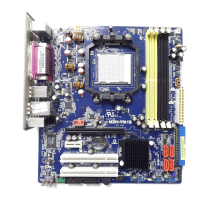
M2N-VM/S
IDE Connector
M2N-VM/S
PRI_IDE


 To Next Page