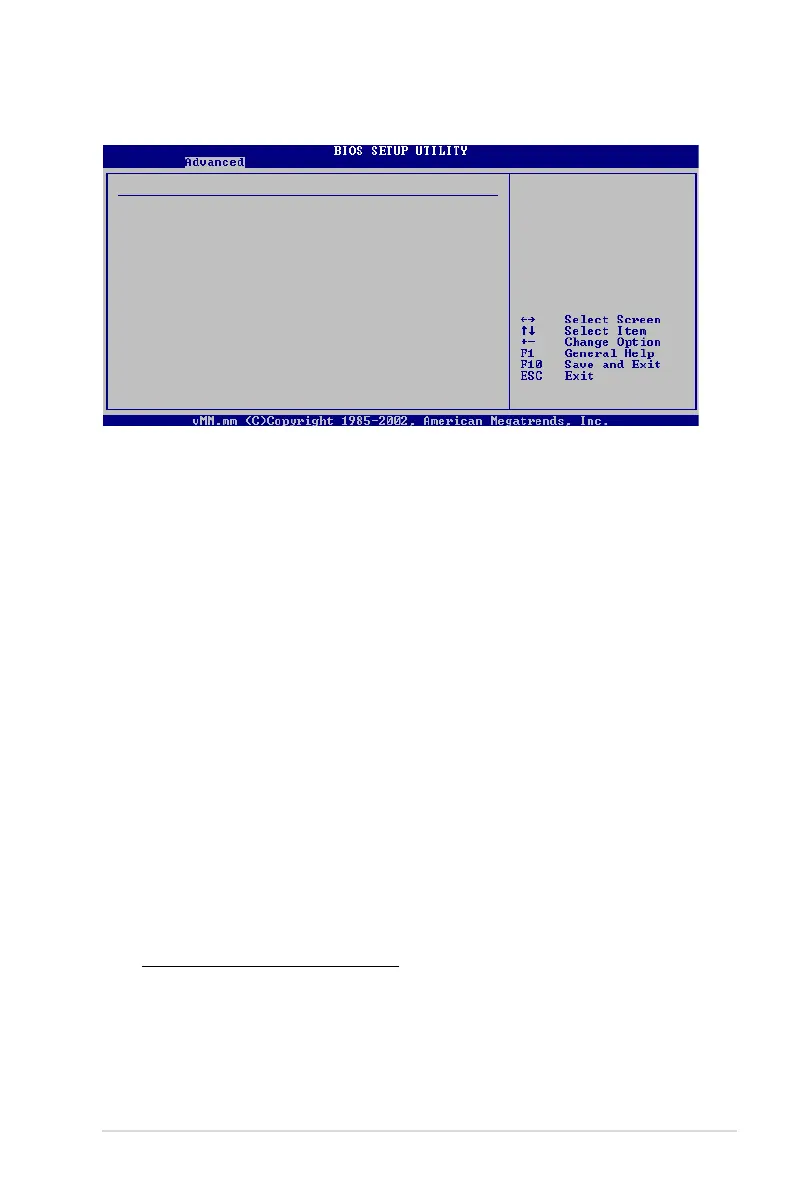
Pegatron M2N-VM/S 2-25
SouthBridge chipset Conguration
Primary Graphics Adapter [PCIE-> PCI -> IGP]
iGPU Frame Buffer Detect [Auto]
iGPU Frame Buffer Size [32MB]
AZALIA AUDIO [Enabled]
Front Panel Select [HD Audio]
OnBoard LAN [Auto]
OnBoard LAN Boot ROM [Disabled]
SouthBridge ACPI HPET TABLE [Enabled]
Primary Graphics Adapter [PCIE-> PCI -> IGP]
Display Device Priority, from high to low. Conguration options: [PCIE-> PCI-> IGP]
[IGP ->PCI -> PCIE]
iGPU Frame Buffer Detect [Auto]
Allows you to set the iGPU Frame Buffer Detect. Conguration options: [Disabled]
[Auto]
iGPU Frame Buffer Size [32MB]
Allows you to set the iGPU Frame Buffer Size.
Conguration options: [32MB] [64MB] [128MB] [256MB] [Disabled]
AZALIA AUDIO [Enabled]
Allows you to set or disable the AZALIA AUDIO. Conguration options: [Disabled]
[Enabled]
Front Panel Select [HD Audio]
Allows you to set HD Audio mode. Conguration options: [AC97] [HD Audio]
OnBoard LAN [Auto]
Allows you to set or disable the OnBoard LAN. Conguration options: [Auto]
[Disabled]
OnBoard LAN Boot ROM [Disabled]
Allows you to enable or disable the OnBoard LAN Boot ROM.
Conguration options: [Disabled] [Enabled]
SouthBridge ACPI HPET TABLE [Enabled]
Allows you to enable or disable SouthBridge ACPI HPET TABLE.
Conguration options: [Disabled] [Enabled]
SouthBridge Conguration
Display Device
Priority, from
high to low



 To Next Page