18
Owner’s manual
EN
A. SYSTEM SETUP
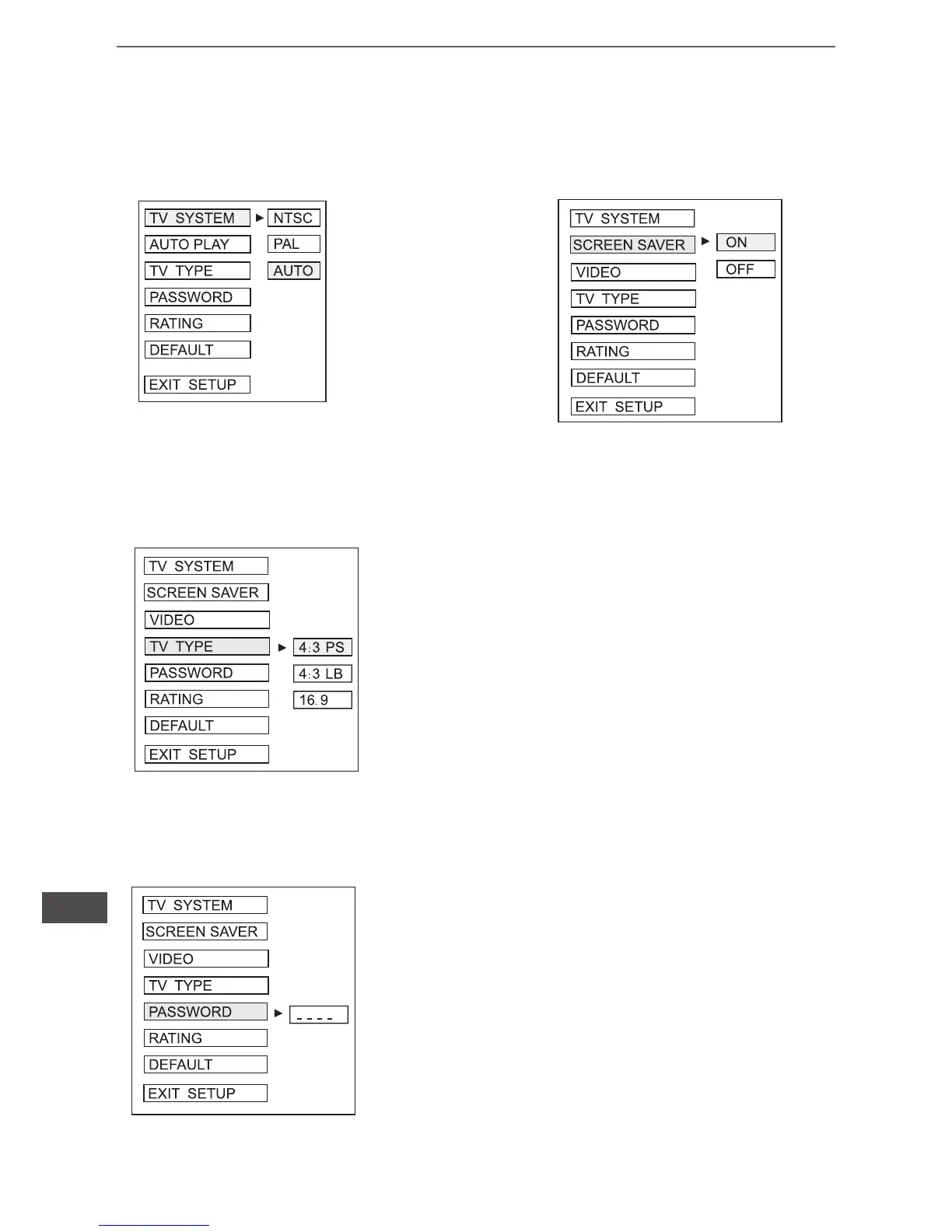
a. TV System
This player can play
Mp4 video in either PAL
or NTSC format. Select
NTSC format when you
connected to NTSC TV.
Select PAL format when
you connected to PAL
TV. If you select AUTO,
the unit will auto select
the format (PAL/NTSC)
according to your TV
system.
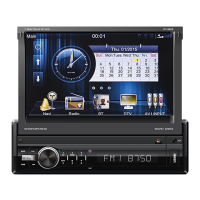
1) 4:3 PS
Played back in the PAN & SCAN style (if connected to wide-
-screen TV, the left and right edges are cut off)
2) 4:3 LB
Played back in LETTERBO style (if connected to wide-scre-
en TV, black bands appear at top oand button of the screen
3) 16: 9
Aelect when a wide - screen TV set is connected.
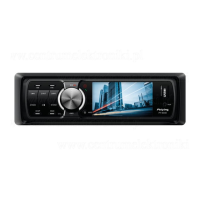
Enter the password and press ENTER button.
Type the old password (The instal factory code
is 0000) and key in 4 characters password now
you want to use, and typw again to conrm
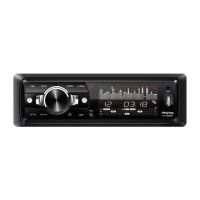
b. Screen Saver
d. Password
c. TV Type


 To Next Page