19
Owner’s manual
EN
B. LANGUAGE SETUP
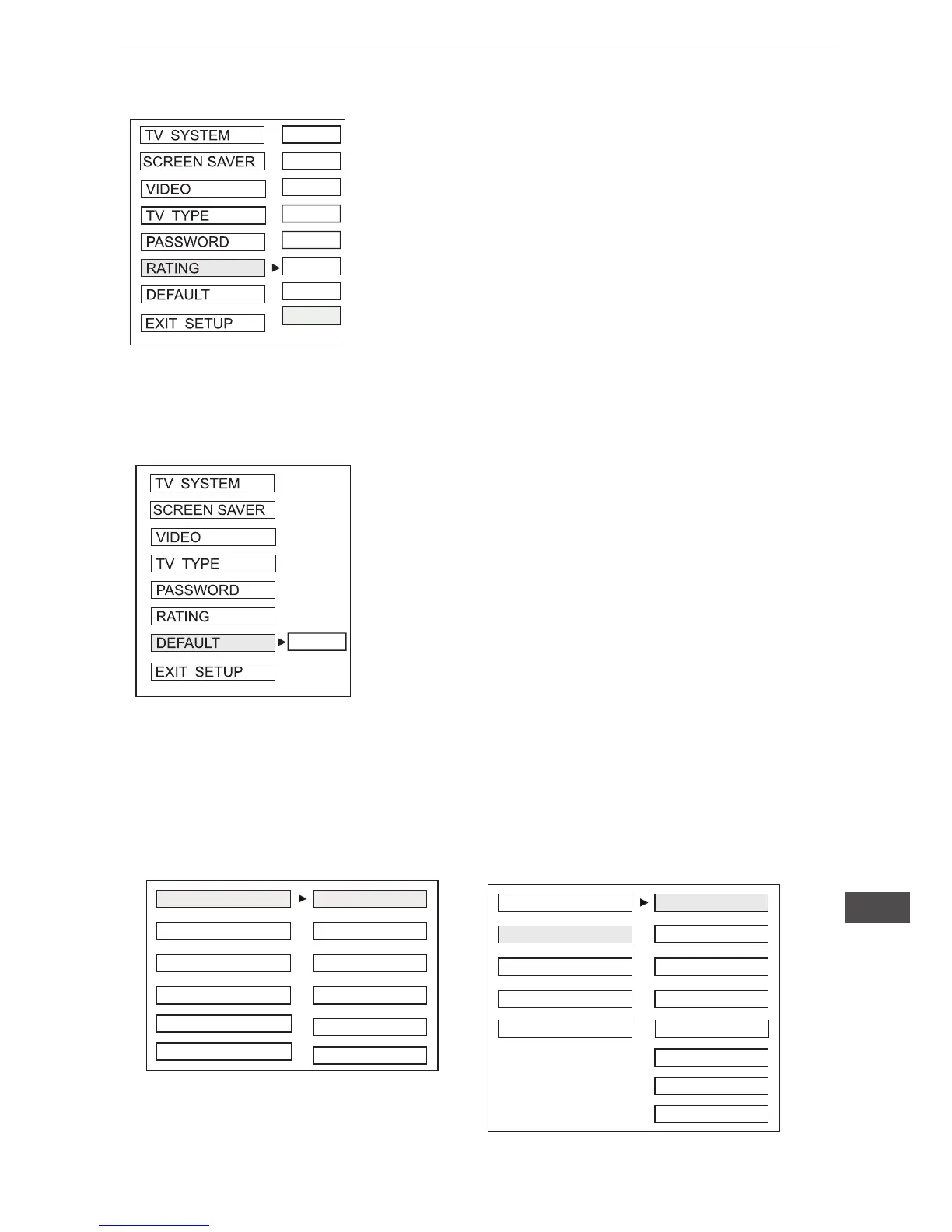
Select suitable guidance rating by the cursor button
and conrmed by pressing ENTER button.
Rating 1: [ Kid Safe] - Select this when the programs are safe to all
kid view.
Rating 2: [ G] - Select this that allows admission to person of all
ages.
Rating 3[ PG] - Select this that needs parental guiding their chil-
dren.
Rating 4[ PG13] - Select following when children under 13 are
forbidden to view.
Rating 5[ PG- R] - Select this when the” PG- R” was printed on the
DVD disc.
Rating 6 [ R] - Select this when children under 17 must be guide to
view by their parents.
Rating 7[ NC- 17] - Select this when children under 17 are forbid-
den to view
Rating 8[ Adult] - Select this, when only allows admission to all
adults.
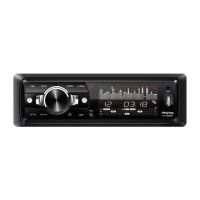
Recover acquiescing in state
when leaving the factory
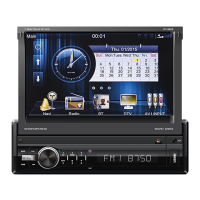
Select the preferred OSD Language, Audio Language, Subtitle Language and Menu
Language by using the cursor buttons.
e. Rating
f. Default
2G


 To Next Page