BRUSH CUTTER EXCELION 2 LH
53_154421-A
Deactivating “Boost” mode
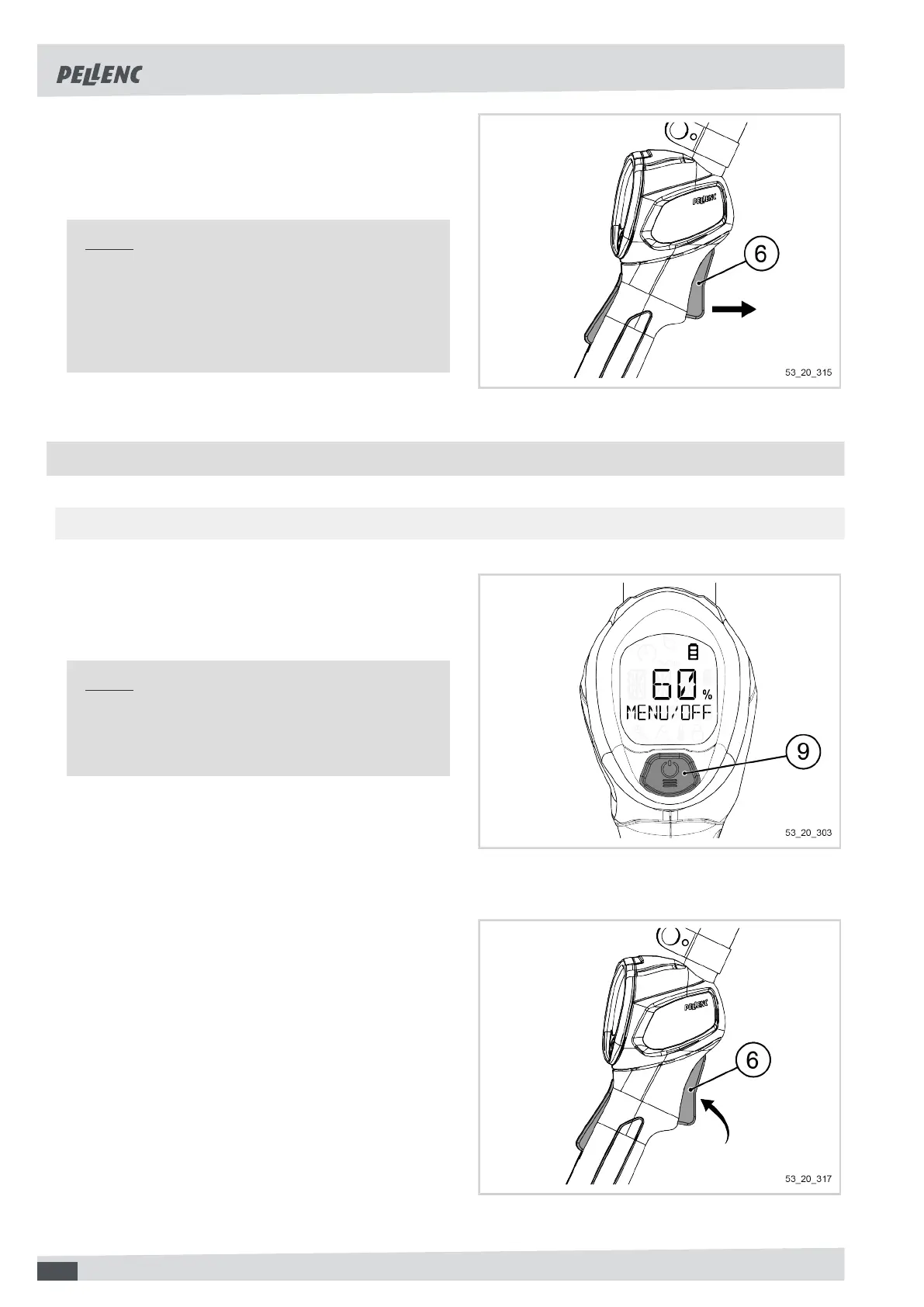
1. Release the trigger (6).
The "Boost" mode is deactivated.
Note
With the speed is at maximum, in "Boost" mode,
the tool consumes more energy. Be sure to use the
"Boost" mode only briefly and only when necessary,
for example for cutting the strimmer wire or in the
case of a higher density of plants.
5.5. SETTINGS VIA THE HMI MENU
5.5.1. BROWSING IN THE MENU
Accessing the menu:
1. To access the menu, press the POWER / MENU but-
ton (9) for 1 second (until "MENU" is displayed).
Note
If you take your finger off the POWER / MENU but-
ton (9) before the required time, the sequence is
interrupted.
Navigate in the menu:
1. To navigate between the different menu items, press
the POWER / MENU button (9) as many times as
necessary.
Exit the menu:
1. An action on the trigger (6) exits the menu.
46


 To Next Page